Alpha Blend (Alpha blend / Translucent blend / Blend SrcAlpha OneMinusSrcAlpha) is a technical term that is extremely important in the rendering and optimization of game graphics (technical art). An explanation of the technology that uses the most standard translucent compositing mode to blend the object's own color and the background color by smooth linear interpolation based on the ratio of the alpha value (transparency: 0 to 1) of the material.
Real-world analogy: Intermediate blending by pasting a ``thin milky white frosted glass sheet (alpha blending)'' with 30% transparency over the background picture, blocking only 30% of the original picture and mixing 70% of the color of the sheet itself
Alpha Blend is ``the most intuitive translucent composition system'' that smoothly blends the new color and the background color according to the balance of its own transparency (alpha value: A).'' For example, if the alpha value is 0.3 (30% transparency), that pixel on the screen will be blended with the perfect ratio of 30% of your color and 70% of the background color. As alpha approaches 1.0, it becomes completely opaque, and as it approaches 0.0, it becomes completely transparent. This smooth scale control beautifully renders natural glass and transparent UI.
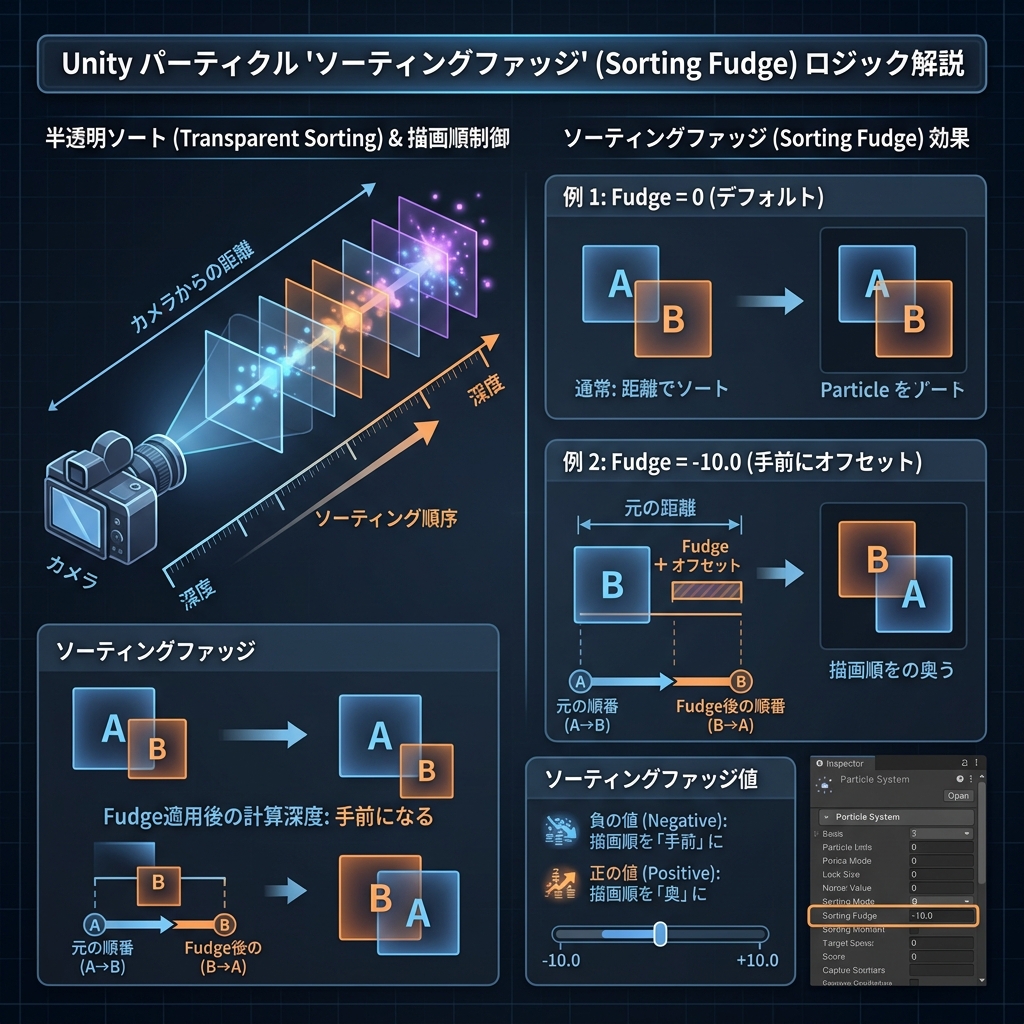
Illustration: Alpha Blend (Alpha blend / Translucent blend / Blend SrcAlpha Infographic that illustrates the basic processing flow and mechanism of OneMinusSrcAlpha) in Japanese in an easy-to-understand manner
Detailed mechanism and operating principle
Set the material's drawing mode to "Transparent", set the Blend Mode to "Alpha" (specify `Blend SrcAlpha OneMinusSrcAlpha` in the shader code), and adjust the transparency with the material's alpha parameter (for example, 0.3).