Featured Troubleshooting
See More >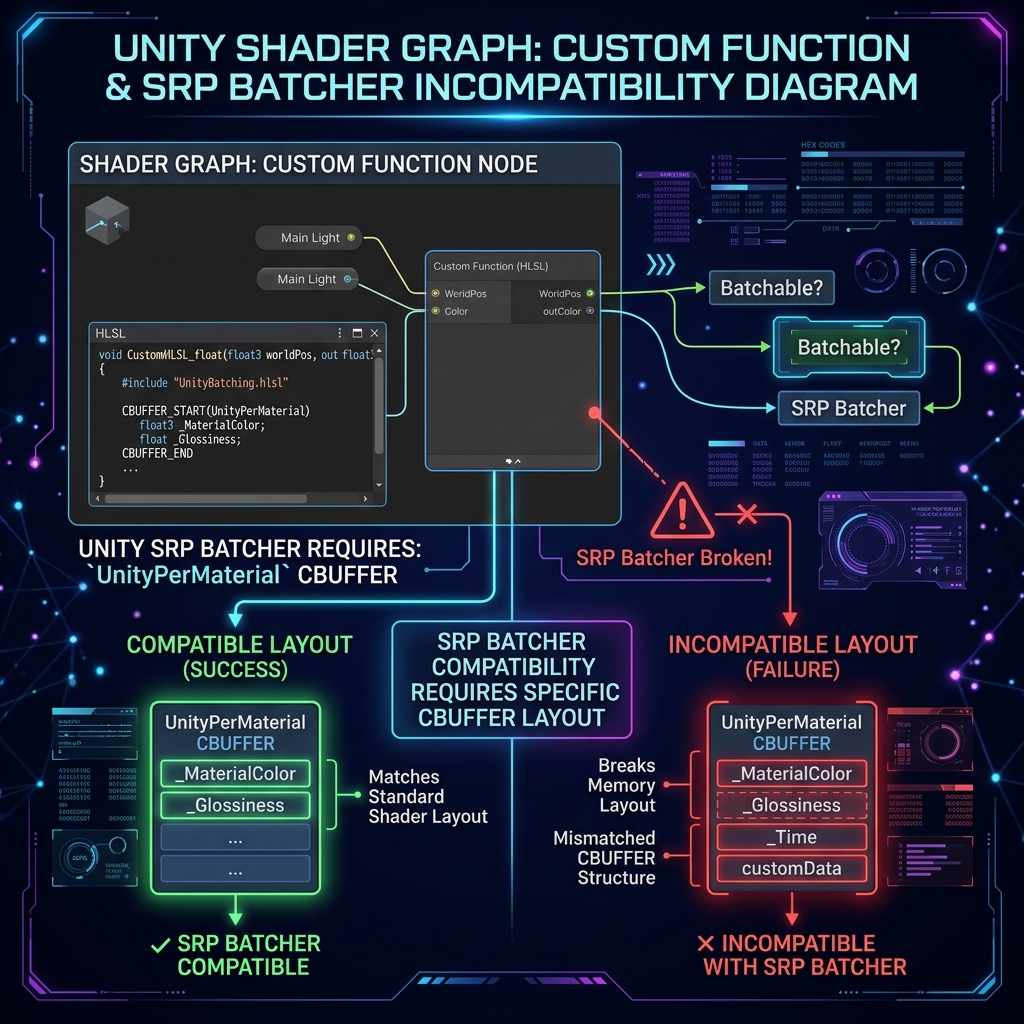 Shader Graph
 Fixing SRP Batcher incompatibility in Custom Functions
Declaring parameters in standard Unity CBUFFER blocks to restore SRP Batcher compatibility and minimize draw calls.
 Particles
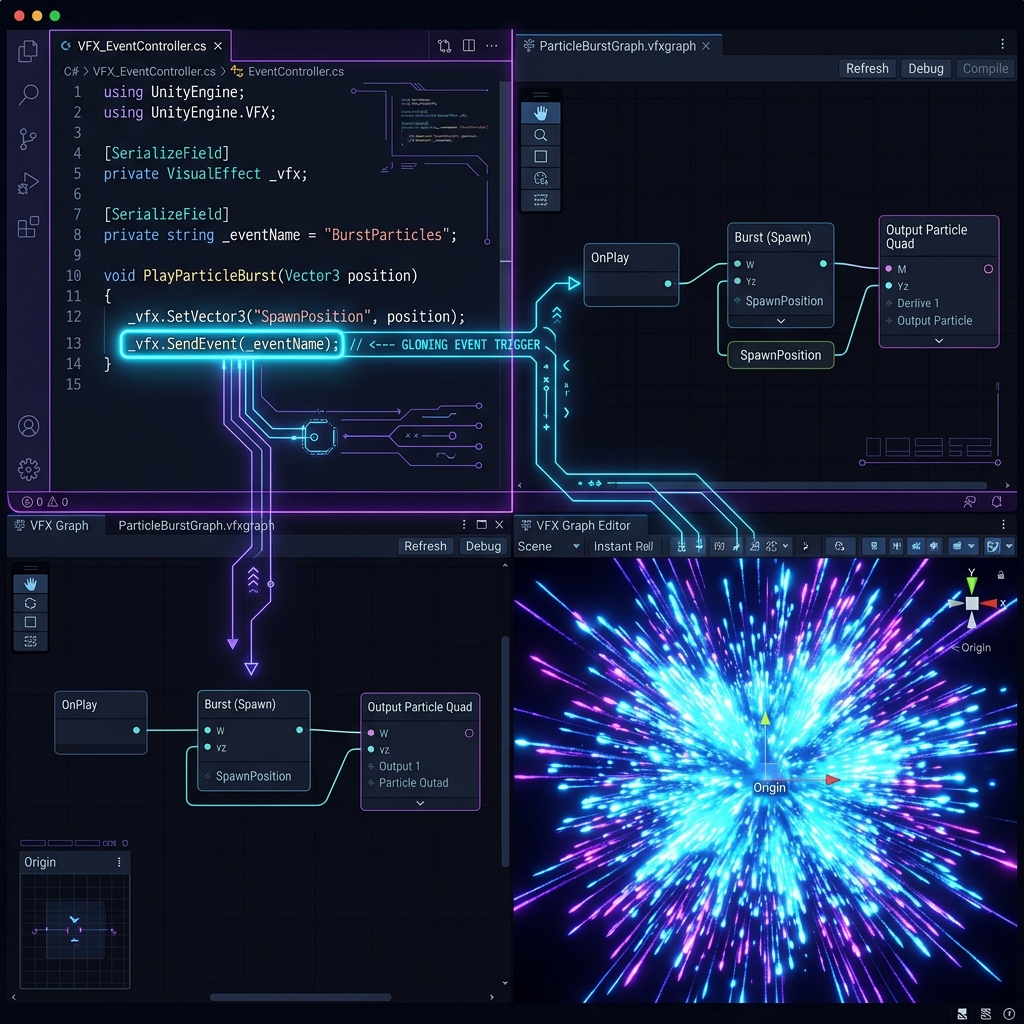
 Troubleshooting VFX Graph Particle Emission Failure
Verify event attribute string matching and update static bound boxes to avoid accidental camera culling.
 Performance
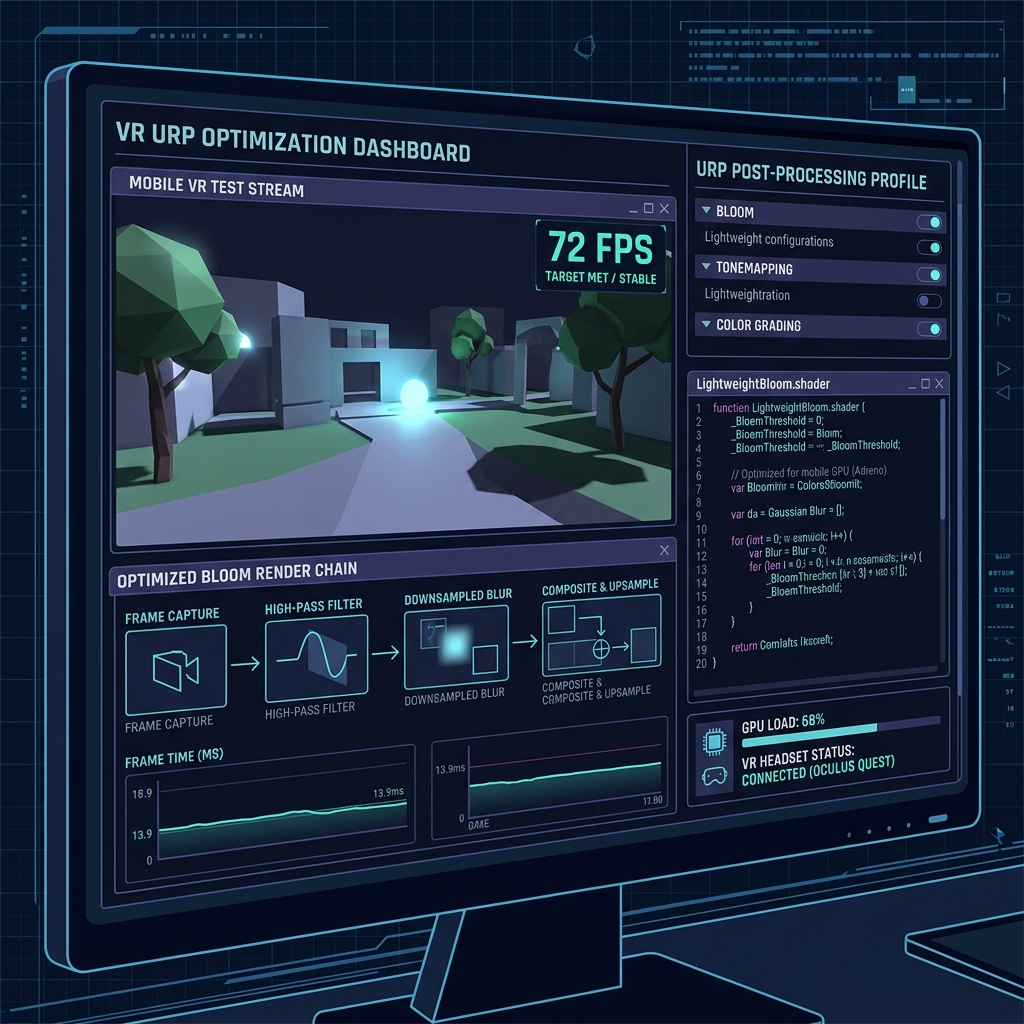
 Optimizing Heavy URP Post-Processing Spikes
Manage full-screen multi-pass blits, lower render resolution, and utilize mobile-optimized volumes.
 URP / VFX Graph
 Solving Semi-Transparent Particle Fog Blending Glitches
Re-evaluate fog depth calculations inside custom nodes or configure shader properties to blend correctly with volumetric fog.
 Common Mistakes
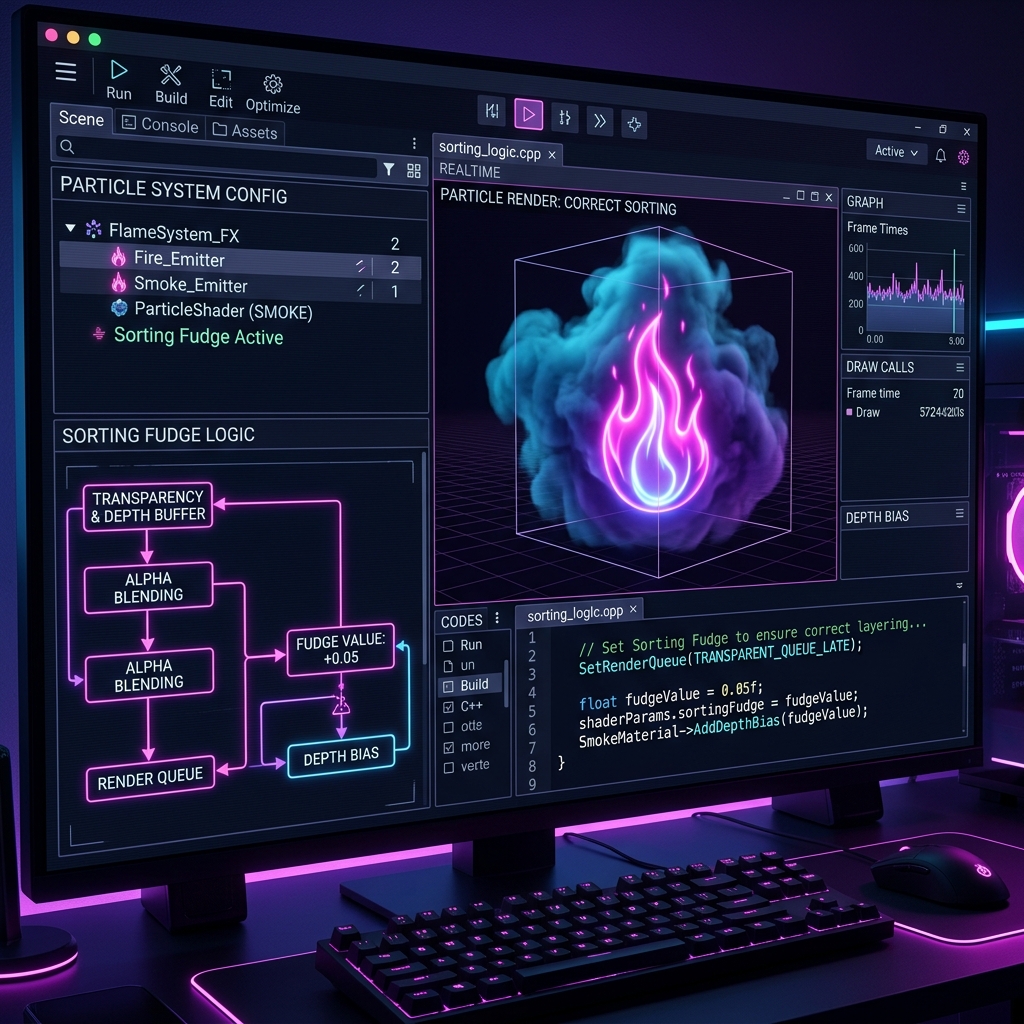
 Fixing Semi-Transparent Particle Sorting and Render Order
Calibrate Sorting Fudge offsets to override default distance sorting and avoid layering bugs between transparent systems.