Shader Graph (Shader Graph) is a technical term that is extremely important in rendering and optimizing game graphics (technical art). An explanation of Unity's standard visual editor tool that allows you to intuitively create high-quality custom materials and vertex animations by visually connecting visual nodes (mathematical functions, textures, time values, etc.) on the screen without writing any programming code such as C# or HLSL.
Real-world analogy: Stop typing difficult programming spells (HLSL codes) on the keyboard, instead connect intuitive "electronic block parts (nodes)" with lines, and enjoy building moving magical materials on an electronic craft board
Shader Graph is a visual development tool that allows you to intuitively create your own moving custom textures and SF effect materials by simply connecting the ``electronic blocks (nodes)'' on the screen with cables (lines) without using the complex and difficult-to-understand shader programming language (HLSL).'' Just by connecting the "time node" and "sine wave node" to the "texture UV", you can instantly create a water surface shader that scrolls beautifully like a river. It is the most powerful weapon in modern technical art (TA), which instantly and automatically translates a designer's intuitive visual sense into an ultra-high-speed GPU program.
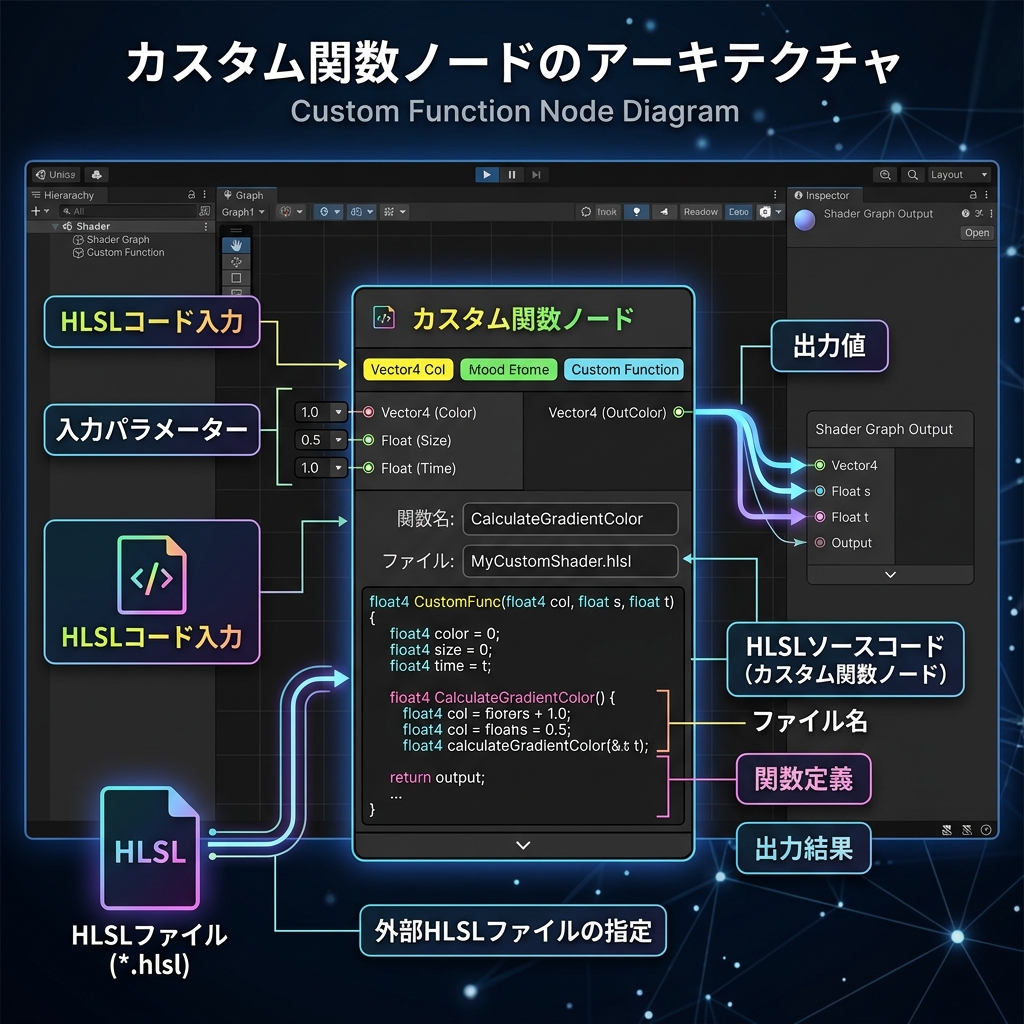
Figure: An infographic that clearly illustrates the basic processing flow and mechanism of Shader Graph (Shader Graph) in Japanese notation
Detailed mechanism and operating principle
Create a new "Shader Graph" asset, connect visual nodes to implement custom textures, UV scrolling, and vertex position, and apply it to the material.