Why it happens
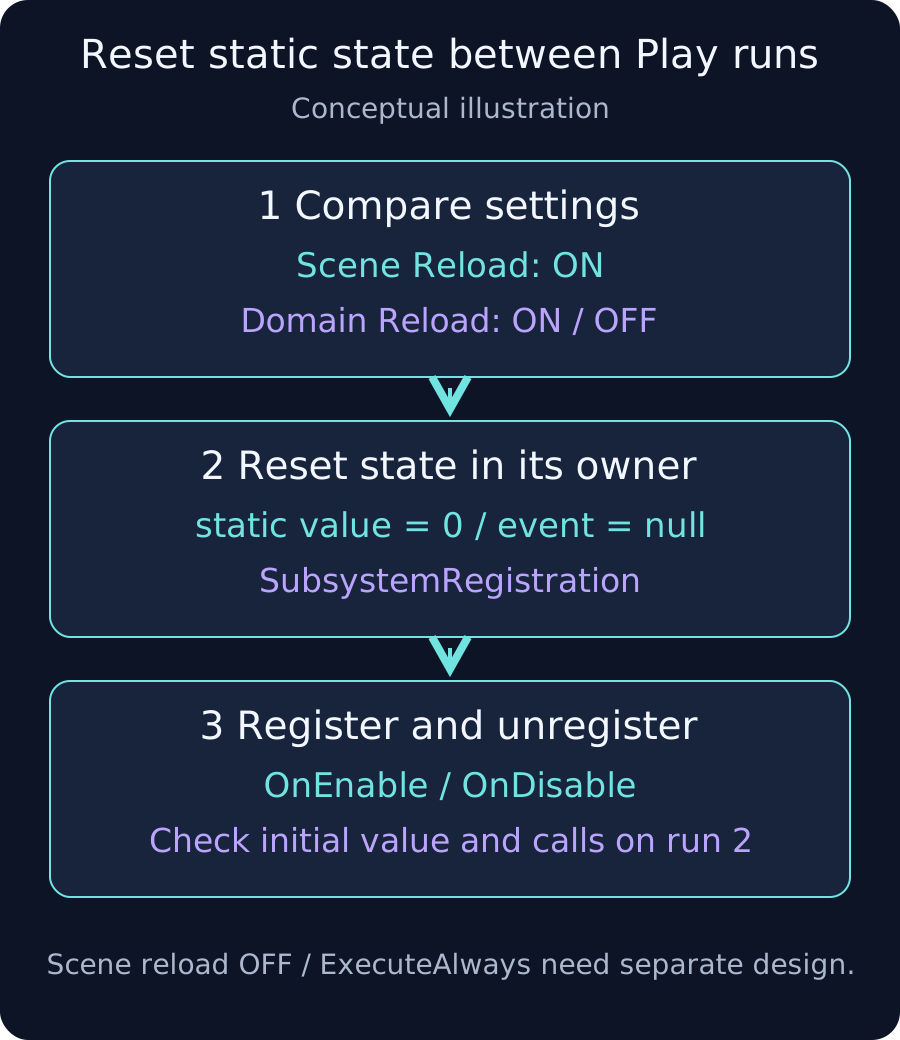
With domain reload disabled, static values and static-event subscriptions can survive Play sessions. This can explain a counter starting from its old value or duplicate notifications on a later run.
Compare settings first
Keep scene reload enabled while comparing repeated runs with domain reload enabled and disabled. If duplication occurs in both cases, check duplicate objects, double registration and missing unsubscription. Setting names vary by Unity version.
Reset state in its owner
Save the following as SessionCounter.cs. This runtime example targets Unity 6 and 2022.3. It resets a counter and the event declared by this class; it does not clear unrelated events.
using System;
using UnityEngine;

public static class SessionCounter
{
    public static int Value { get; private set; }
    public static event Action<int> Changed;

    [RuntimeInitializeOnLoadMethod(RuntimeInitializeLoadType.SubsystemRegistration)]
    private static void ResetState()
    {
        Value = 0;
        Changed = null;
    }

    public static void AddOne()
    {
        Value++;
        Changed?.Invoke(Value);
    }
}
Pair subscription with unsubscription
Save this as SessionCounterListener.cs and attach one instance to a scene object. Connect a UI Button to SessionCounterListener.AddOne exactly once. The same listener is removed before registration and on disable.
using UnityEngine;

public class SessionCounterListener : MonoBehaviour
{
    private void OnEnable()
    {
        SessionCounter.Changed -= OnChanged;
        SessionCounter.Changed += OnChanged;
    }

    private void OnDisable()
    {
        SessionCounter.Changed -= OnChanged;
    }

    private void OnChanged(int value)
    {
        Debug.Log($"Counter: {value}", this);
    }

    public void AddOne()
    {
        SessionCounter.AddOne();
    }
}
Verification and limits
Across two Play sessions, the first click should log Counter: 1 once. Disable and enable the listener to check that subscriptions do not accumulate. Check Player startup and scene transitions separately.
This initialization is not a reset for every scene change. Disabling scene reload too requires separate lifetime and subscription design. Clearing events during normal execution can remove valid listeners. Editor-only state needs appropriate Editor initialization APIs.
The listener is an ordinary runtime MonoBehaviour without ExecuteAlways or ExecuteInEditMode. For Edit Mode scripts or configurations that also disable scene reload, do not assume Play transitions call OnEnable/OnDisable; design cleanup and registration around the appropriate Editor play-mode notifications.