When migrating a project from the legacy (Built-in) pipeline to the URP (Universal Render Pipeline), particles (effects) are most likely to be the first to break.
Specific solution
This is the complete "correct setting" for particle materials in URP.
1. Change the shader to URP only.
Select the following from the material's Shader pull-down.
Universal Render Pipeline ➔ Particles ➔ Unlit2. Adjust Surface Options
- Surface Type: Change to
Transparent(translucent) - Blending Mode: Select according to the effect you want to express (Alpha / Additive)
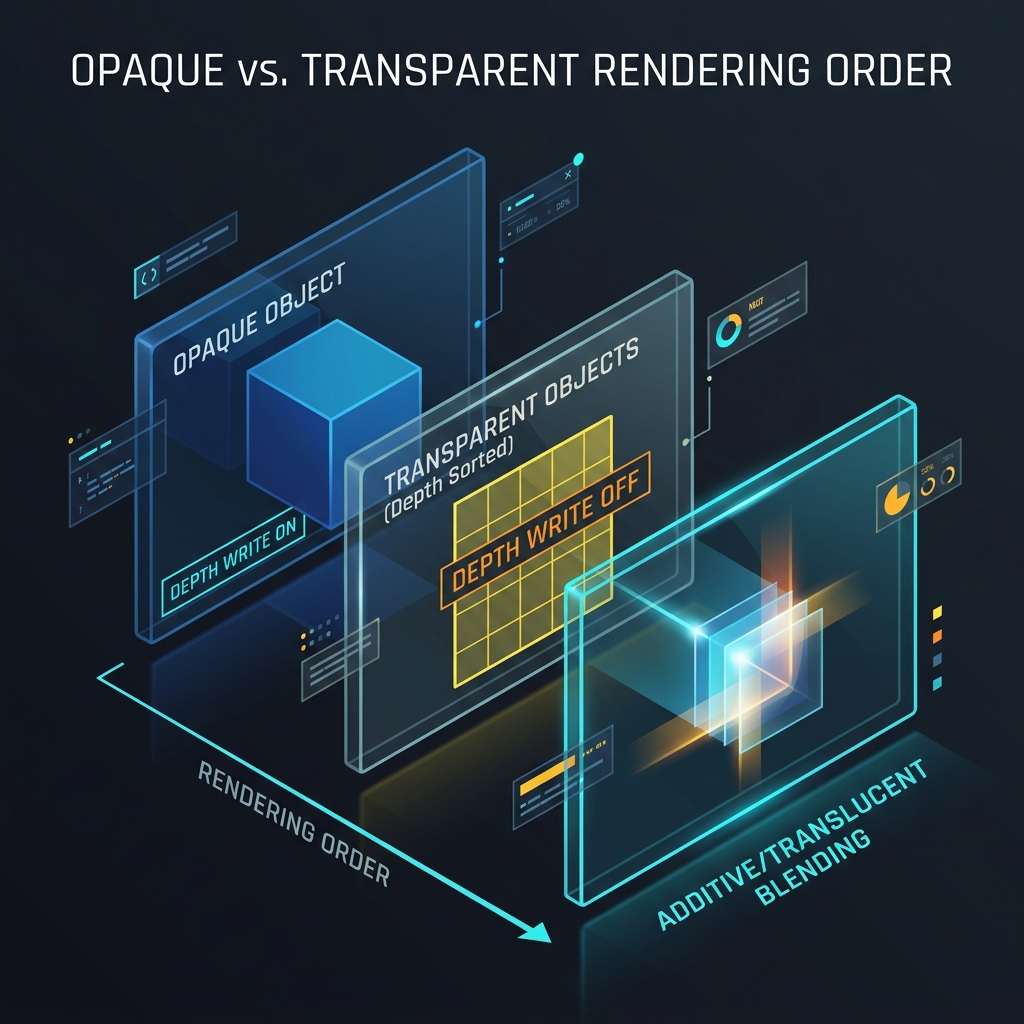
Figure 1: Opaque -> Transparent drawing order and Depth Write Off mechanism in translucent drawing queue (Transparent)