Troubles & Glossary Search

Filter troubleshooting guides by category, difficulty, or keywords. Currently 99 items available.

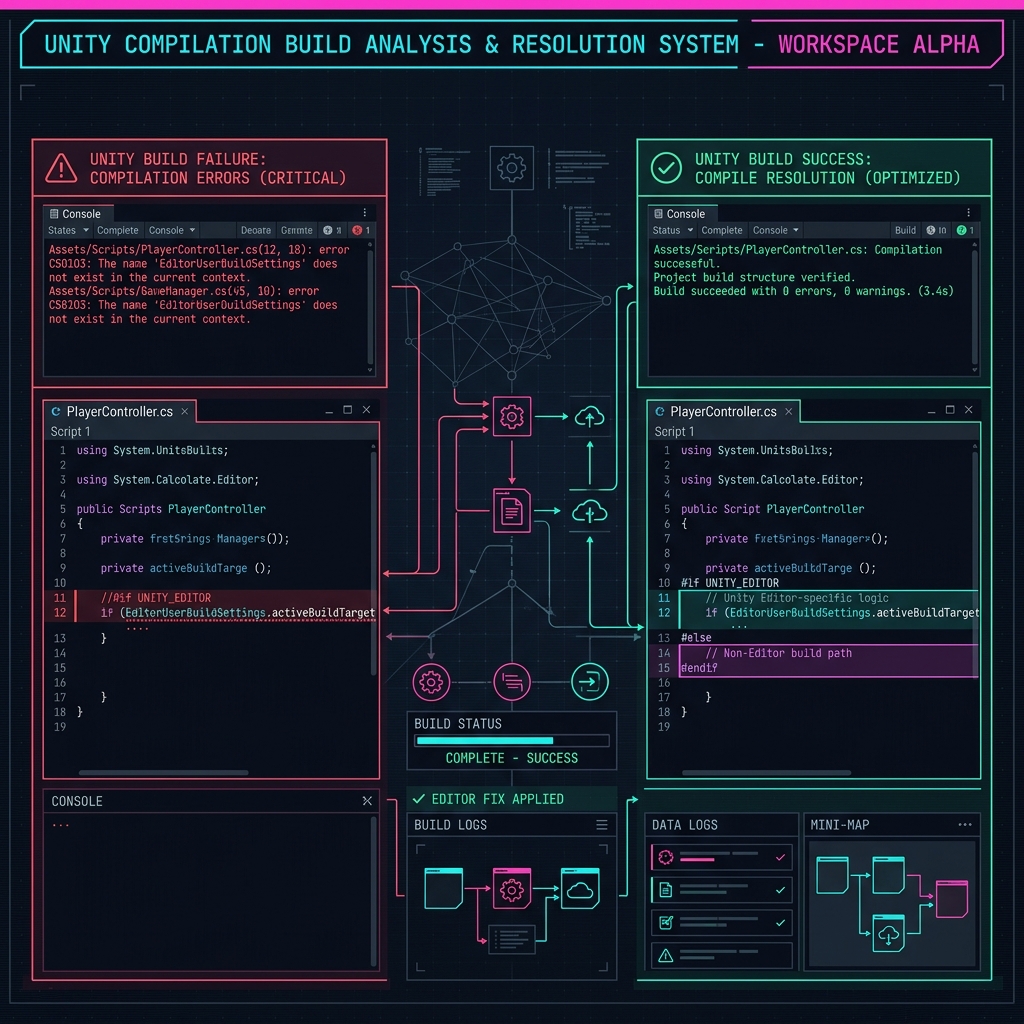
ExecutionEngineException on IL2CPP Builds: Root Causes of AOT Generic & Reflection Code Stripping Crashes and Solutions using link.xml and AOT Hints Expert

ExecutionEngineException on IL2CPP Builds: Root Causes of AOT Generic & Reflection Code Stripping Crashes and Solutions using link.xml and AOT Hints

When building Unity projects with IL2CPP, reflection and generic method calls can trigger 'ExecutionEngineException: Attempting to call method... for which no ahead of time (AOT) code was generated'. Learn the mechanics of managed code stripping and how to resolve these issues using link.xml and AOT hints.
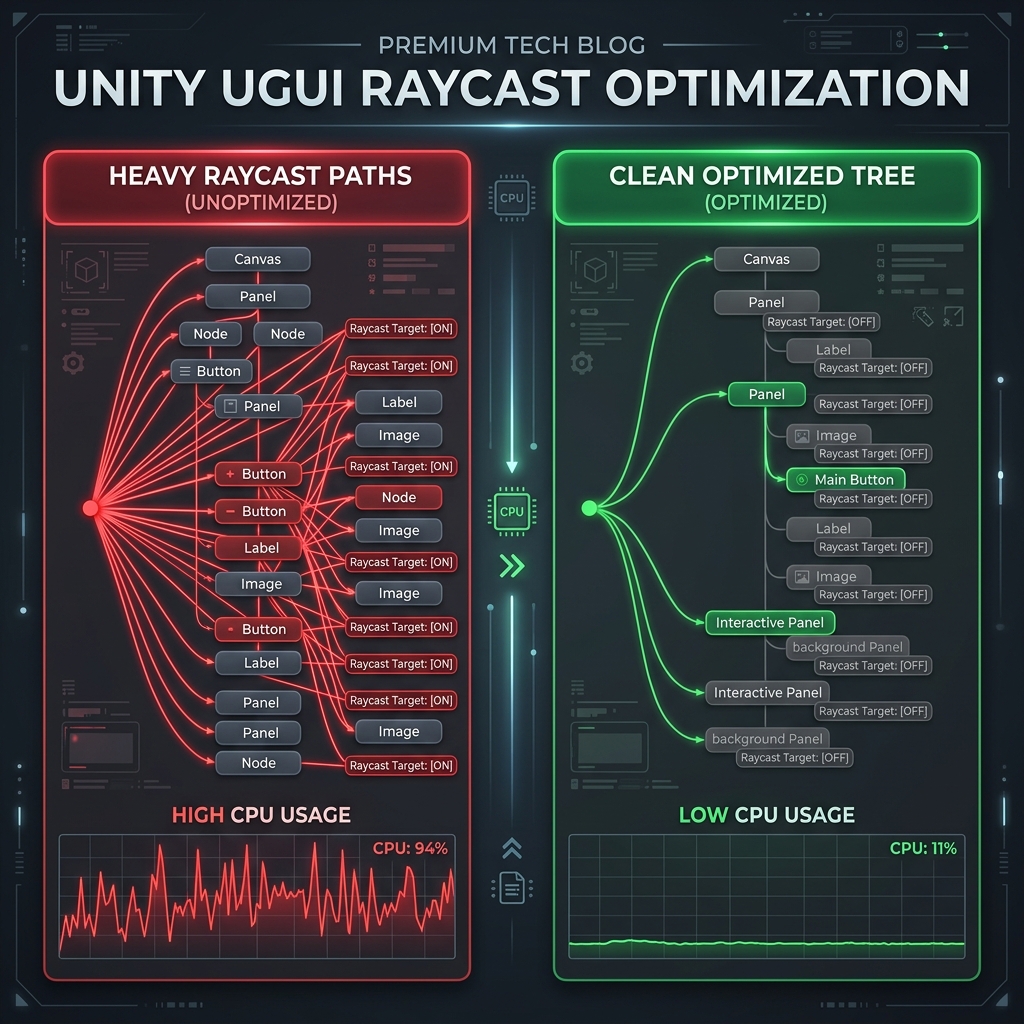
Resolving CPU Spikes from GraphicRaycaster.Raycast in Unity uGUI: Root Causes of Input Raycast Overhead and Steps for Optimization via Raycast Target Disabling and Canvas Splitting Intermediate

Resolving CPU Spikes from GraphicRaycaster.Raycast in Unity uGUI: Root Causes of Input Raycast Overhead and Steps for Optimization via Raycast Target Disabling and Canvas Splitting

Resolve CPU performance issues and spikes caused by GraphicRaycaster.Raycast in Unity uGUI. Learn how to profile UI overhead, write helper editor scripts to disable Raycast Target automatically, and split canvases to optimize event handling.

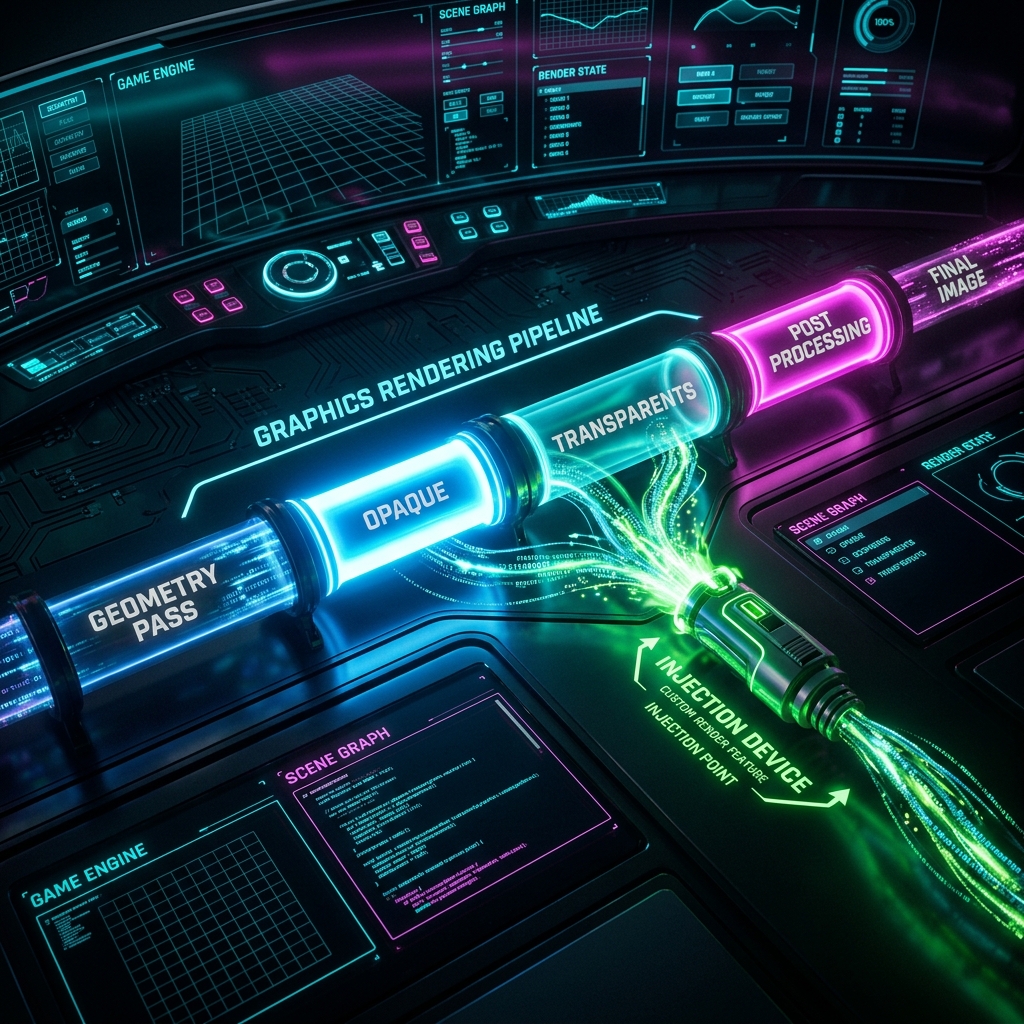
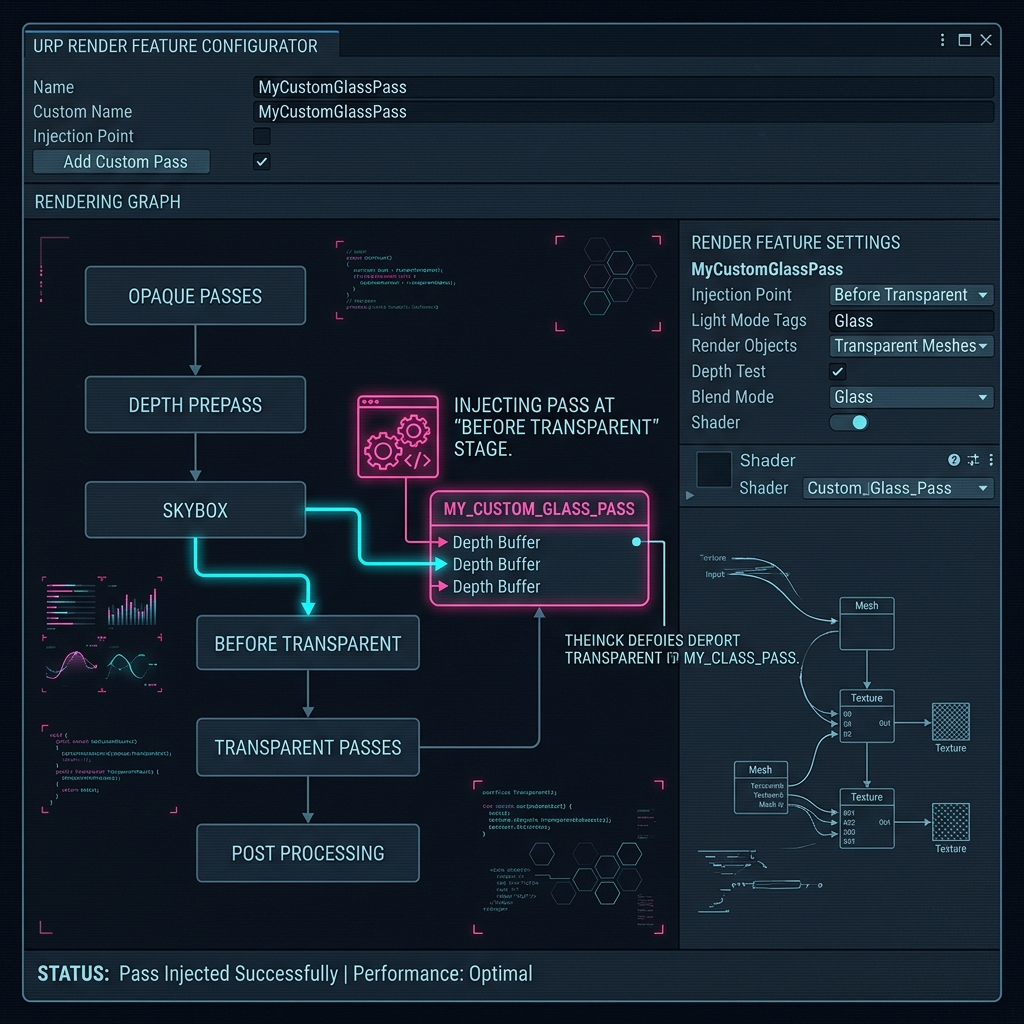
Fixing Rendering Order and Missing Effects in Unity URP Custom Scriptable Render Features: A Guide to RenderPassEvent (Injection Points) and Modern RTHandle Blitting Advanced

Fixing Rendering Order and Missing Effects in Unity URP Custom Scriptable Render Features: A Guide to RenderPassEvent (Injection Points) and Modern RTHandle Blitting

Resolve rendering order and invisible output issues in Unity URP Custom Scriptable Render Features. Learn how to select the right RenderPassEvent (Injection Points) and implement modern RTHandle and Blitter.BlitCameraTexture workflows.

Bug where ScriptableObject parameter changes disappear when Unity is restarted or built, and correct saving process (SetDirty/SaveAssets) Intermediate

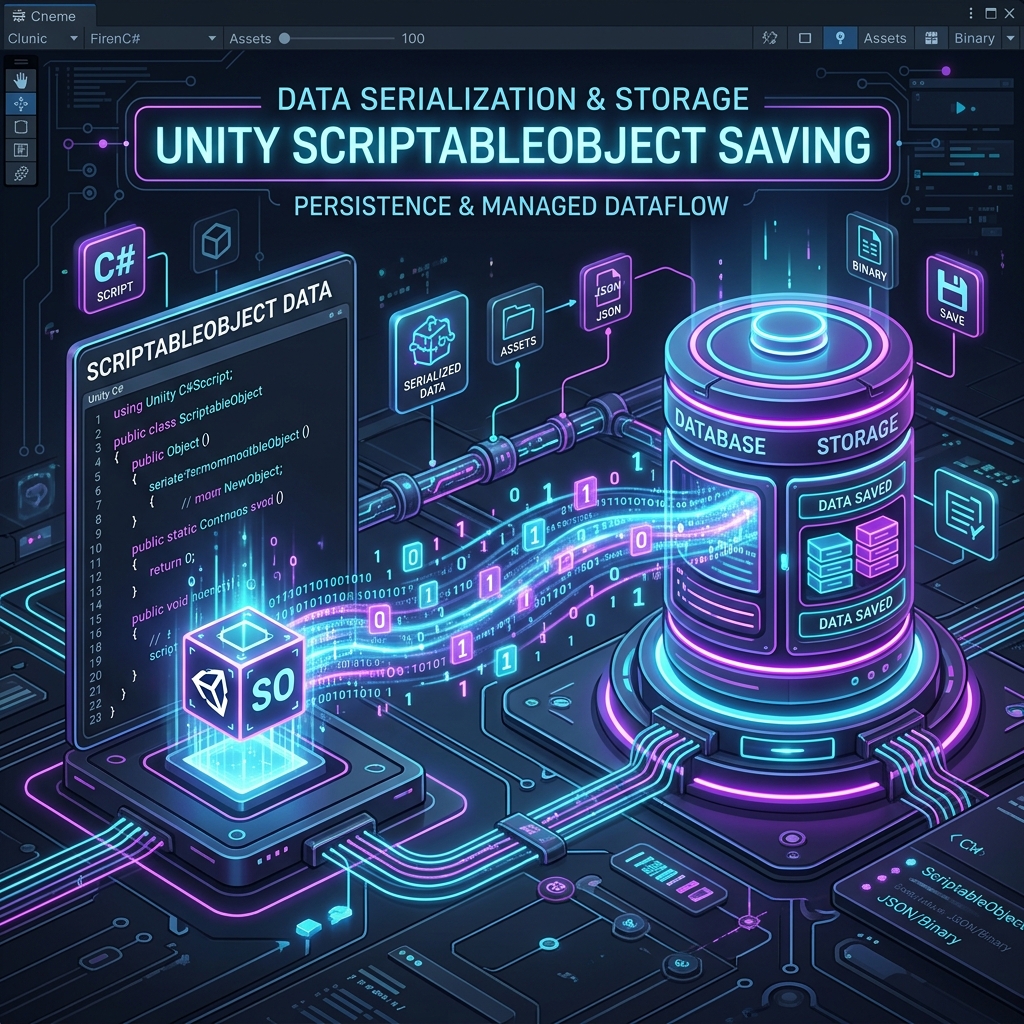
Bug where ScriptableObject parameter changes disappear when Unity is restarted or built, and correct saving process (SetDirty/SaveAssets)

We will explain the root causes and solutions for a drawing/data saving bug where when Unity's ScriptableObject parameters are changed from a C# script or a unique EditorWindow, even though the changes appear to have been made in the editor, they are reset to the state before the change or disappear when Unity is restarted, transitioned to playback mode, or built.

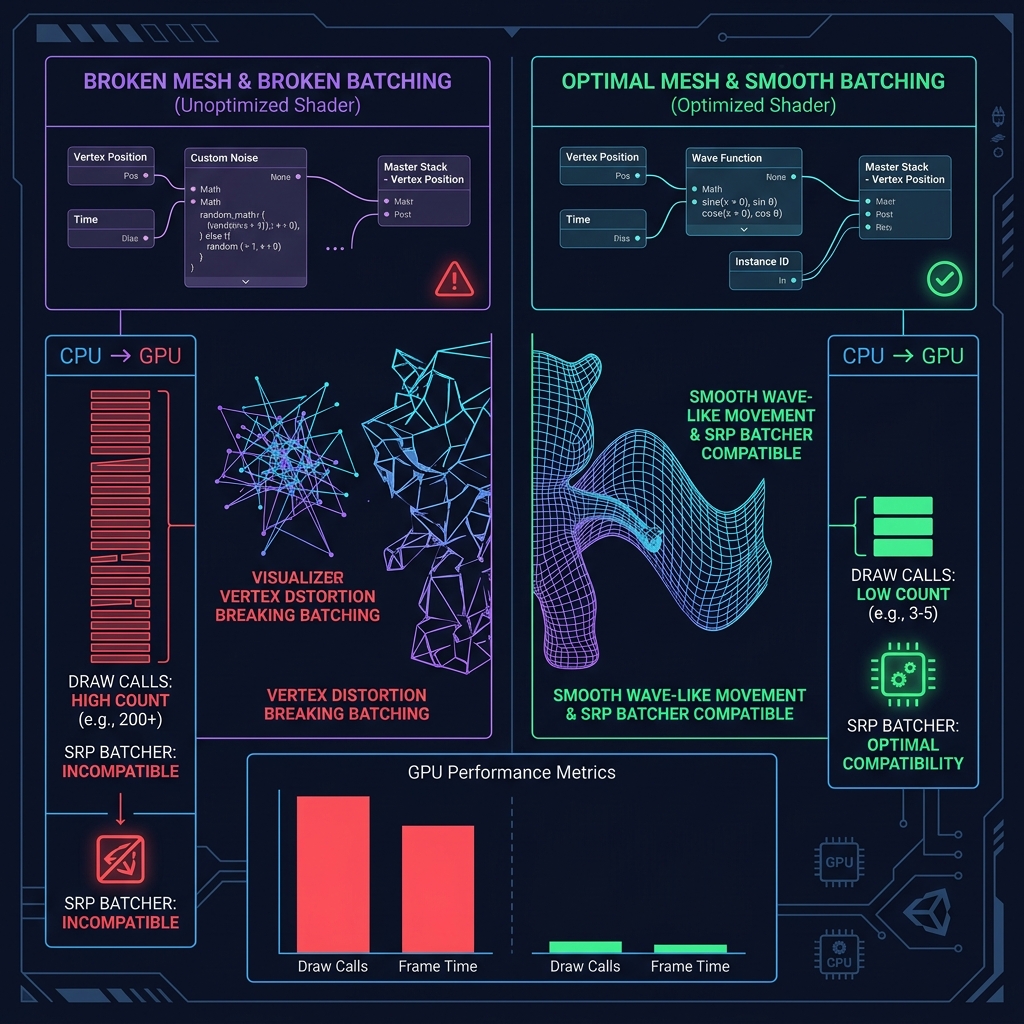
Bug where lighting becomes flat due to Vertex Displacement of Shader Graph and method to recalculate normals and tangents Advanced

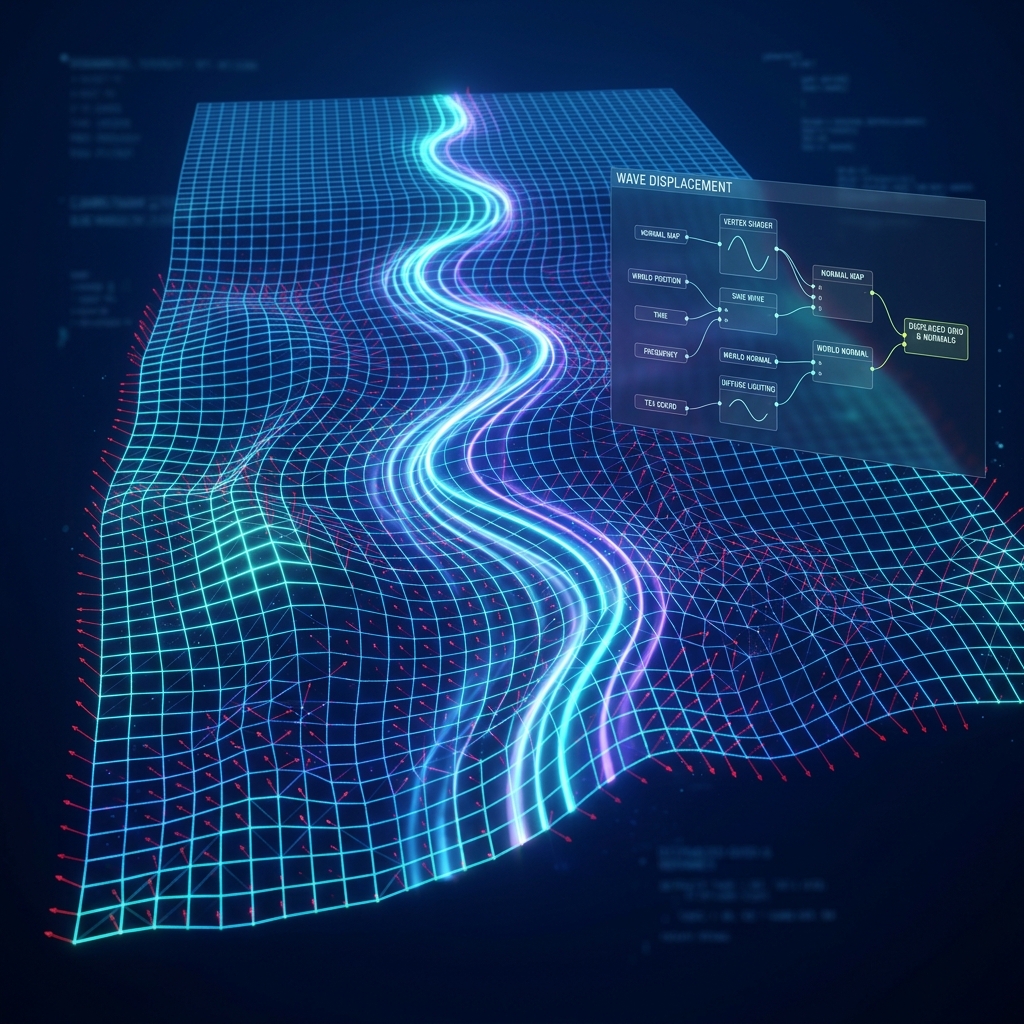
Bug where lighting becomes flat due to Vertex Displacement of Shader Graph and method to recalculate normals and tangents

We will explain in detail the root cause of drawing bugs such as flattening of light and distorted shadows when implementing vertex displacement to move Position (vertex coordinates) in Shader Graph, and the correct procedure for recalculating and reconstructing normals and tangents using HLSL/nodes.

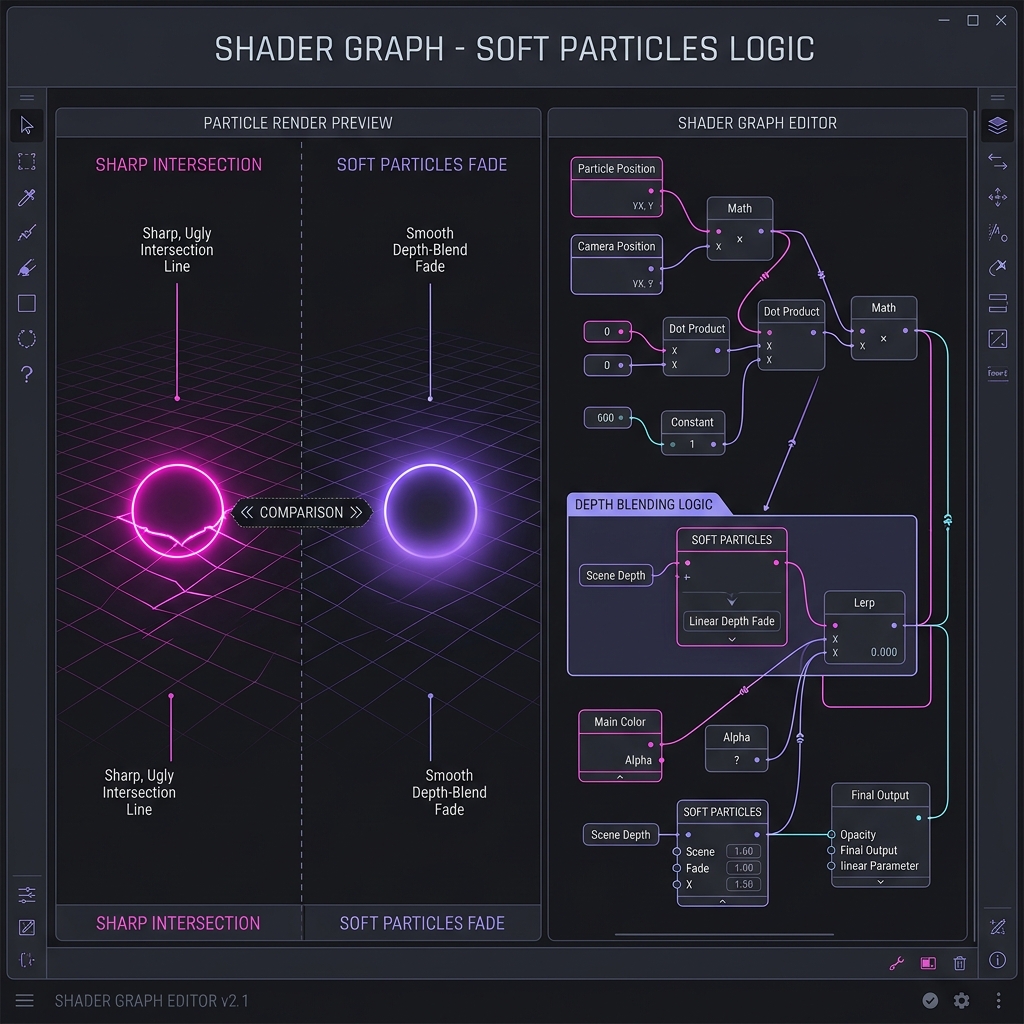
Correct node configuration of "Soft Particles" to smoothly erase the boundary with the ground using Shader Graph Intermediate

Correct node configuration of "Soft Particles" to smoothly erase the boundary with the ground using Shader Graph

We will explain in detail how to combine Soft Particles to eliminate the phenomenon where the smoke and light effects created with Shader Graph look sharp and unnatural straight lines at the boundaries where they intersect with the ground or walls, and blend smoothly, using the analogy of ice melting in water.

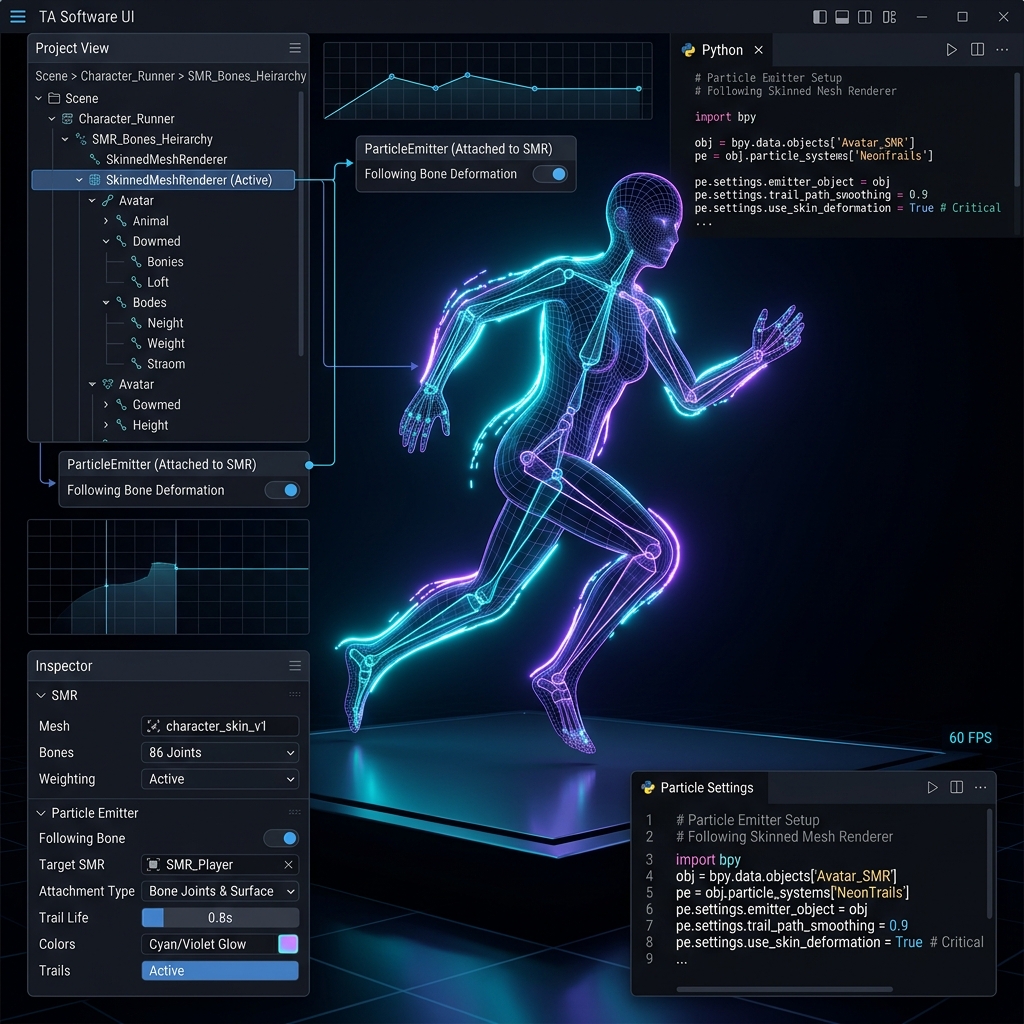
Animation tracking failure bug and countermeasures when emitting particles from Skinned Mesh Renderer Intermediate

Animation tracking failure bug and countermeasures when emitting particles from Skinned Mesh Renderer

We will explain in detail the root cause and solution of a bug where the source of the effect does not follow the deformation or movement of the animation when particles are emitted from the body of a moving character (Skinned Mesh Renderer) in Unity, using the analogy of a shadow that leaves behind clothes.

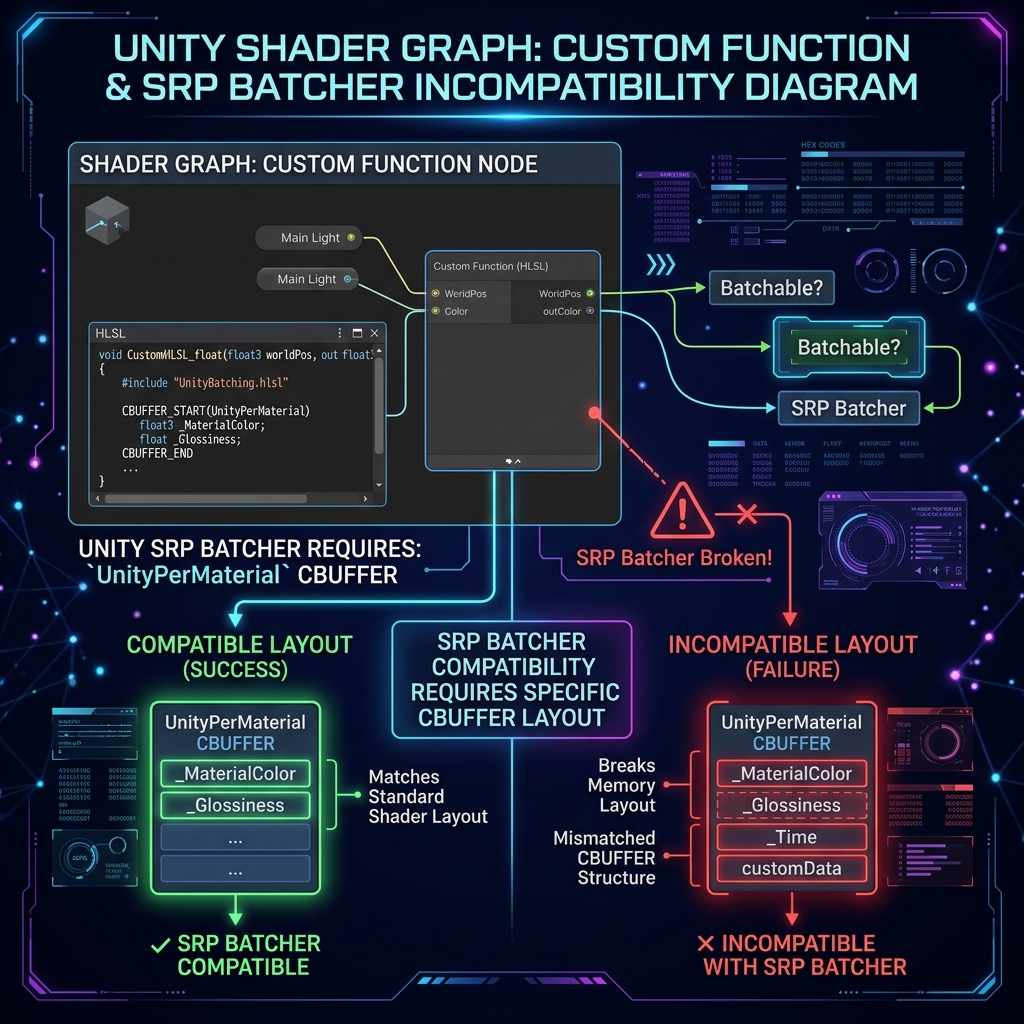
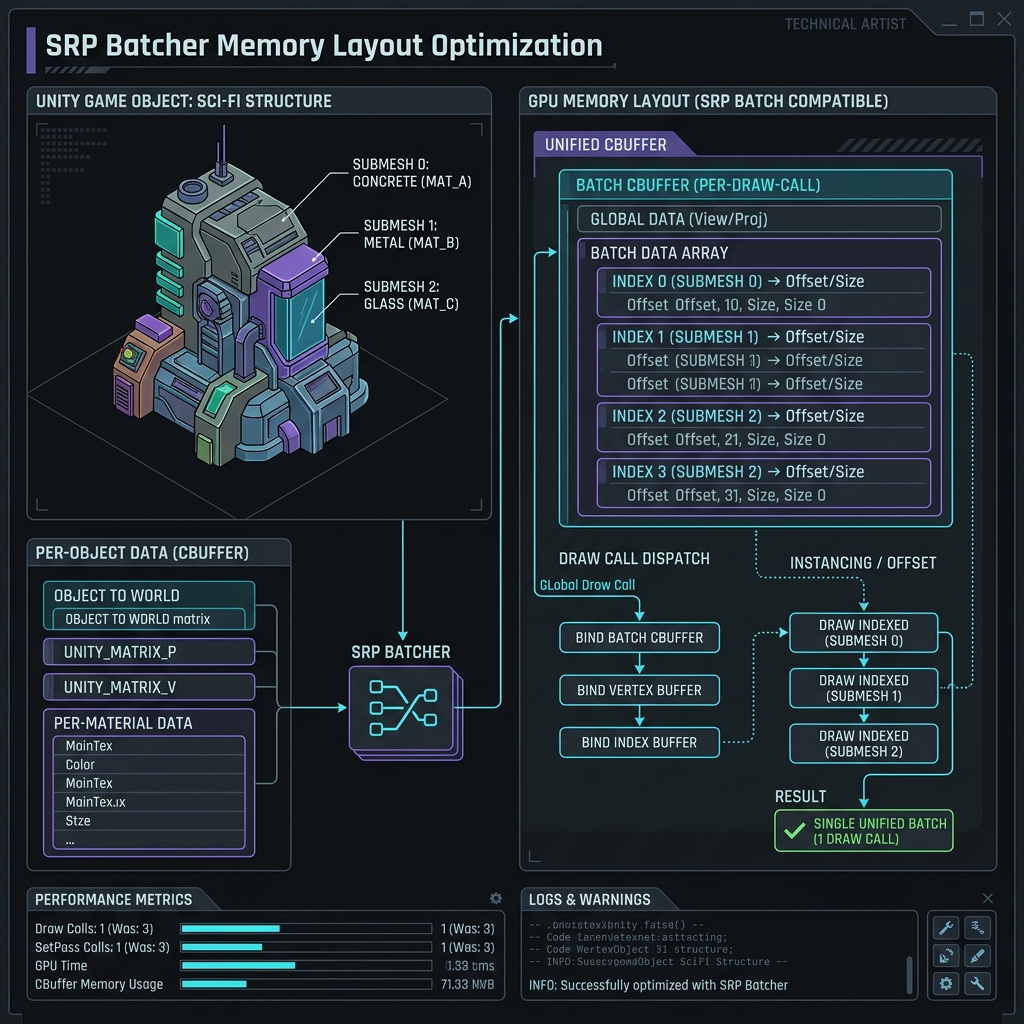
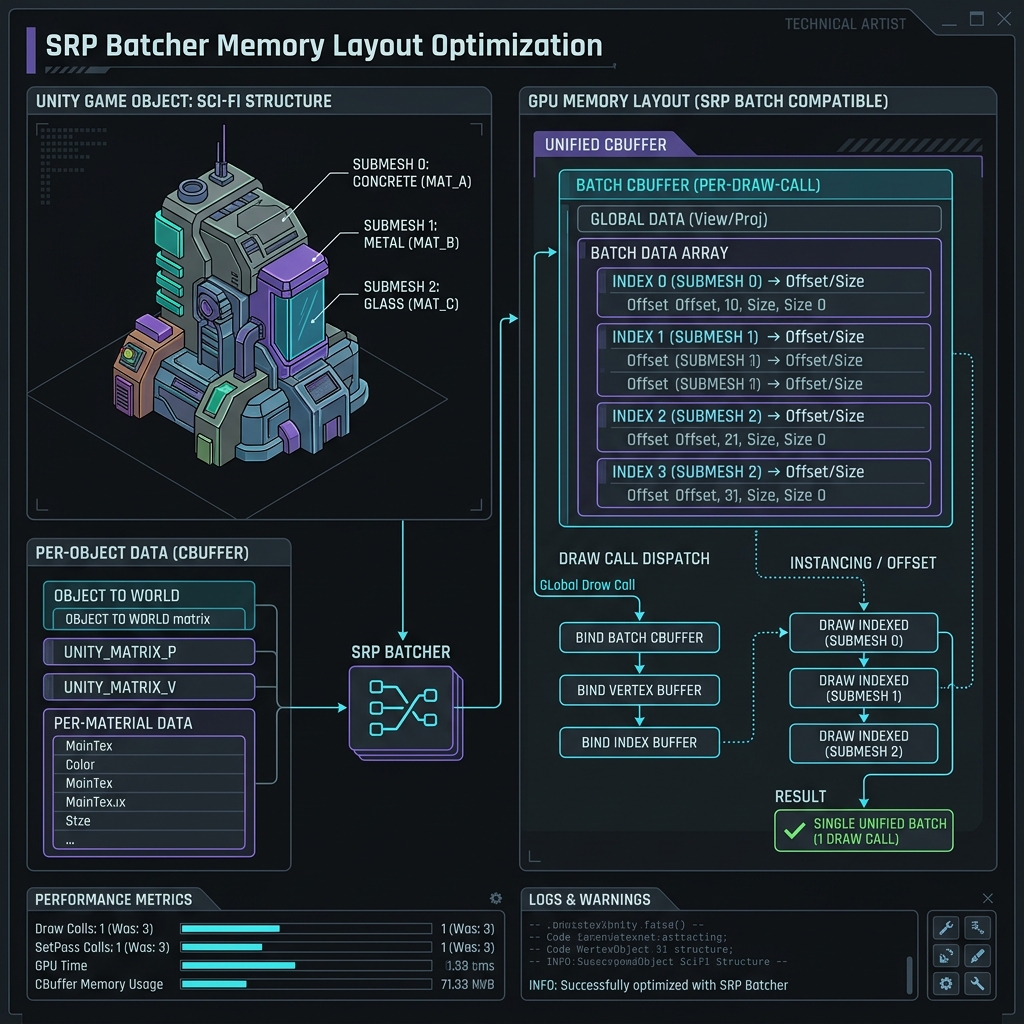
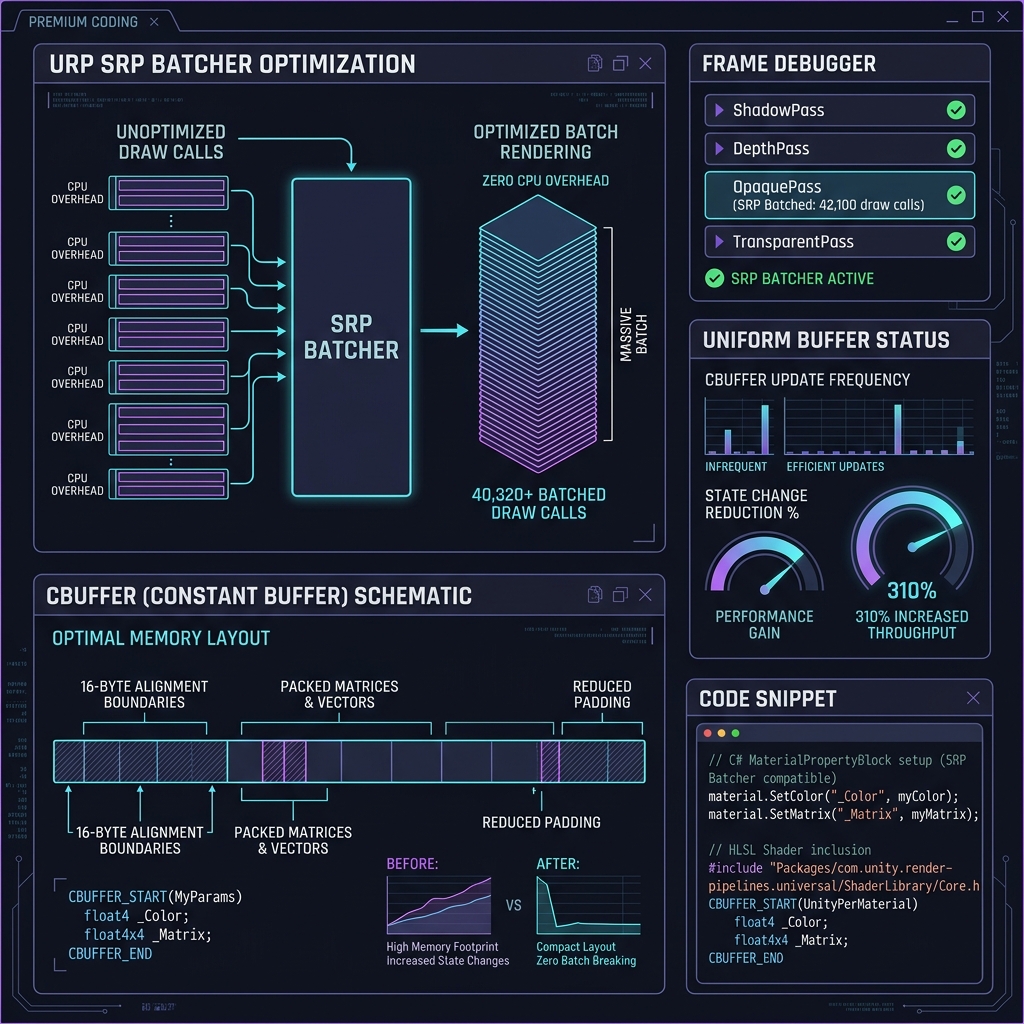
SRP Batcher (Scriptable Render Pipeline Batcher) Intermediate

SRP Batcher (Scriptable Render Pipeline Batcher)

An advanced rendering optimization system in Unity URP that accelerates CPU dispatch by batching bind calls for identical shaders.

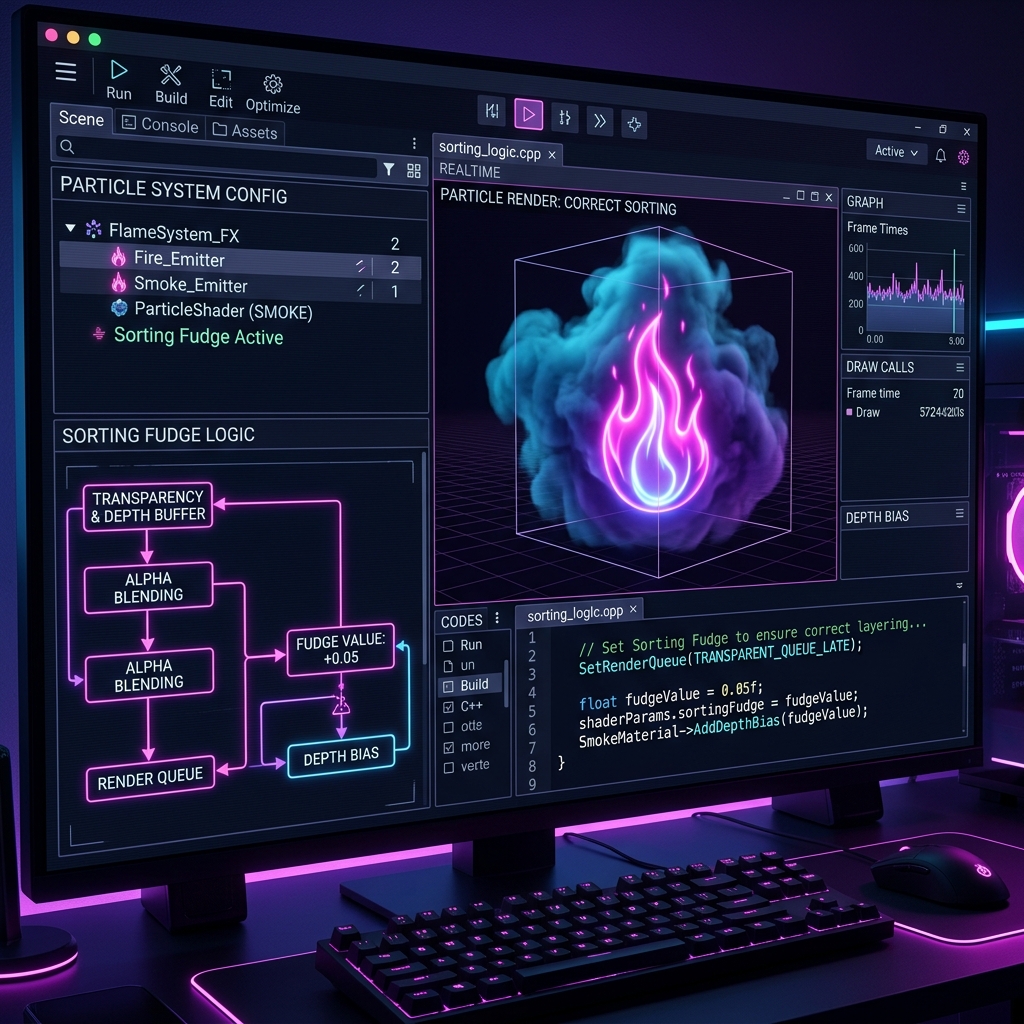
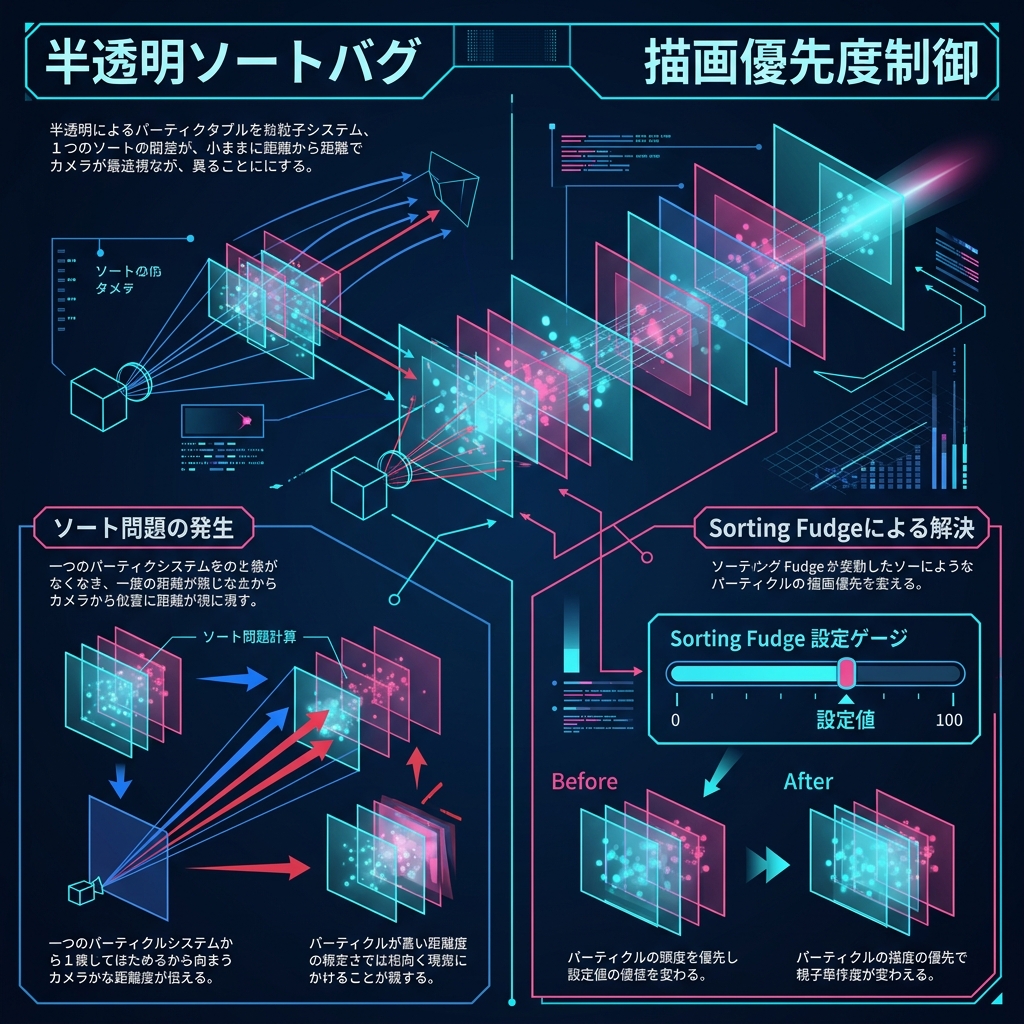
Sorting Fudge Beginner

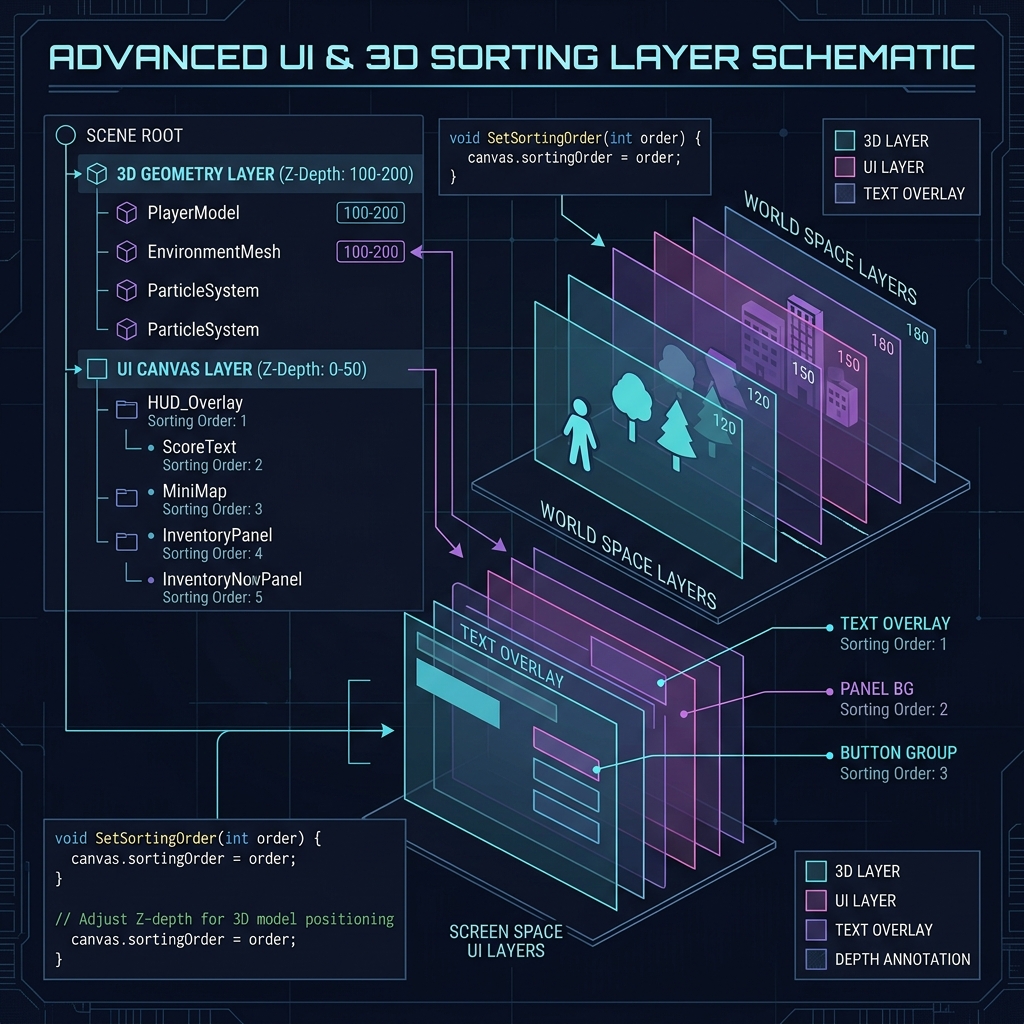
Sorting Fudge

A renderer setting in Unity Particle Systems used to adjust the sorting order relative to other transparent objects.

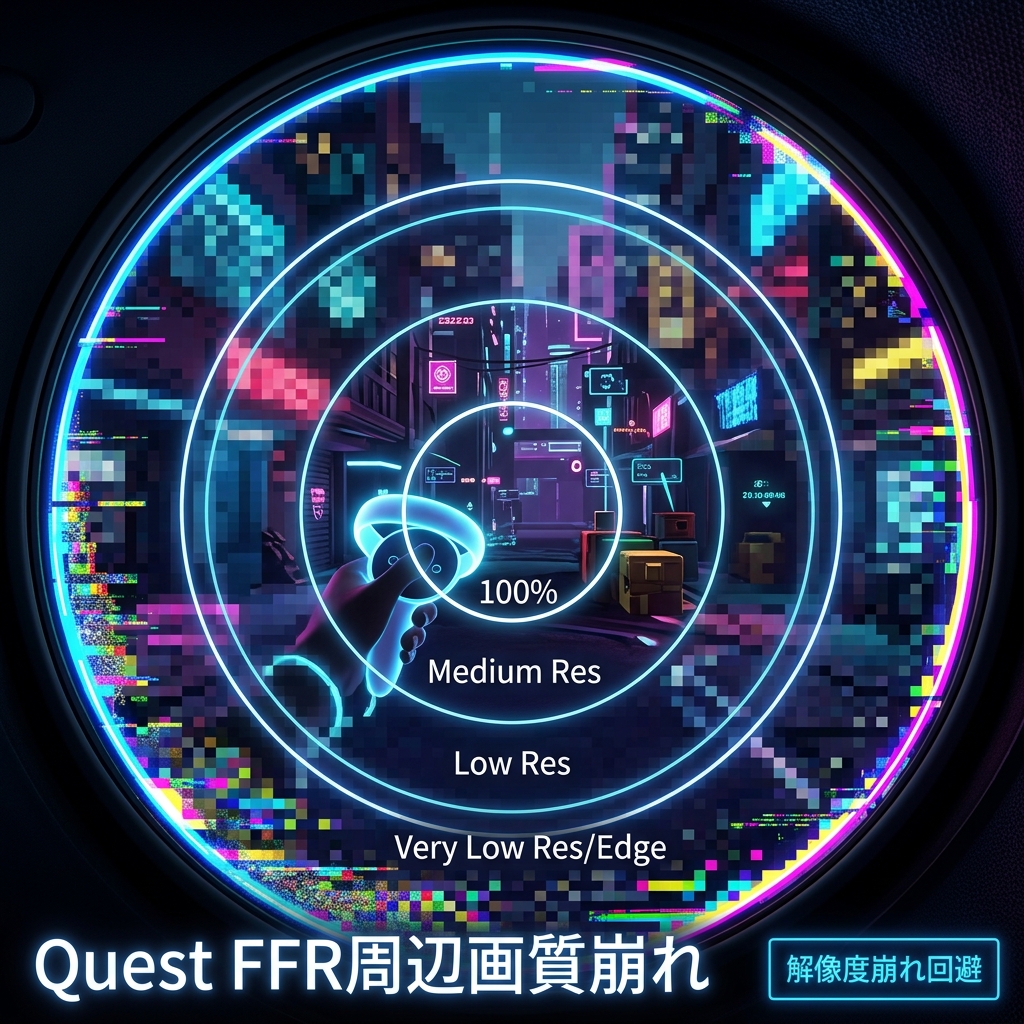
Fixed Foveated Rendering (FFR) Advanced

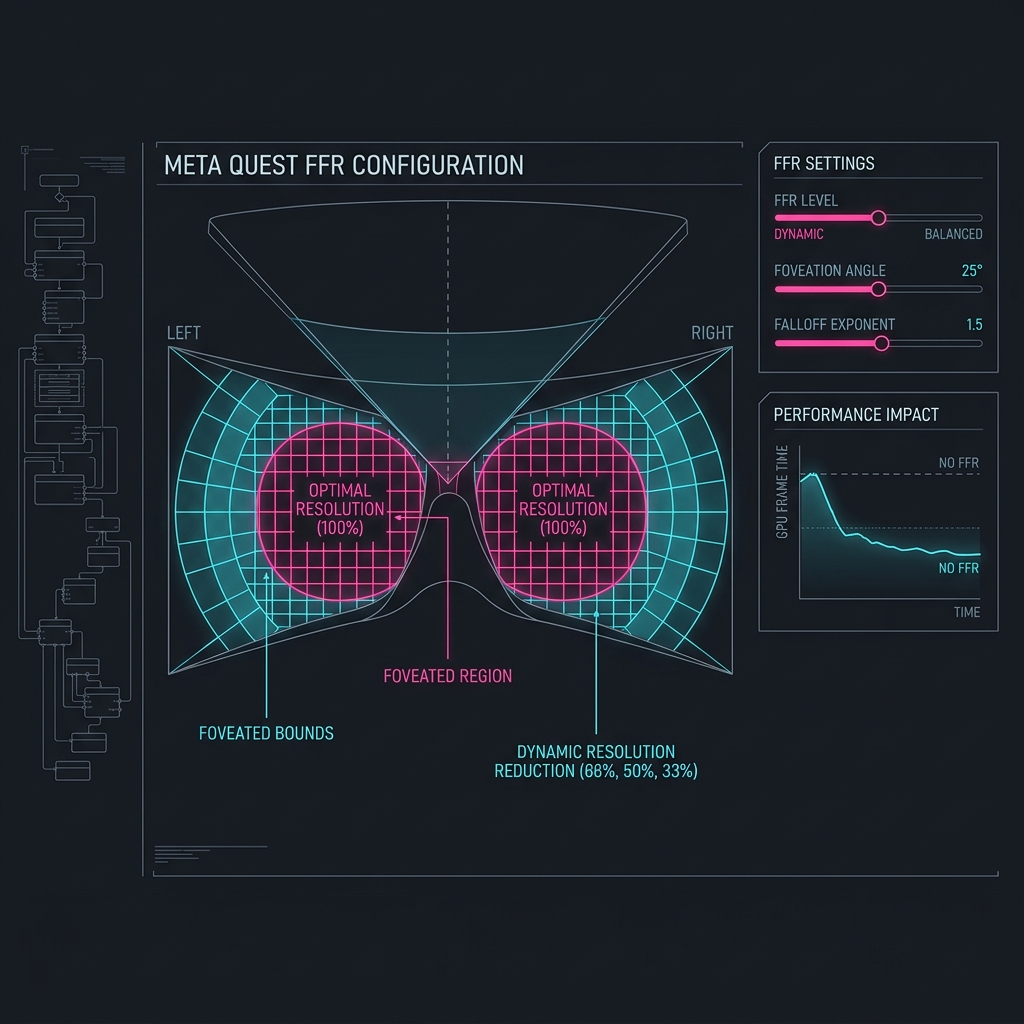
Fixed Foveated Rendering (FFR)

A VR rendering optimization technique that reduces resolution at the peripheral vision of standalone headsets like Meta Quest.

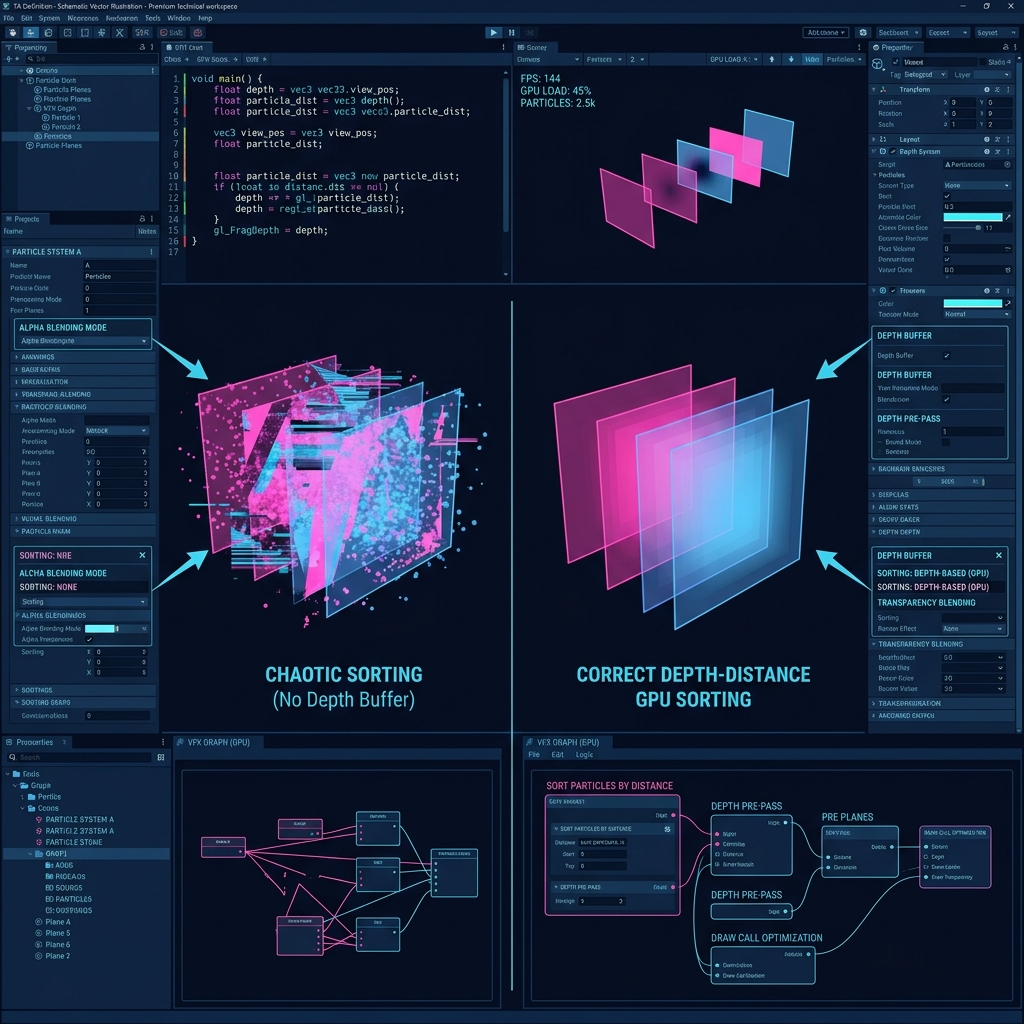
Depth Texture Intermediate

Depth Texture

A specialized render texture containing the distance of geometry from the camera, used for soft particles, water depth, and post-processing.

Render Queue Beginner

Render Queue

A numeric value that defines the exact execution sequence of materials during the rendering pipeline passes.
GPU Instancing Intermediate

GPU Instancing

The principle and setting procedure of GPU Instancing, which dramatically reduces the draw call load when drawing a large number of the same mesh and material.
Variable Rate Shading (Variable Rate Shading / VRS) Advanced

Variable Rate Shading (Variable Rate Shading / VRS)

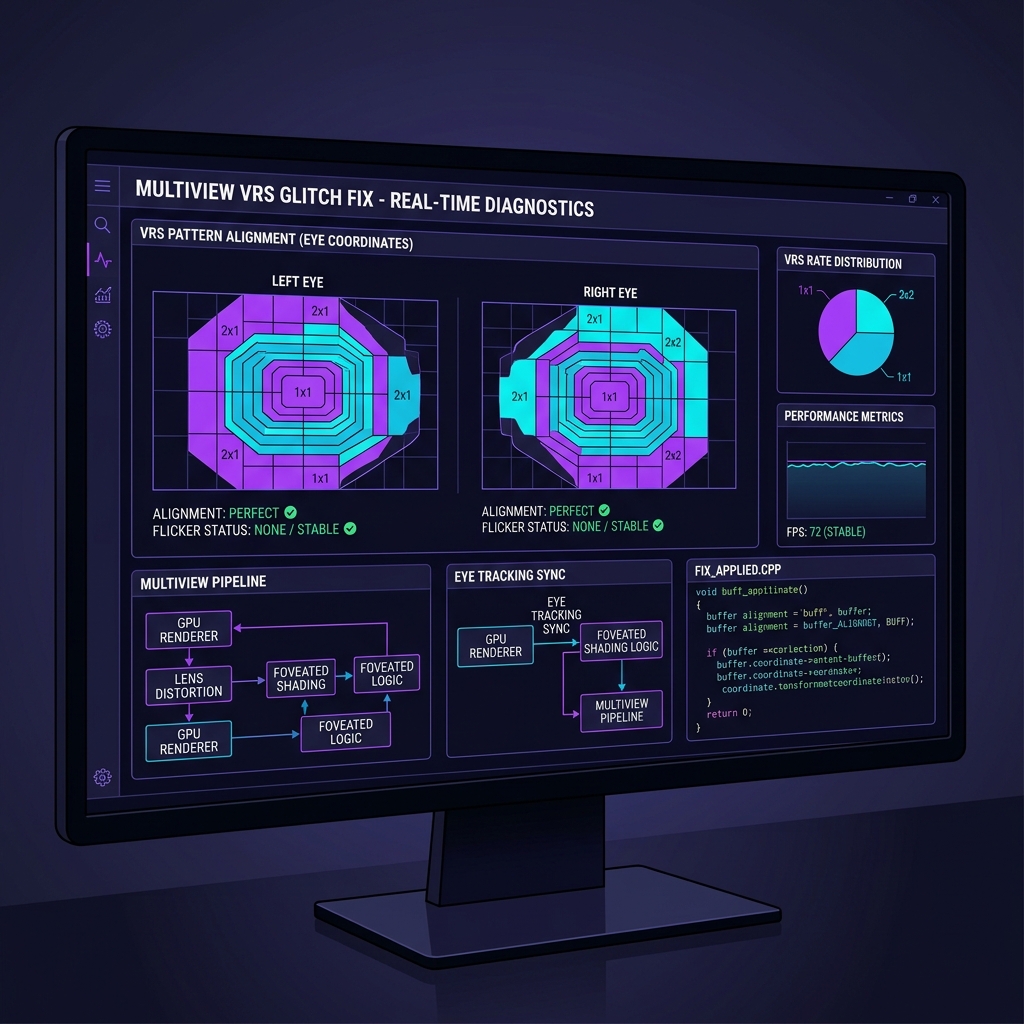
A technical explanation of VRS, which changes the processing density of the pixel shader according to the local details and contour information of the scene, reducing the GPU load while maintaining image quality.

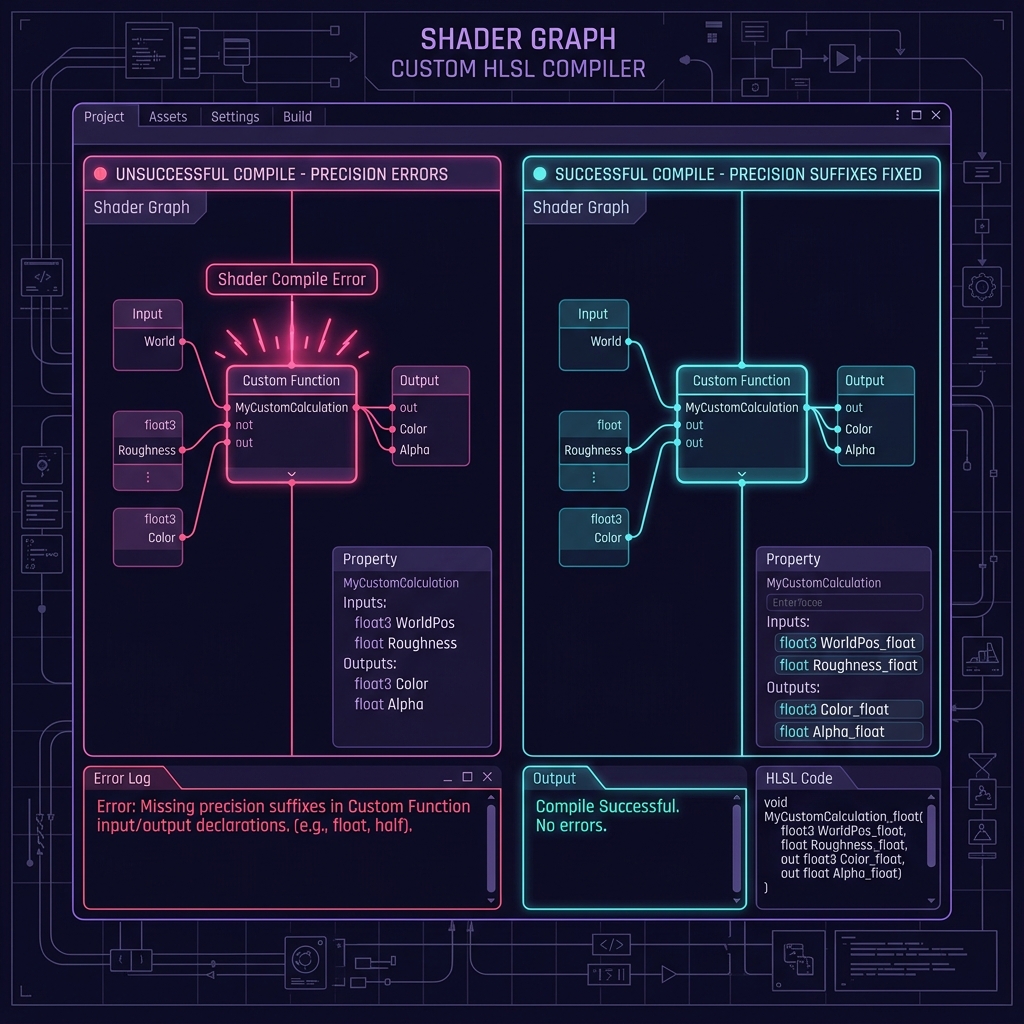
Custom Function (Custom Function Node) Intermediate

Custom Function (Custom Function Node)

An explanation of how to embed advanced graphics algorithms by writing HLSL code directly within Unity's Shader Graph, beyond the limitations of GUI nodes.

Prewarm (prewarming of particles) Beginner

Prewarm (prewarming of particles)

A guide to setting the Prewarm parameter in Unity's Particle System to make it appear in a completed state after some time has passed since the initial frame of the effect display.

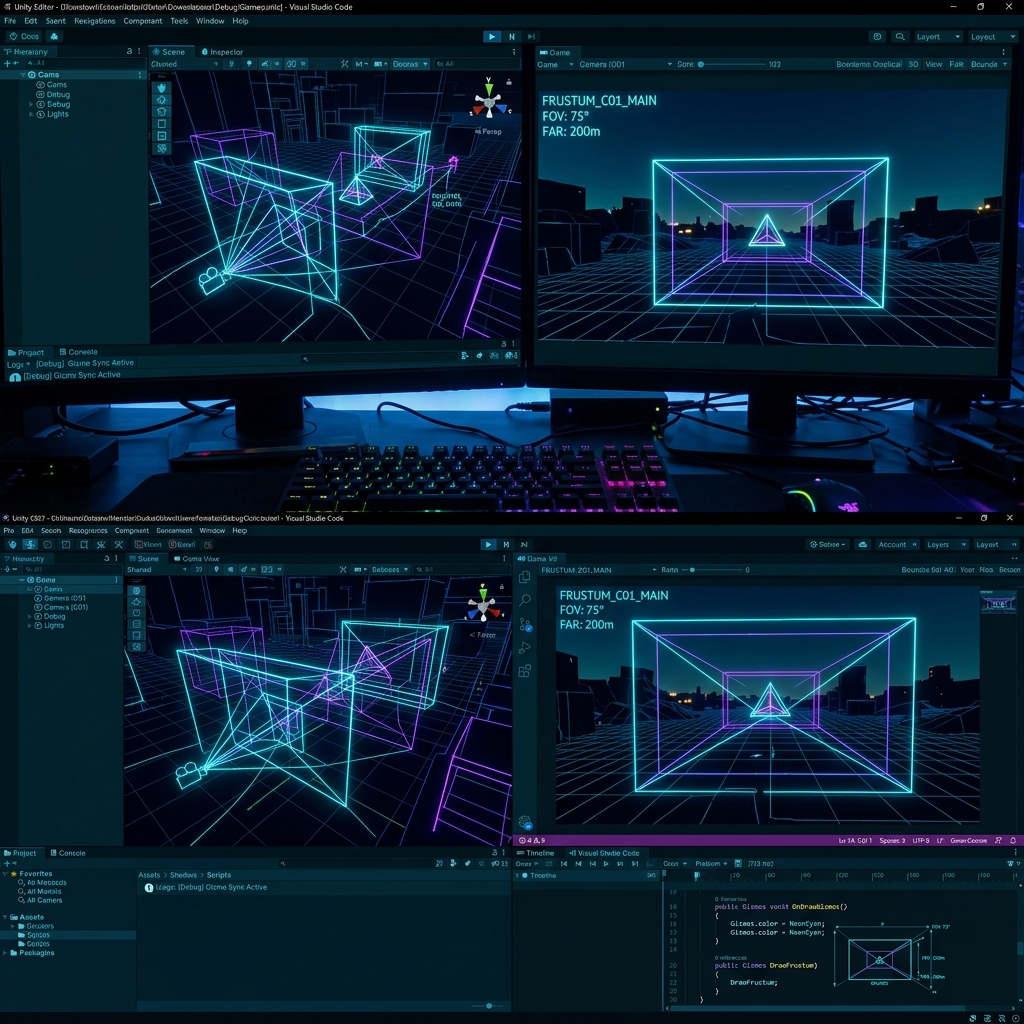
Frustum Culling Beginner

Frustum Culling

A basic explanation of culling technology that instantly skips the drawing process for objects that are outside the camera's viewing angle (outside the viewing frustum) and significantly reduces GPU load.

Mipmap Beginner

Mipmap

A technical explanation of automatically reducing the texture resolution in stages according to the 3D distance from the camera to save VRAM bandwidth and eliminate screen flickering (jaggies).

HLSL (High-Level Shader Language) Advanced

HLSL (High-Level Shader Language)

Basic knowledge of the basic structure of HLSL, a language for writing drawing instructions directly to the GPU in Unity shader development, and custom code writing of Shader Graph.

Billboard Beginner

Billboard

A billboard drawing technology that constantly turns 2D polygons such as particles to face the front according to camera movements, creating a three-dimensional illusion.

Deferred Shading Advanced

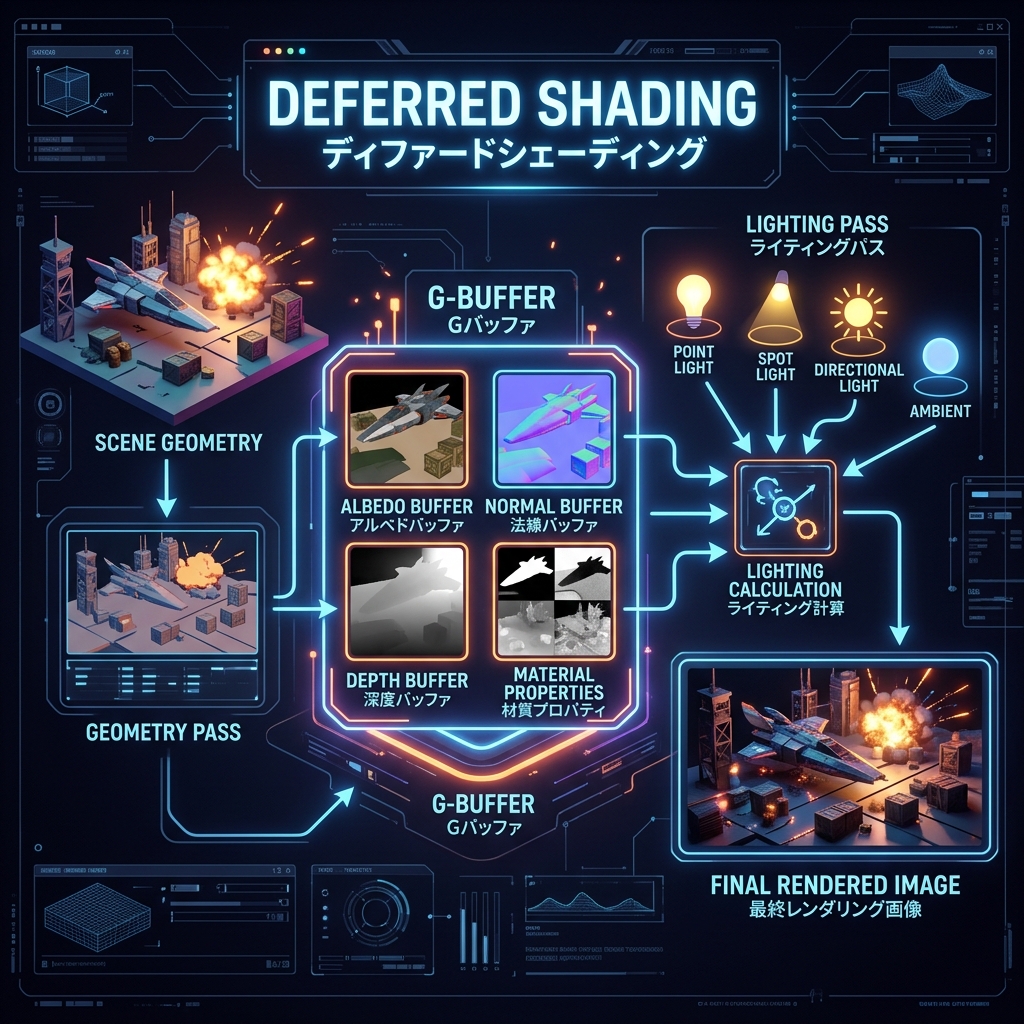
Deferred Shading

A deferred drawing mechanism that reduces the GPU load when arranging a large number of lights by writing drawing information to the G buffer once and then performing write calculations all at once.

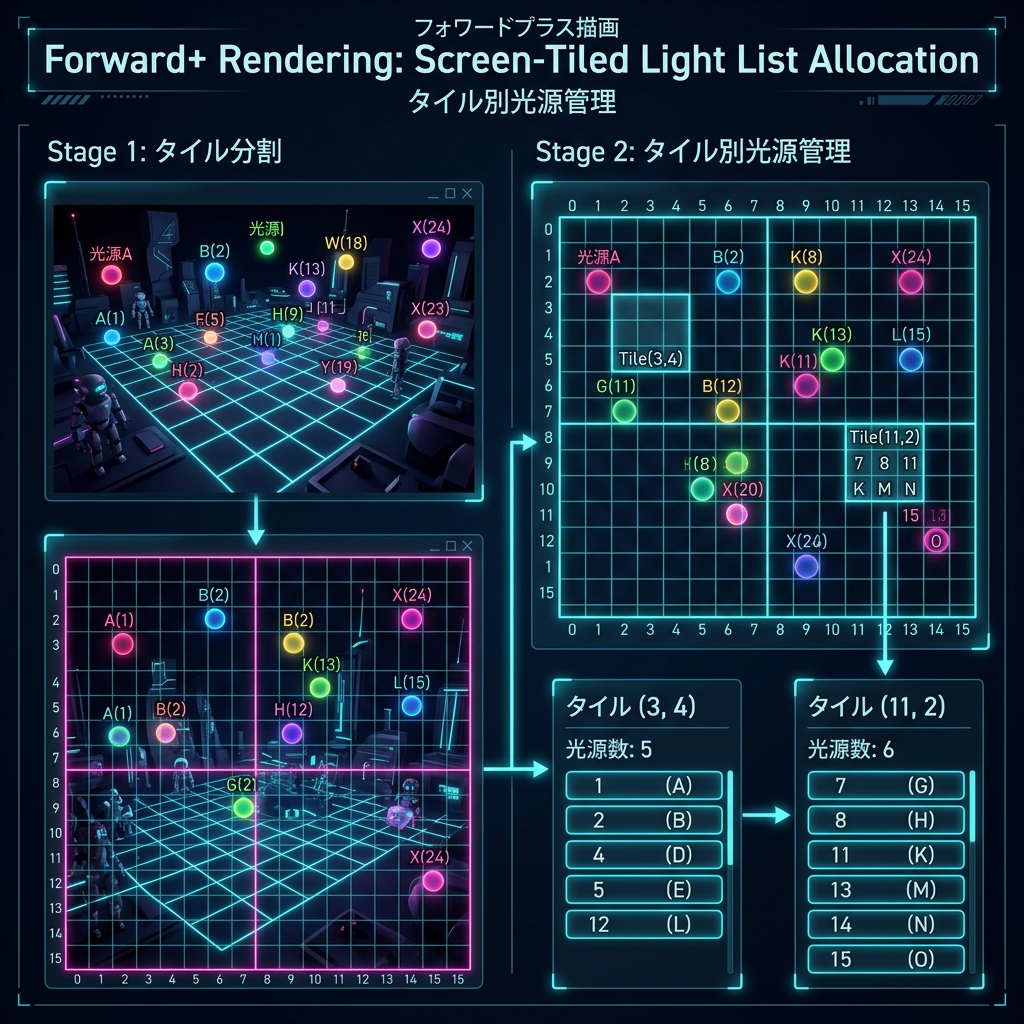
Forward+ Rendering Advanced

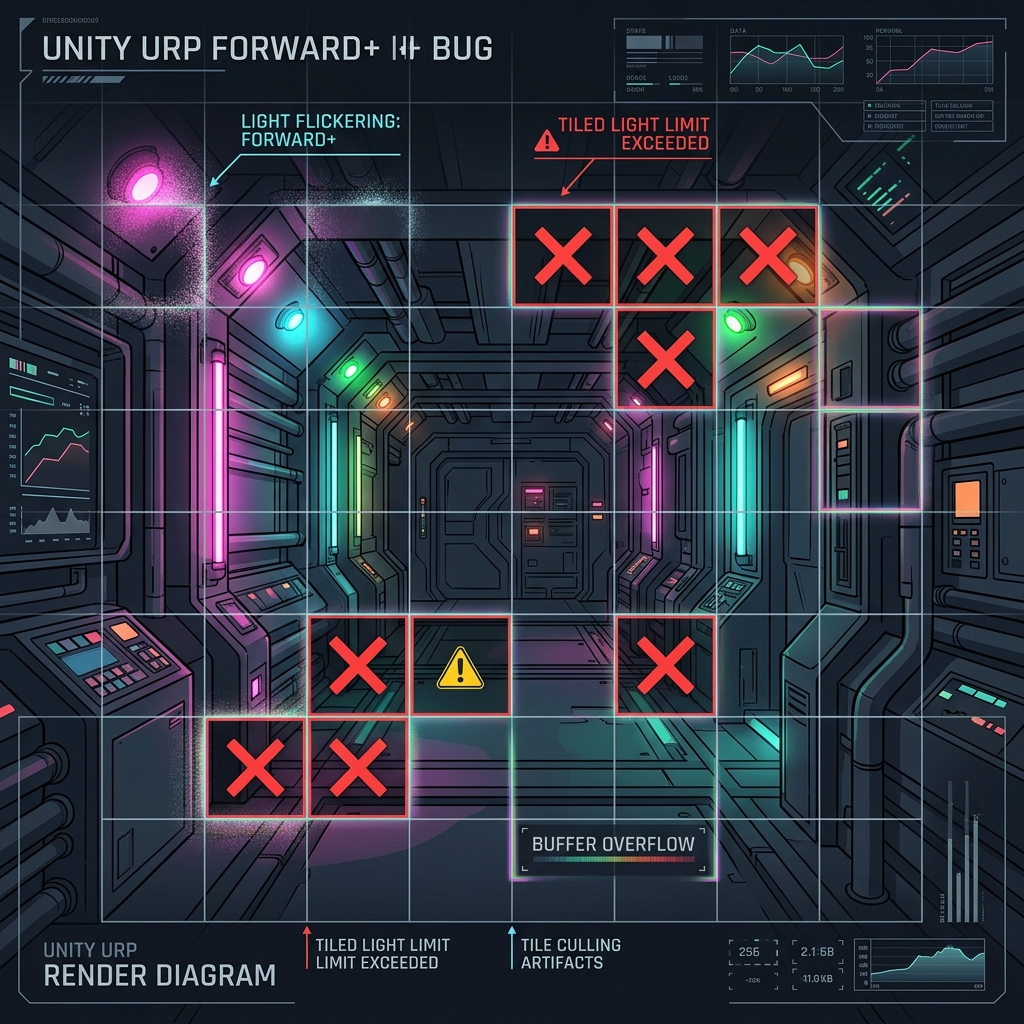
Forward+ Rendering

A drawing method that achieves both translucent drawing and a large amount of light placement by dividing the screen into tiles and applying only the light related to each tile to pixels.

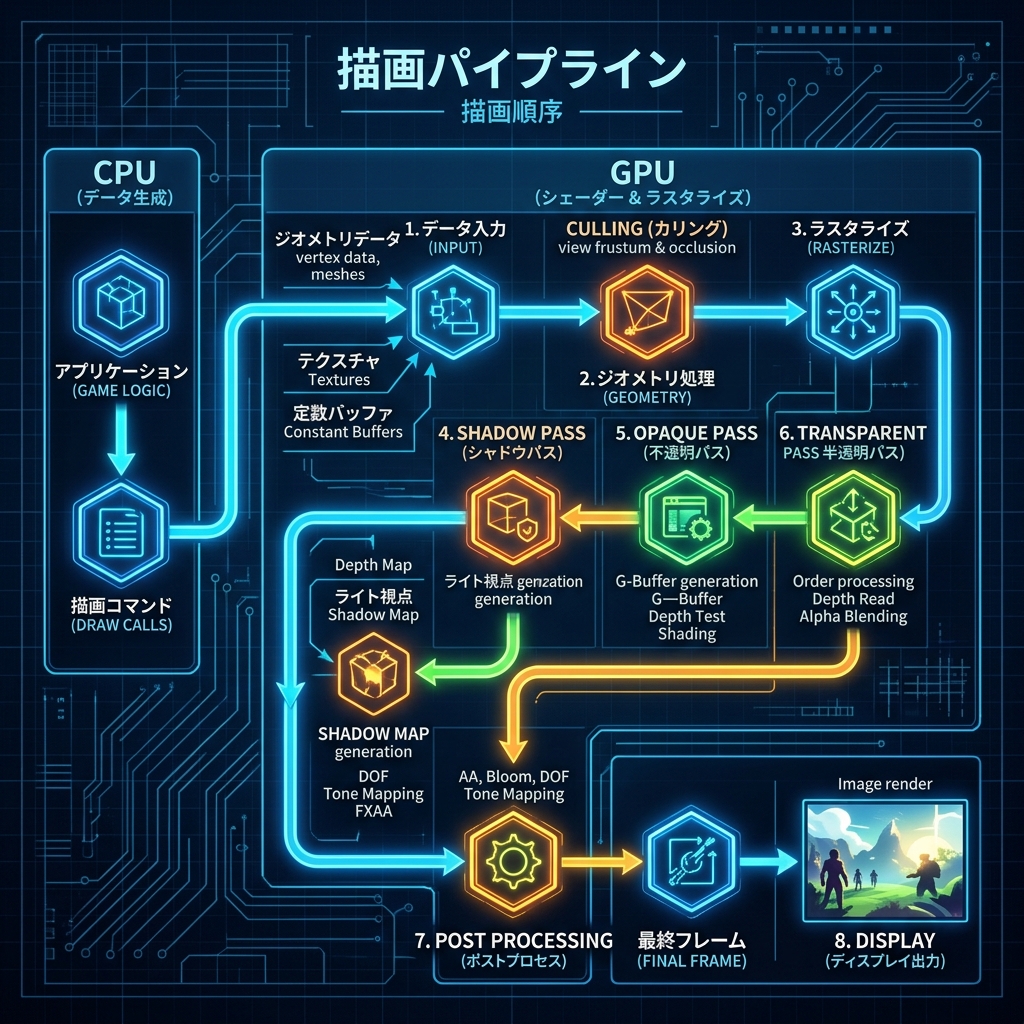
Render Pipeline Beginner

Render Pipeline

An explanation of the series of drawing processing flows in Unity, from meshes, textures, and camera settings in 3D space to outputting the final screen pixels.

Z-Test (Depth Test / ZTest) Intermediate

Z-Test (Depth Test / ZTest)

When the GPU draws a pixel, it compares it with the distance information already written to the depth buffer, determines whether it is in front or in the back, and processes occluding objects.

Z-Write (Depth Write / ZWrite) Intermediate

Z-Write (Depth Write / ZWrite)

When an object is drawn, the distance of that pixel from the camera (depth value) is recorded in a dedicated Depth Buffer, and is used to determine the front and back of subsequent objects.

Stencil Buffer Advanced

Stencil Buffer

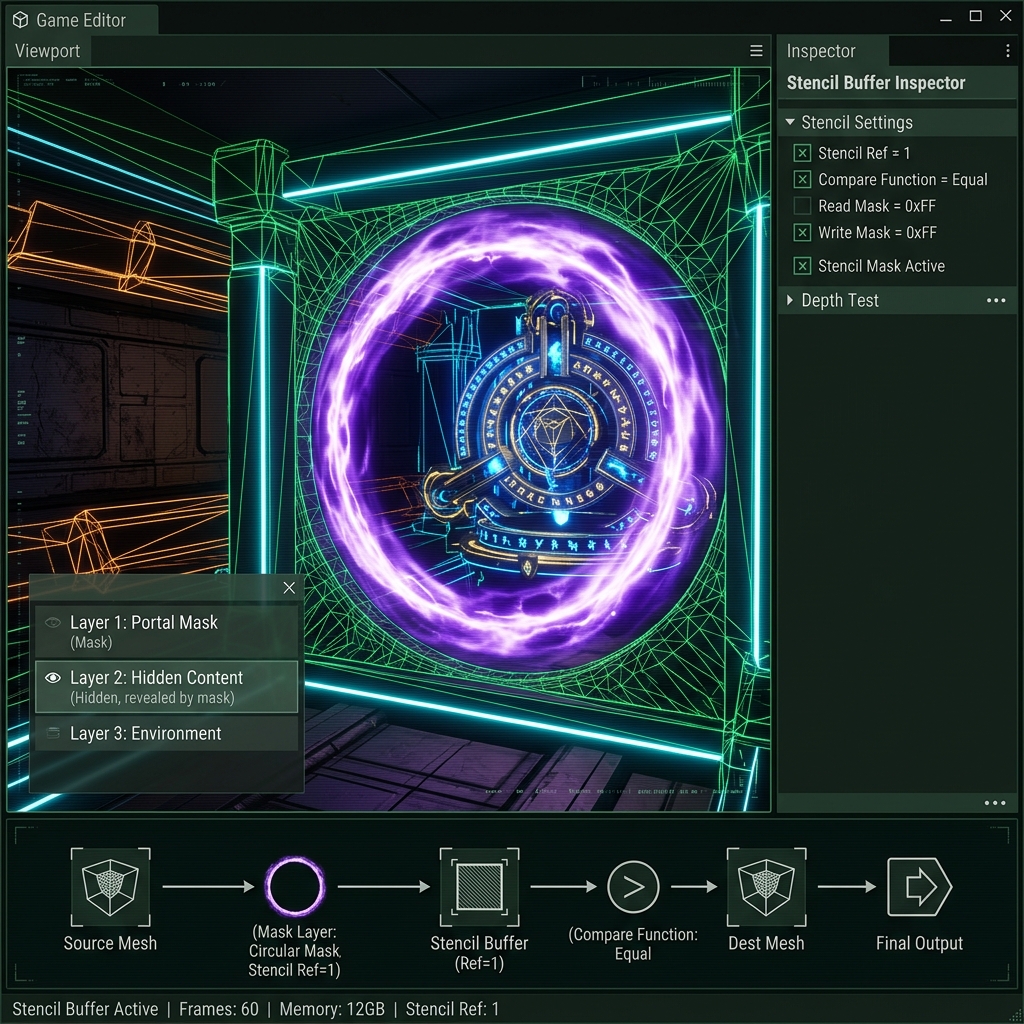
Explanation of crop shader technology that writes an arbitrary integer (mask value) for each pixel on the screen and draws objects only within the range of a specific shape.

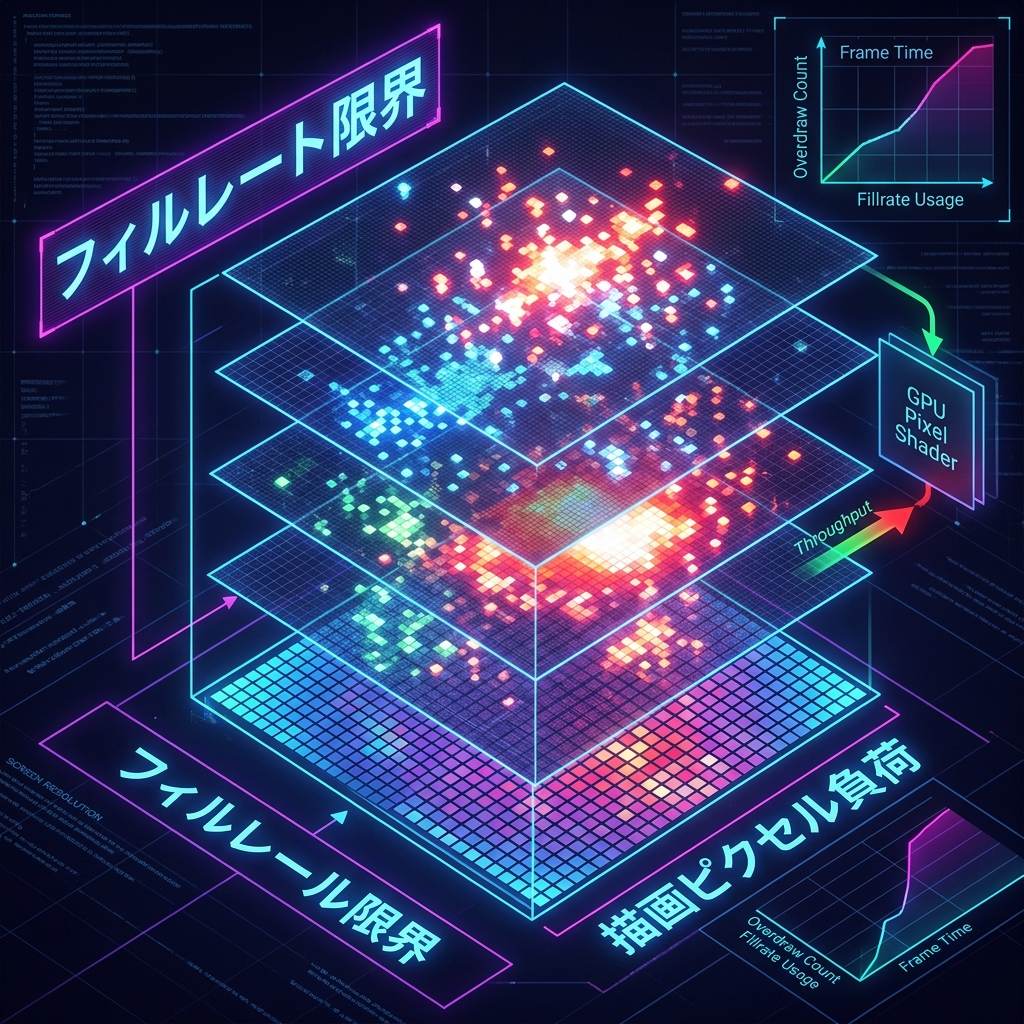
Overdraw (overdraw / duplicate drawing) Intermediate

Overdraw (overdraw / duplicate drawing)

An explanation of the phenomenon where translucent objects etc. are drawn over and over again on the same screen pixel, causing the GPU's fill rate load to exceed its limit and become choppy.

Anisotropic Filtering Beginner

Anisotropic Filtering

Technology that eliminates the blurring of 3D flat textures (ground, road surfaces, etc.) that are sharply tilted toward the camera, and renders sharp, high-definition images even in the background.

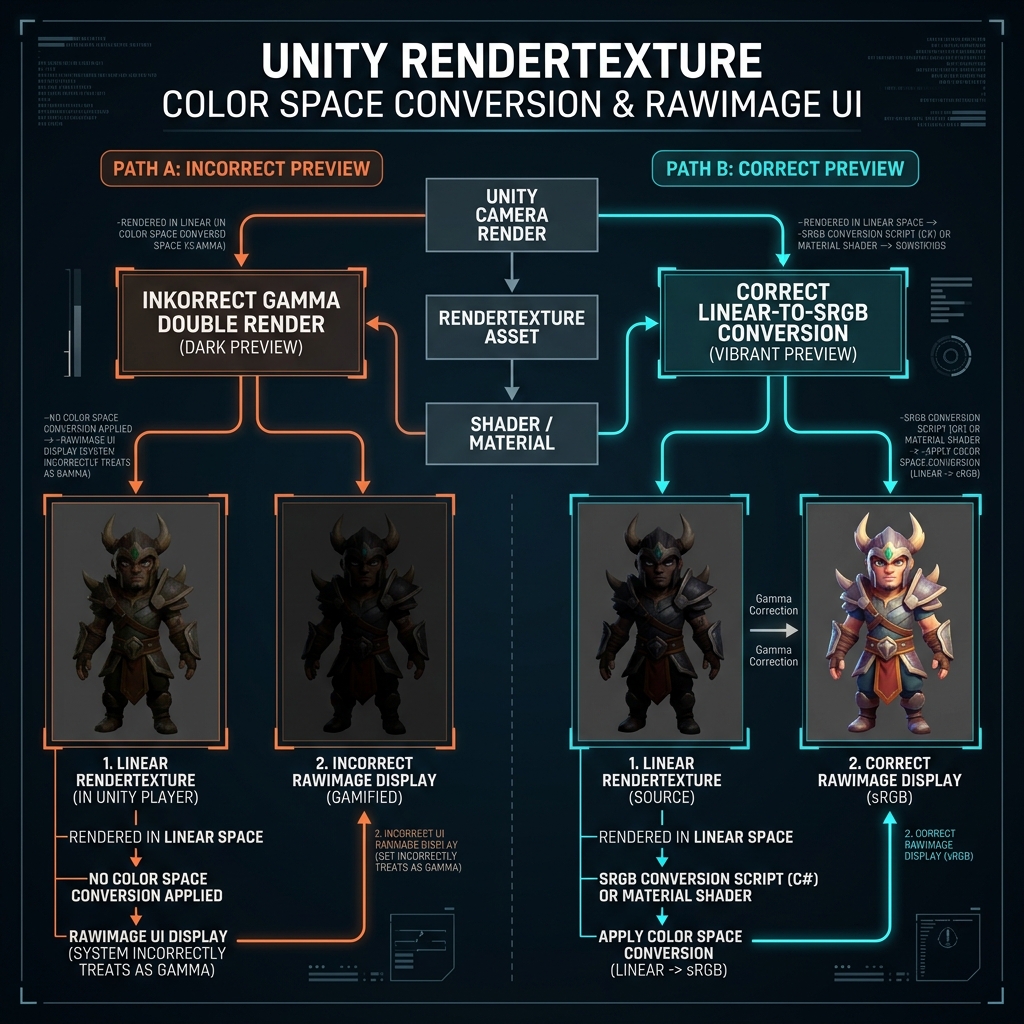
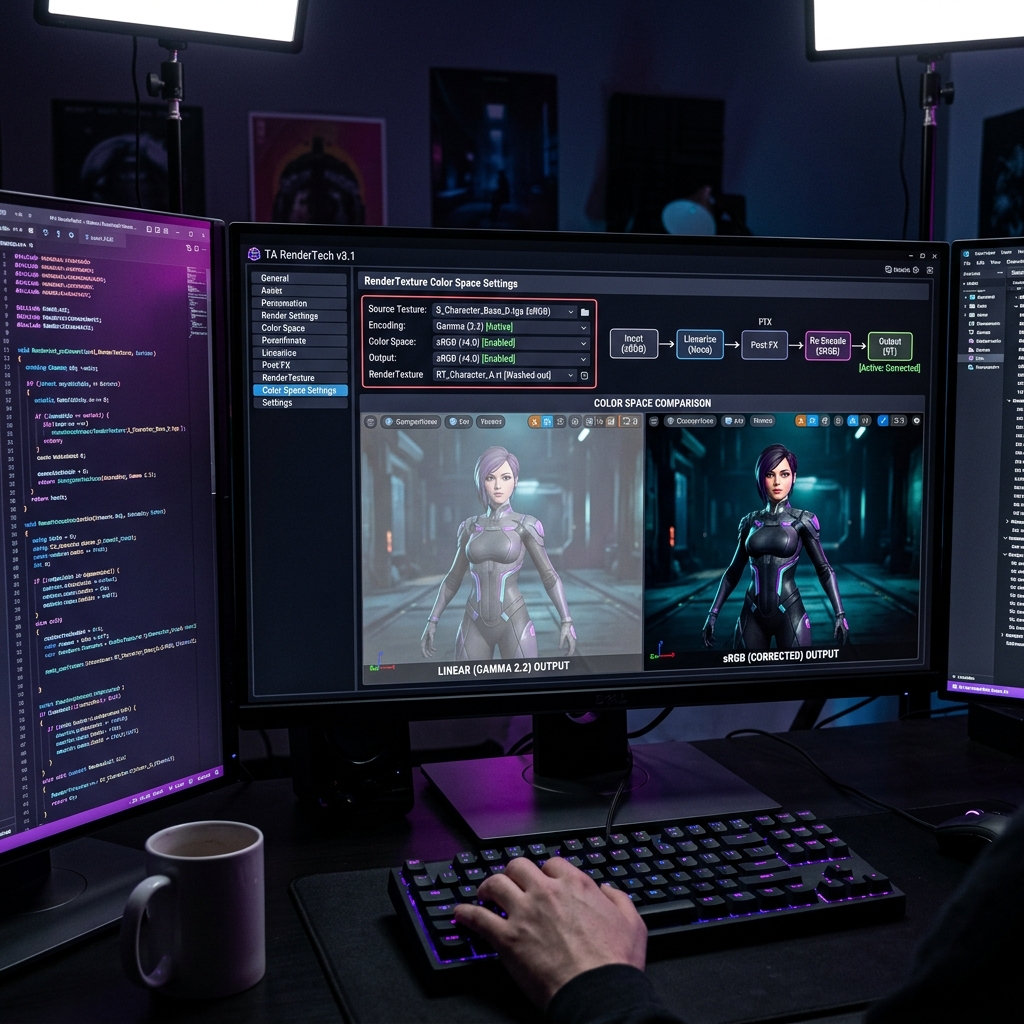
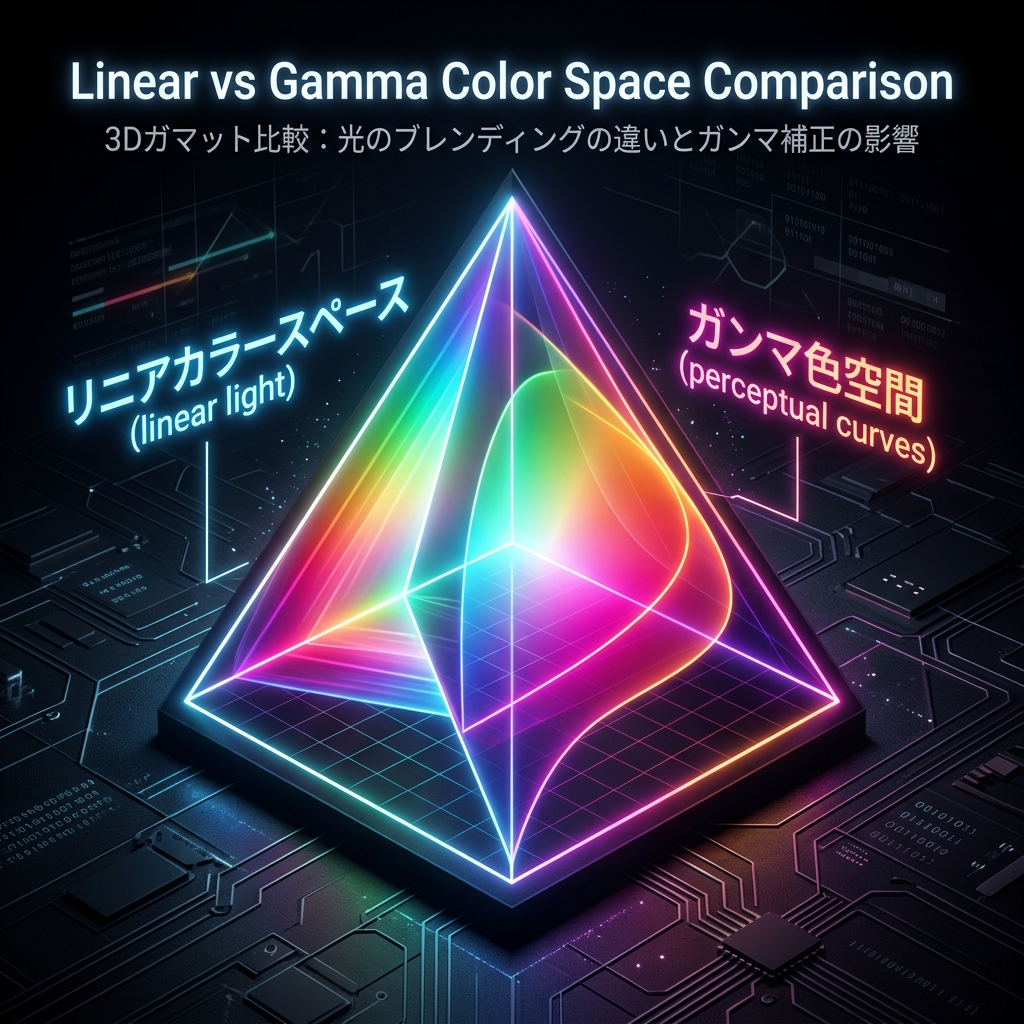
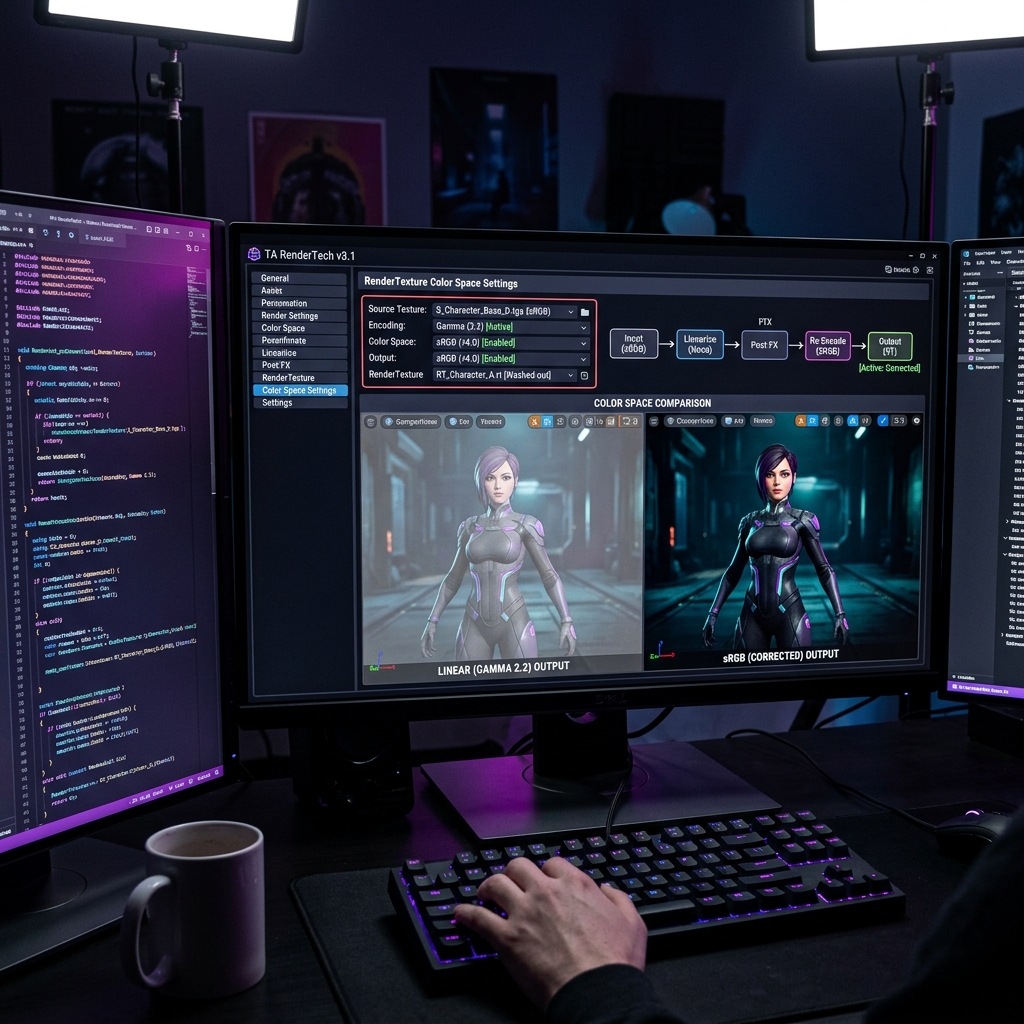
Color Space Intermediate

Color Space

A basic explanation of the difference between the color expression methods (Linear and Gamma) used during Unity's rendering calculations, and physically correct light blending and HDR expression.

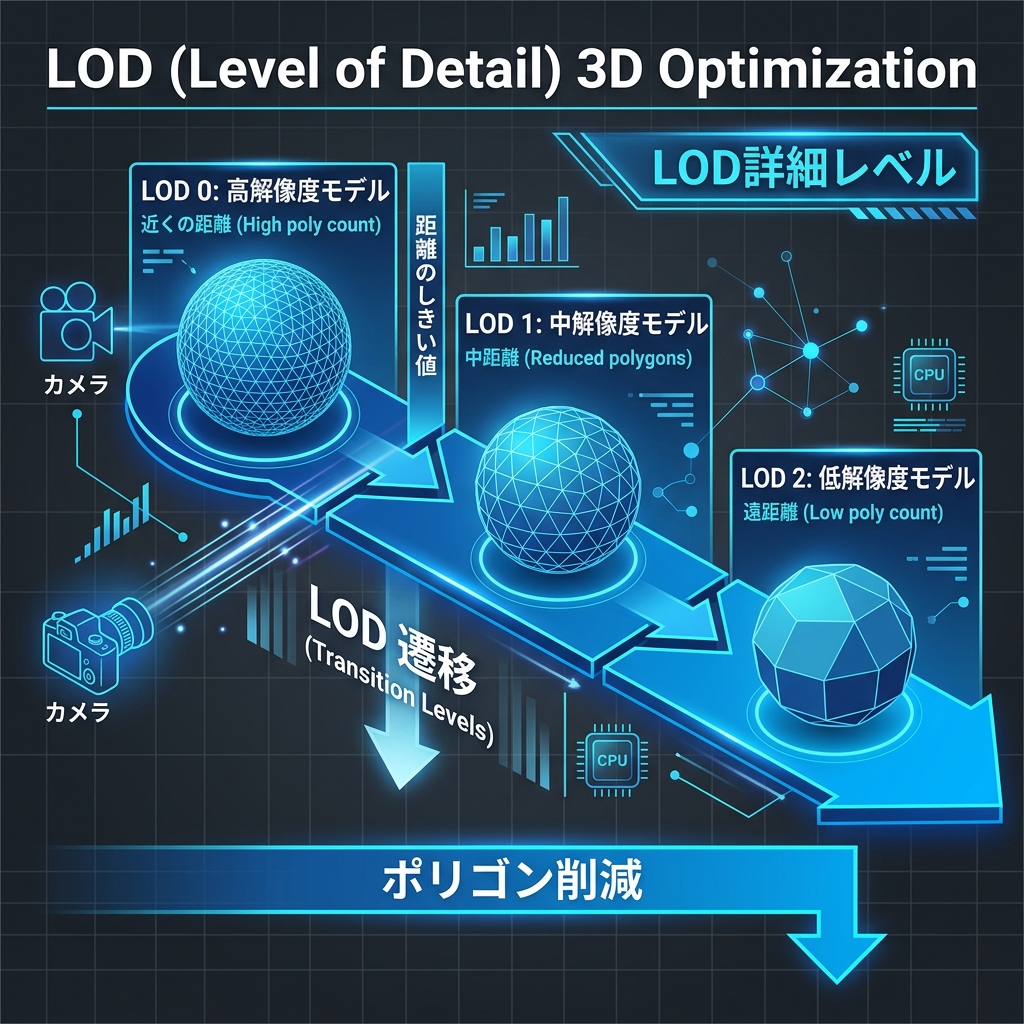
LOD (Level of Detail) Beginner

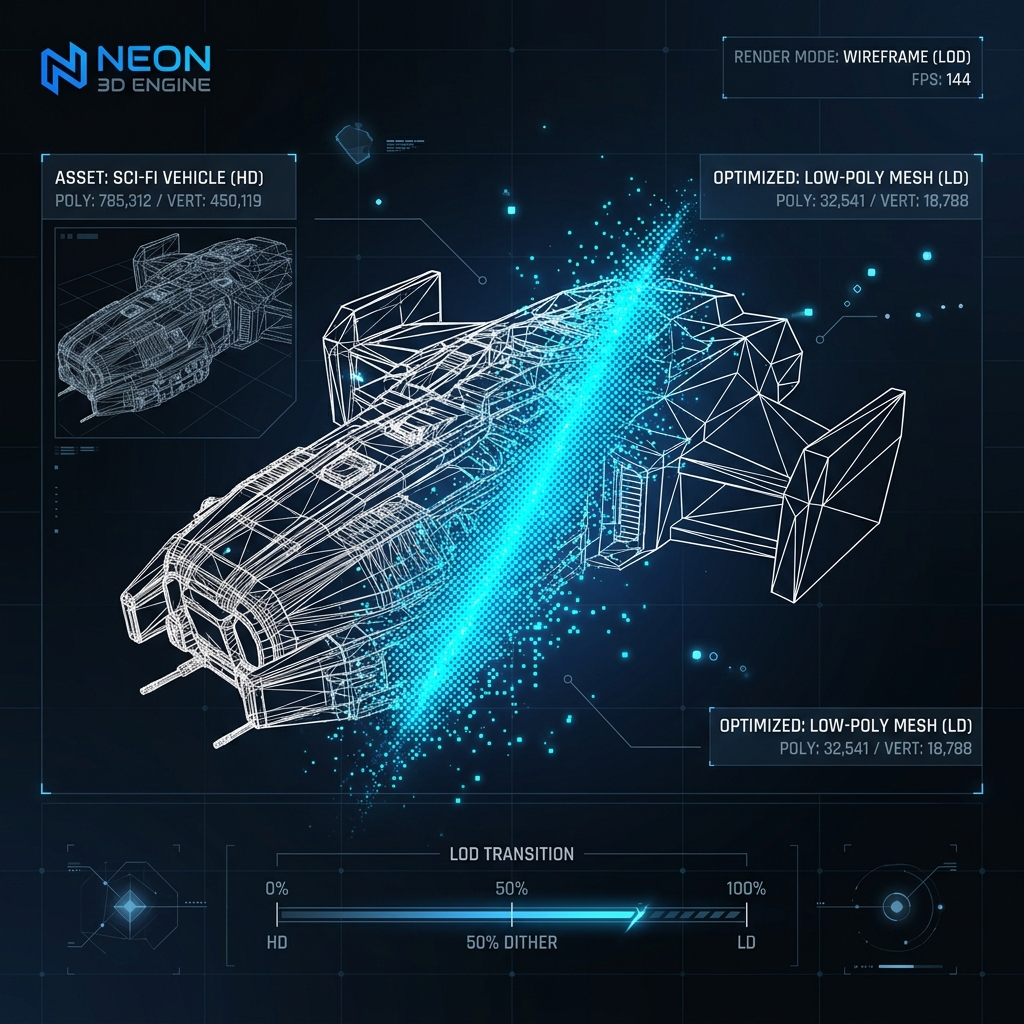
LOD (Level of Detail)

A technology that automatically changes the complexity (number of polygons) of a 3D mesh in stages according to the distance between the camera and the object, optimizing the geometry load on the GPU.

Occlusion Culling Intermediate

Occlusion Culling

A powerful optimization technique that automatically skips the rendering of 3D objects that are in view but hidden behind foreground walls or buildings and are not visible to the player.

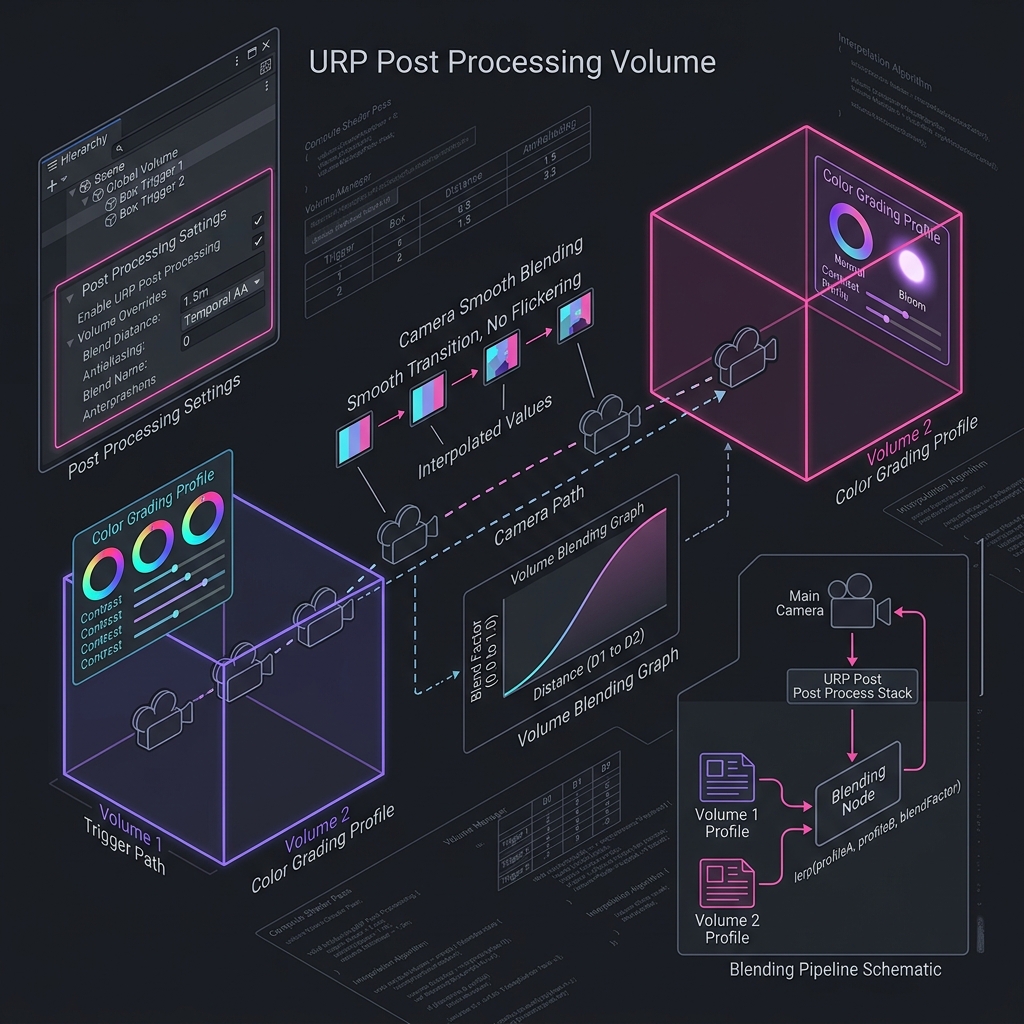
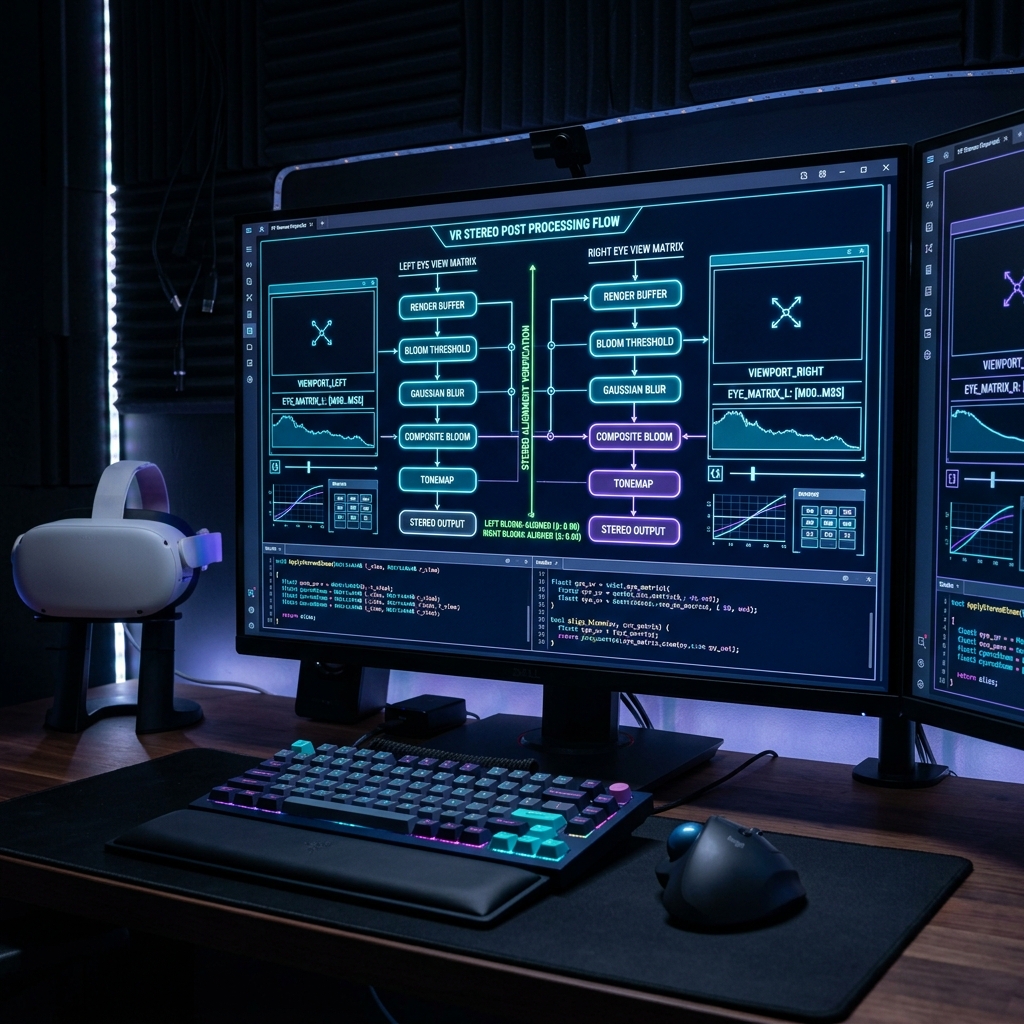
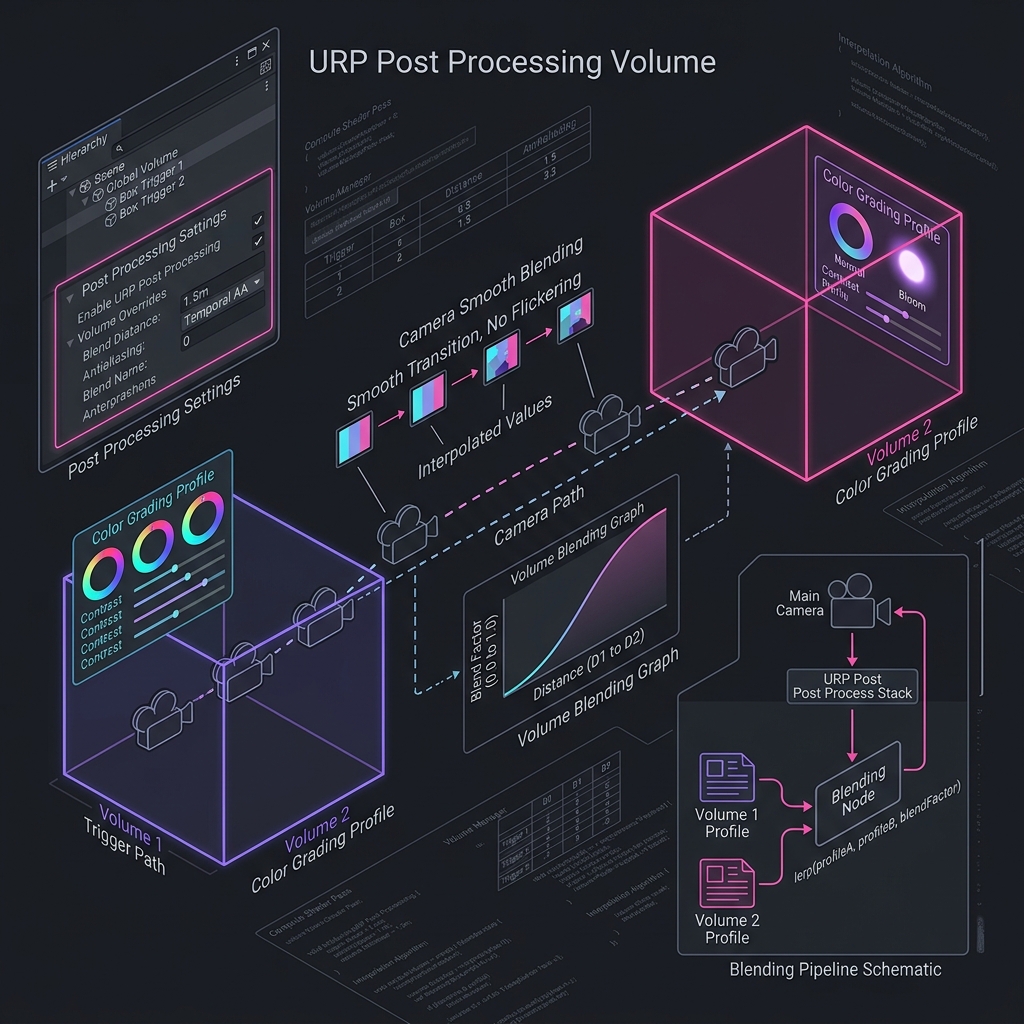
Post Processing Beginner

Post Processing

A technology that completely changes the atmosphere of the screen by applying the physical effects of the camera lens (Bloom, chromatic aberration, tone mapping, etc.) to the 2D screen after rendering is complete.

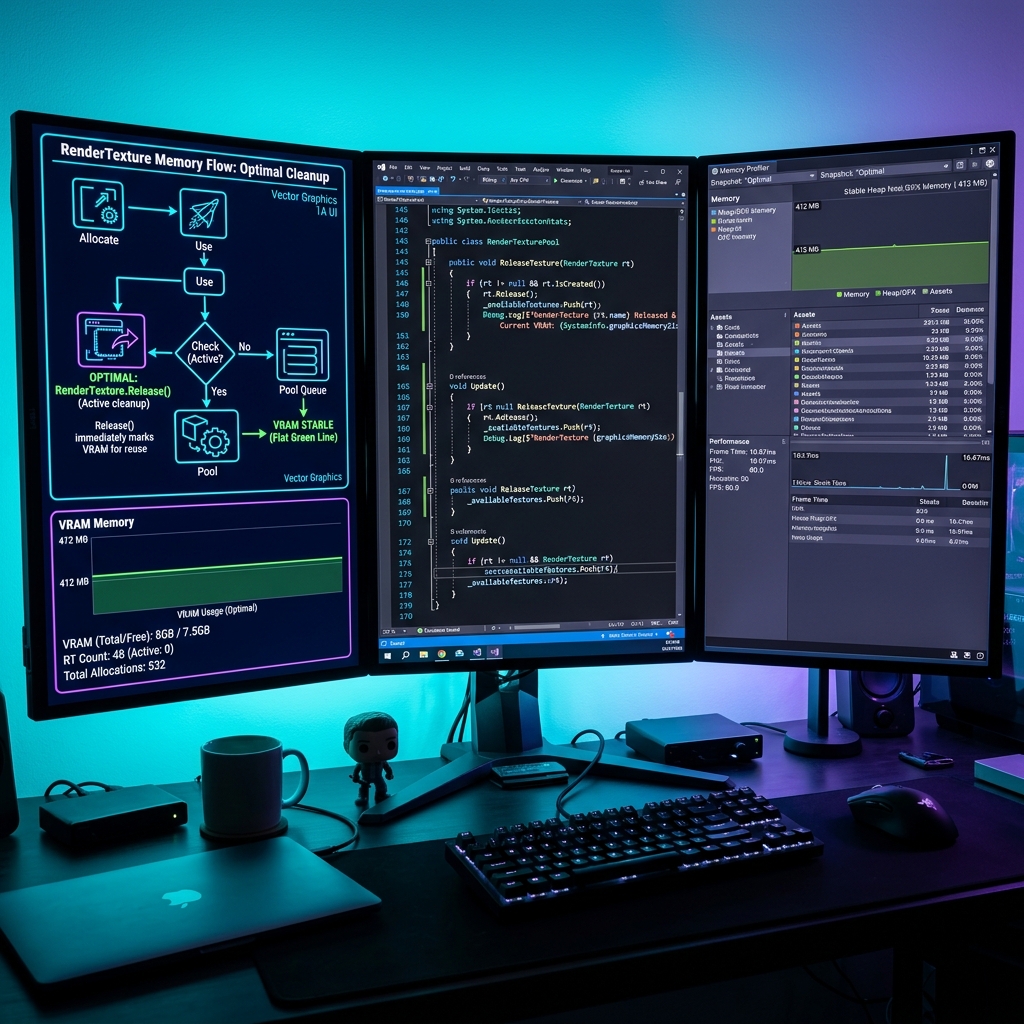
Render Texture Intermediate

Render Texture

A technology that stores camera drawing results in video memory like regular texture assets and draws them on the surfaces of 3D objects in the game in real time.

Draw Call Beginner

Draw Call

An API command that the CPU issues to the graphics card (GPU) by specifying mesh and material parameters and telling it to ``draw this 3D model.''

Batched Draw Call Intermediate

Batched Draw Call

An optimization process that consolidates drawing instructions for multiple individual objects into one large group on the CPU or GPU side, minimizing the number of draw call APIs issued.

Simulation Space Beginner

Simulation Space

In a particle system, a setting that determines whether the particle behavior and coordinate calculations are based on the parent game object (Local) or the scene's world space (World).

Vector Field Advanced

Vector Field

A technology that uses 3D texture assets that store 3D forces (wind direction and strength) at each coordinate in a 3D grid space to give particles complex, organic undulations.

Particle Lifetime Beginner

Particle Lifetime

An explanation of the most basic property of effect control, which defines the lifetime (in seconds) of each individual particle from its creation to its disappearance.

Emission Rate Beginner

Emission Rate

Explanation of Emission Rate, which is a parameter for the number of particles continuously generated over time (per second) in a particle system.

Bursts Beginner

Bursts

An explanation of the burst setting that instantly releases a large amount of particles explosively at a specific time or at the start of a loop in a particle system.

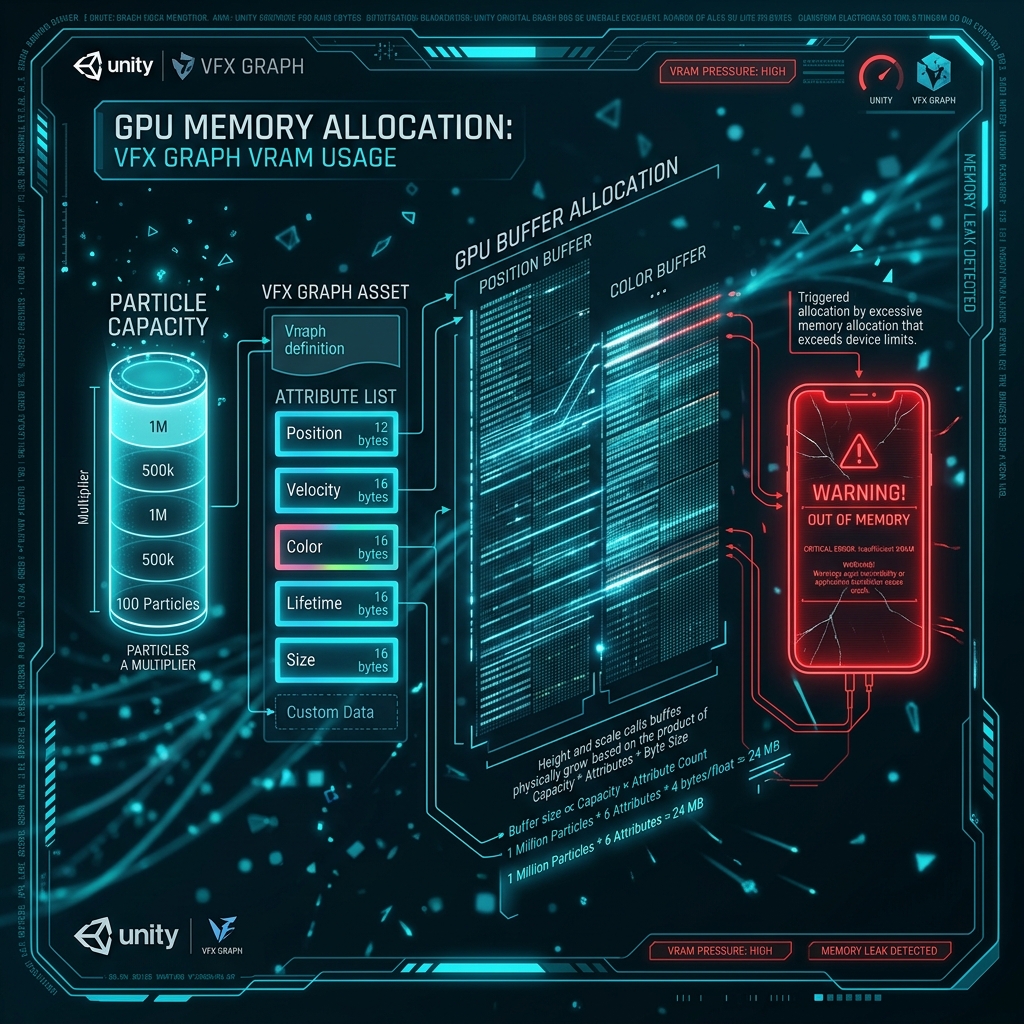
GPU Particle Advanced

GPU Particle

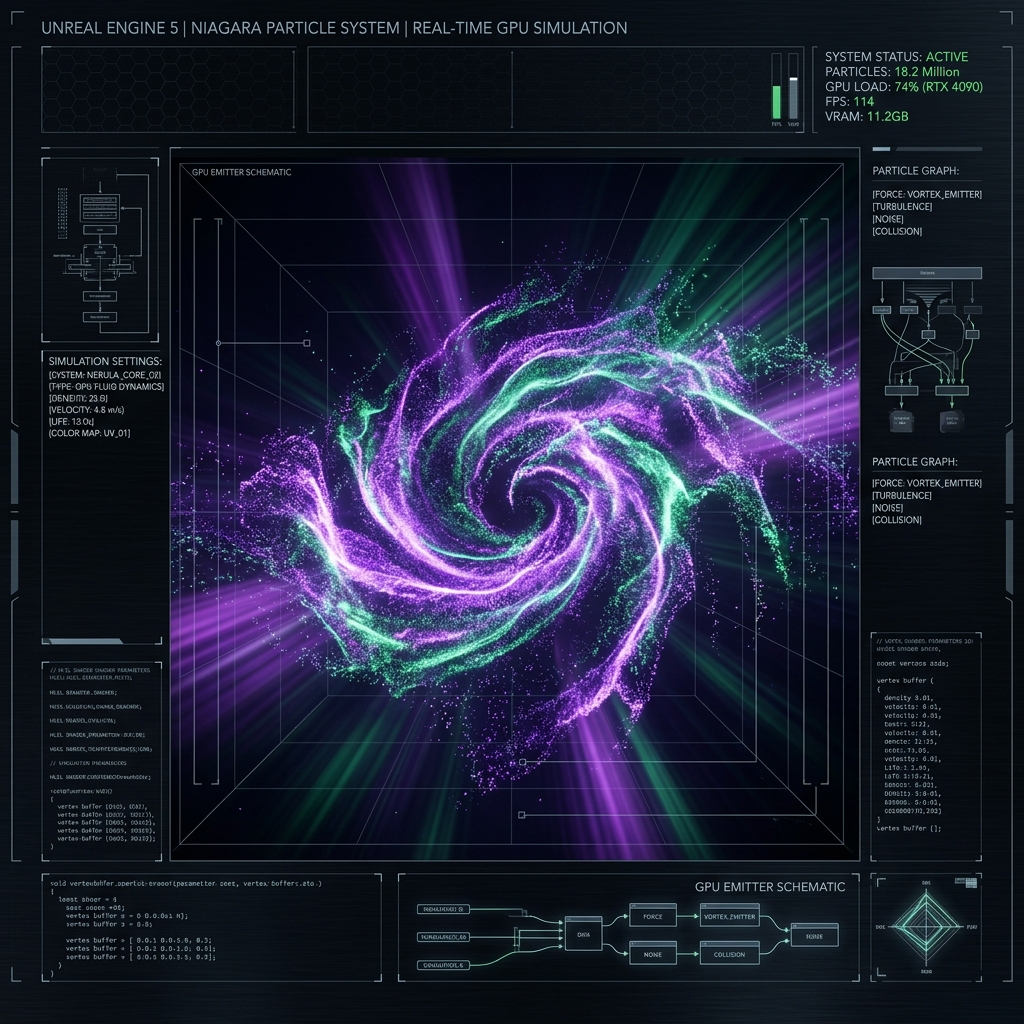
The core technology of VFX Graph makes full use of the massively parallel computing power of the GPU rather than the CPU to control and simulate an extremely large number of particles, ranging from hundreds of thousands to millions, in real time.

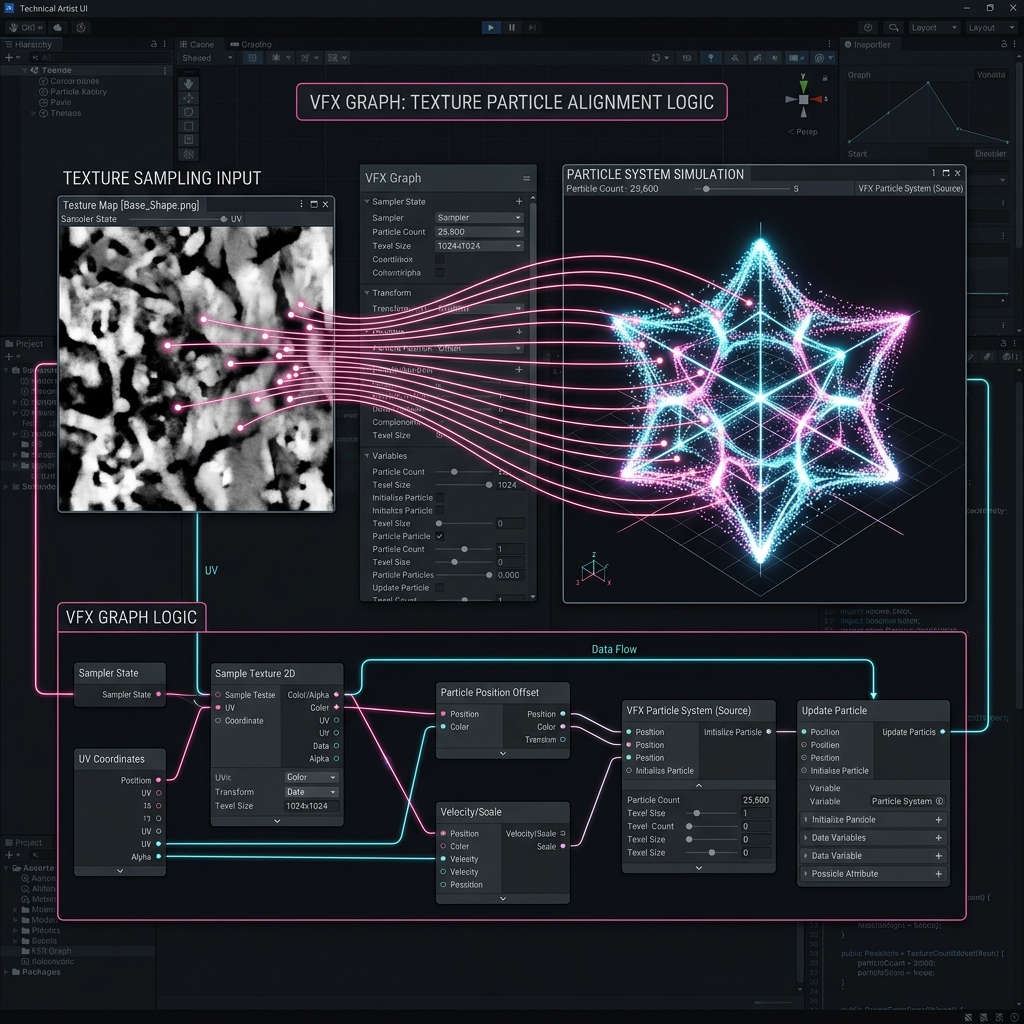
Point Cache Advanced

Point Cache

A technology that bakes the surface coordinates (vertex positions and normal lines) data of complex 3D characters and objects as text textures in advance, and generates effects according to the shape within the VFX Graph.

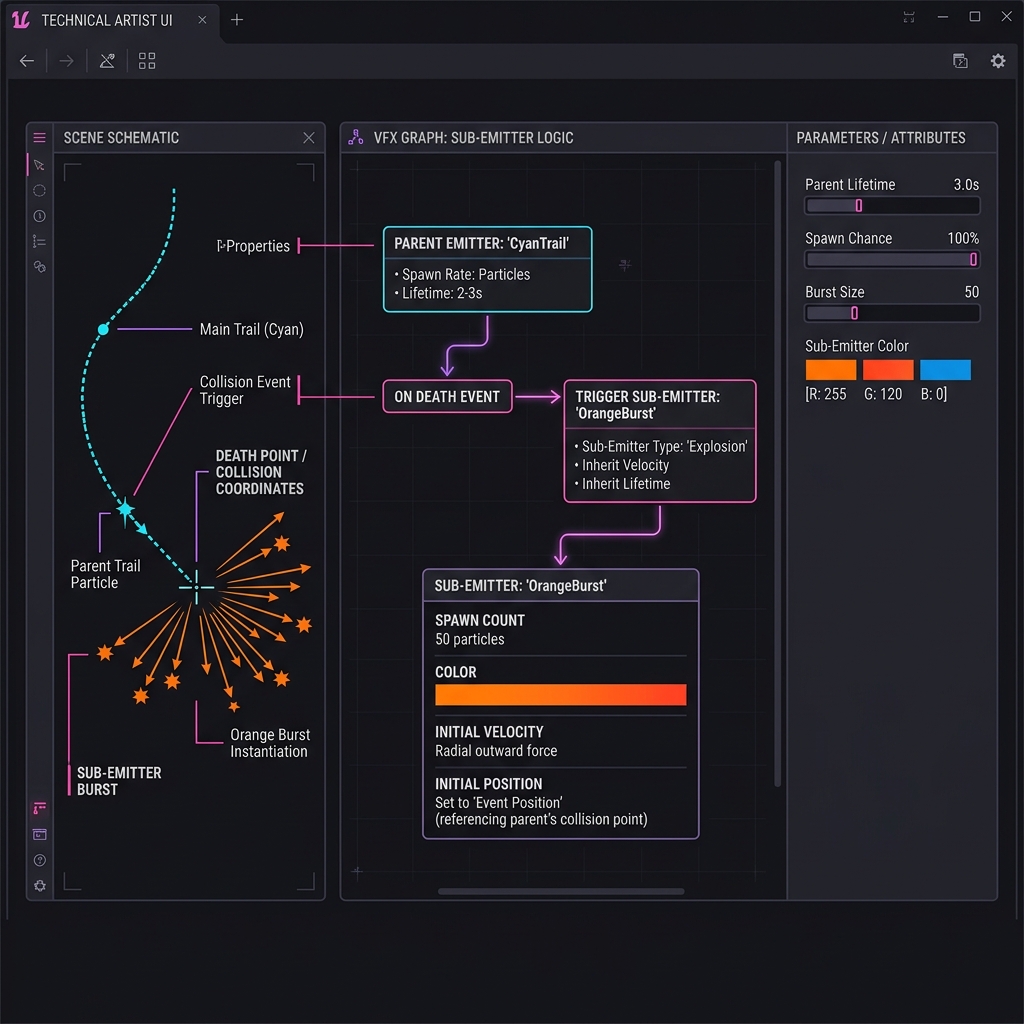
Sub Emitter Intermediate

Sub Emitter

An explanation of the hierarchical effect technology that generates a new child particle from the coordinates of a parent particle in a particle system at the moment a specific event (collision, extinction, birth, etc.) occurs.

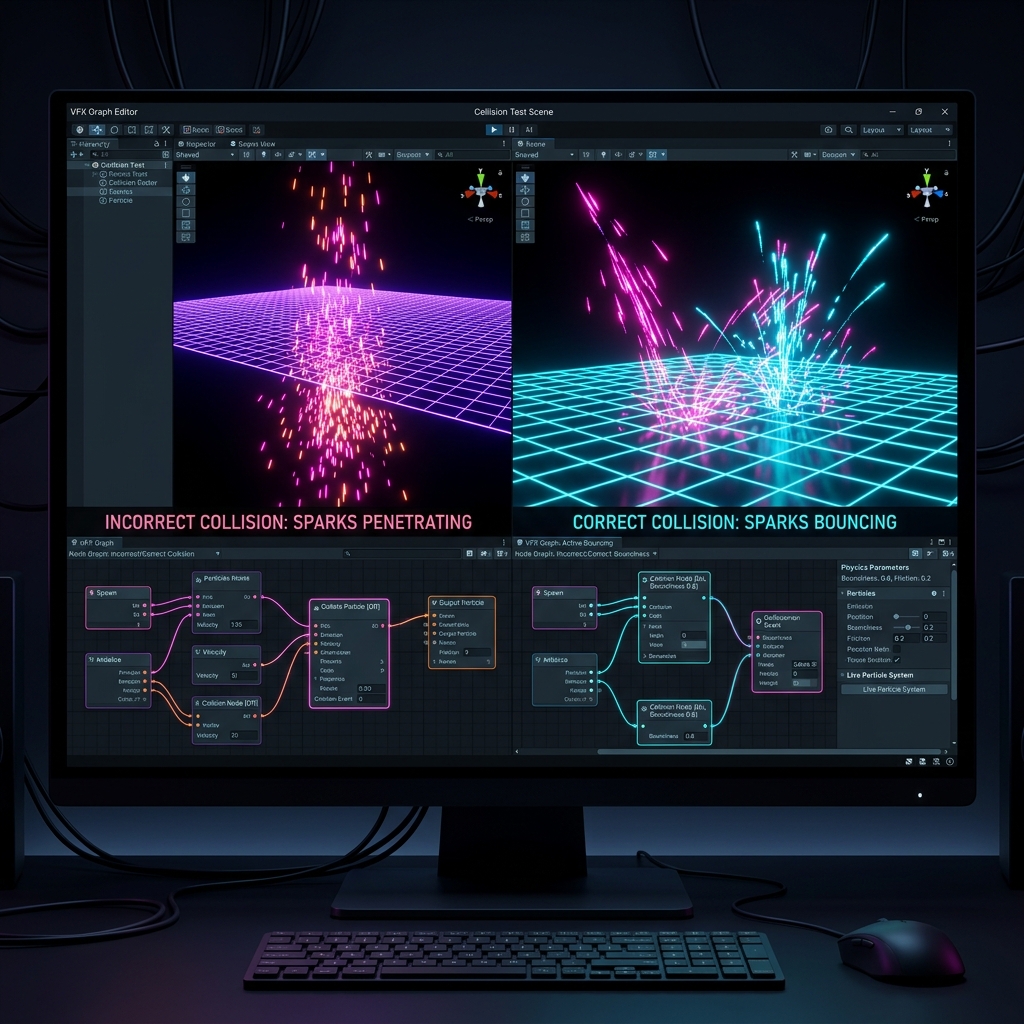
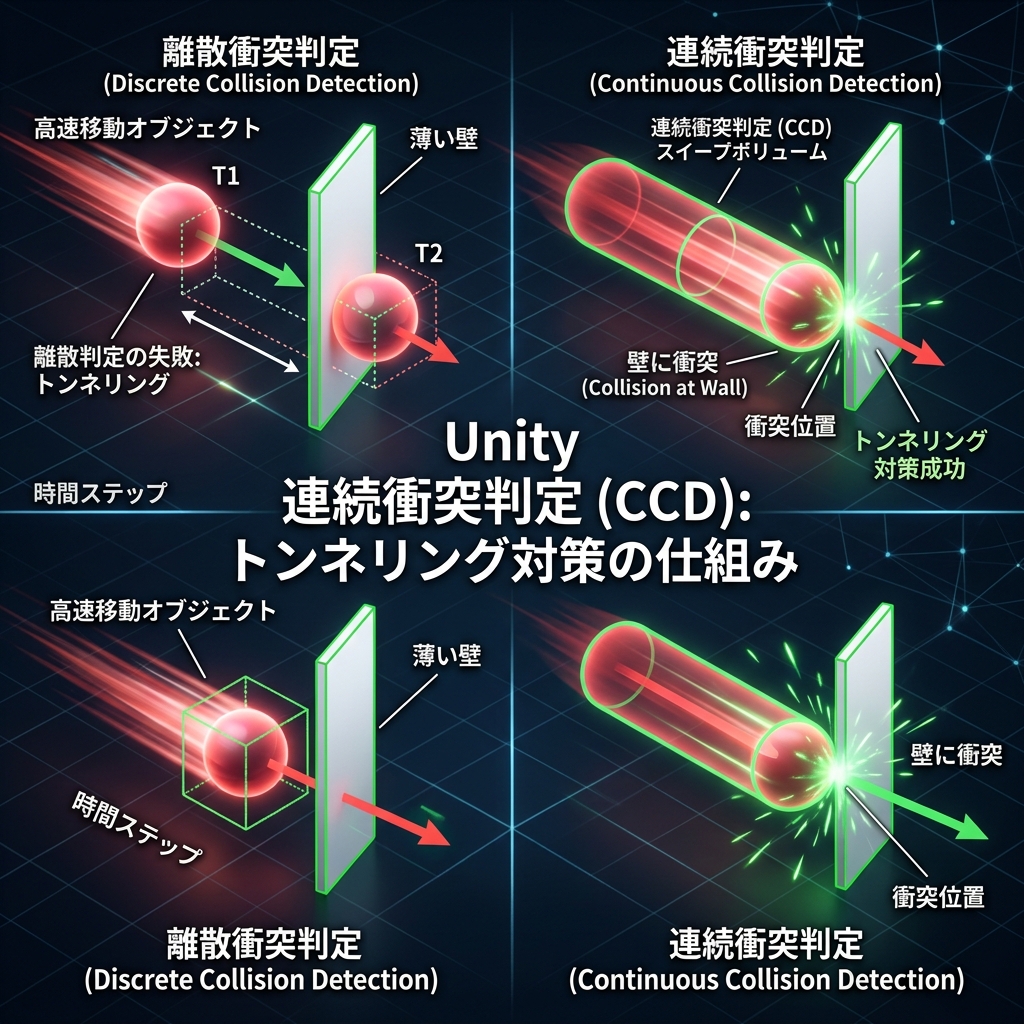
Collision (Collision/Particle Collision) Intermediate

Collision (Collision/Particle Collision)

A processing system that determines when a particle physically intersects or contacts an obstacle or collider in 3D space, and provides dynamic behavior such as bouncing, sliding, friction, or annihilation.

Noise Field Intermediate

Noise Field

An explanation of the technology that creates fractal pseudo-random force fields such as Perlin noise and Simplex noise in 3D space to impart organic and irregular fluctuations (wind pressure) to the movement of particles.

Render Mode Beginner

Render Mode

In particle systems, settings that specify how particles are drawn on screen as billboards, meshes, or horizontal/vertical boards.

Ribbon Renderer Intermediate

Ribbon Renderer

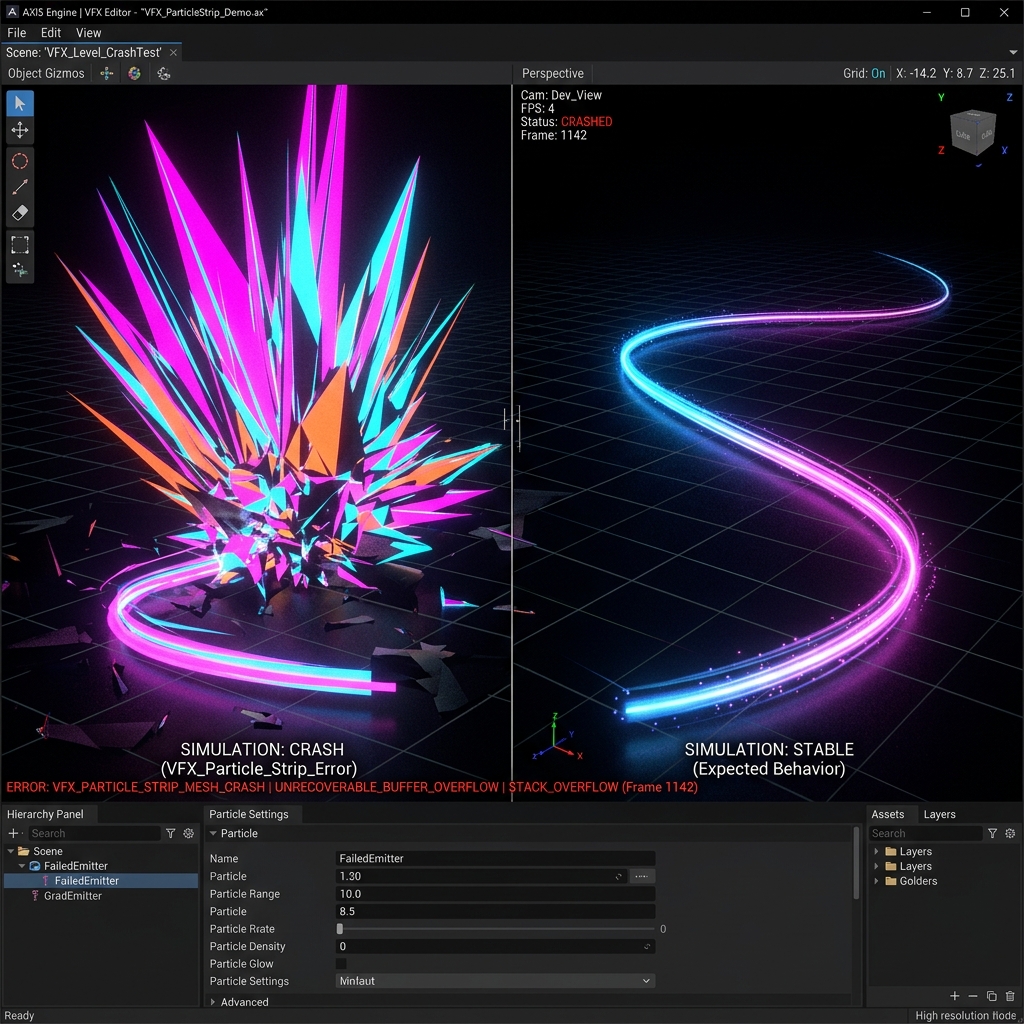
In VFX Graph, a function that connects individual generated particles with a smooth band (ribbon)-like mesh to create a trajectory or string-like effect.

Trail Beginner

Trail

Explanation of the function that tracks the movement path of particles and moving objects and dynamically generates beautiful afterimages and flight trajectory polygons that flow behind them.

Inherit Velocity Beginner

Inherit Velocity

When particles are generated, it automatically takes over the movement speed of the source of the emission (parent object or moving character), reproducing natural physical behavior.

Soft Particles Intermediate

Soft Particles

A rendering technology that uses the difference in depth values ​​to smoothly fade out the boundary line where translucent particles collide with opaque objects such as the ground or walls, eliminating unnatural edges.

Vertex Shader Intermediate

Vertex Shader

A program that is executed on each "vertex" that makes up a 3D model, converting coordinates, processing vertex colors, and adding animation such as waves and deformation to shapes.

Fragment Shader Intermediate

Fragment Shader

After processing the vertex shader, a program that uses lighting, textures, and color composition to determine what color to paint each pixel (fragment) on the screen.

Fresnel Effect Beginner

Fresnel Effect

A technology that reproduces the physical phenomenon in which the reflectance and luminous intensity of contours increase depending on the angle between the camera's line of sight and the normal (orientation) of the object's surface.

Normal Map (Normal Map / Normal Map) Beginner

Normal Map (Normal Map / Normal Map)

A technology that creates the illusion of three-dimensional shadows by pasting a pseudo "direction of unevenness (normal)" expressed in RGB values ​​as a texture on the surface of a flat polygon and using lighting calculations.

UV Coordinates Beginner

UV Coordinates

A two-dimensional positioning coordinate system represented by U (horizontal axis) and V (vertical axis) for pasting a 2D planar image (texture) onto the three-dimensional surface of a 3D model.

PBR (Physically Based Rendering) Beginner

PBR (Physically Based Rendering)

The latest drawing method uses mathematical formulas to model physical laws such as absorption and reflection of light and the roughness of materials, and reproduces realistic and consistent textures no matter the lighting environment.

Alpha Clipping (Alpha Clipping / Cutout) Beginner

Alpha Clipping (Alpha Clipping / Cutout)

In a shader, a technology that immediately ``discards'' pixels whose texture alpha value (transparency) is below a certain threshold value at the GPU judgment stage and cuts the drawing.

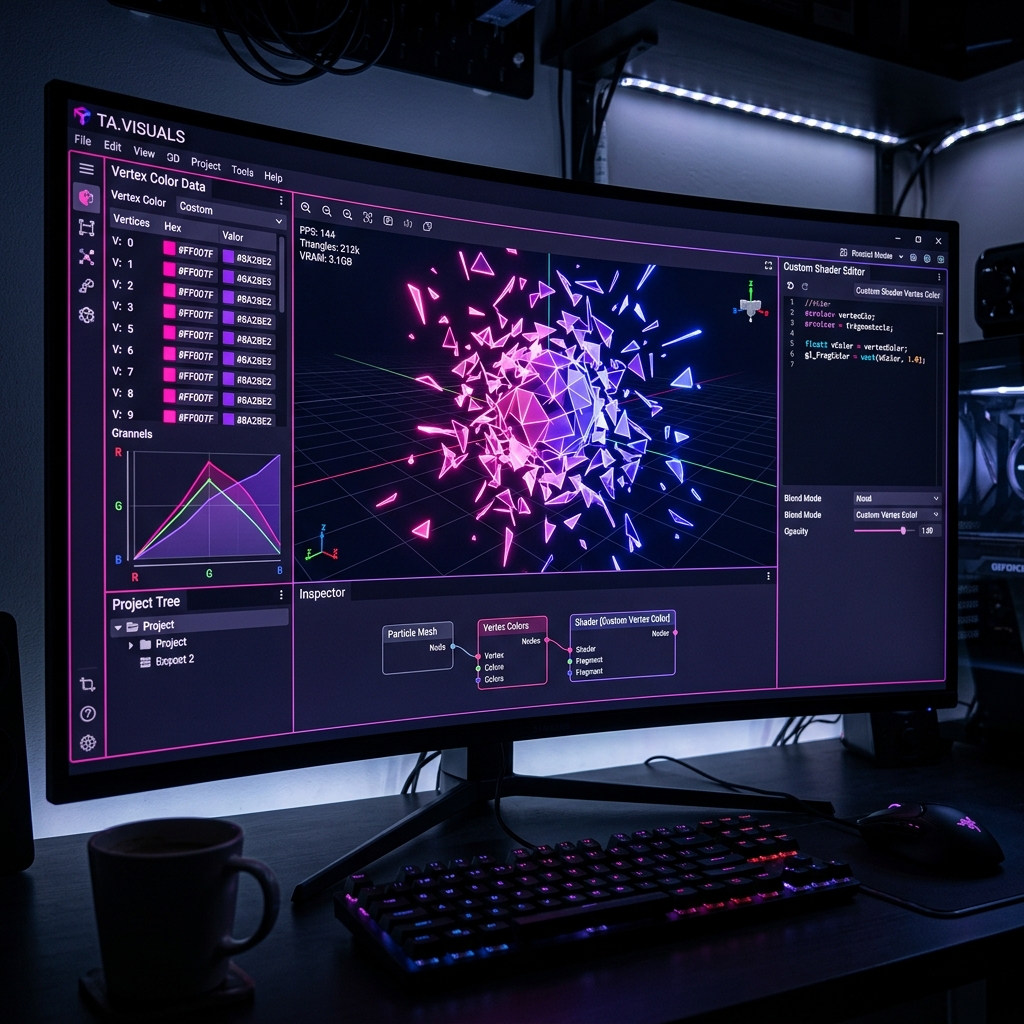
Vertex Color Beginner

Vertex Color

RGB (and Alpha) color information stored in each "vertex" of a 3D model itself, and is used as a coloring or mask in a shader without using a texture.

Triplanar Projection Advanced

Triplanar Projection

A special shader technology that ignores the UV coordinates of the 3D model and automatically composites textures by projecting them from three directions in world space: top, side, and front, without requiring UV expansion.

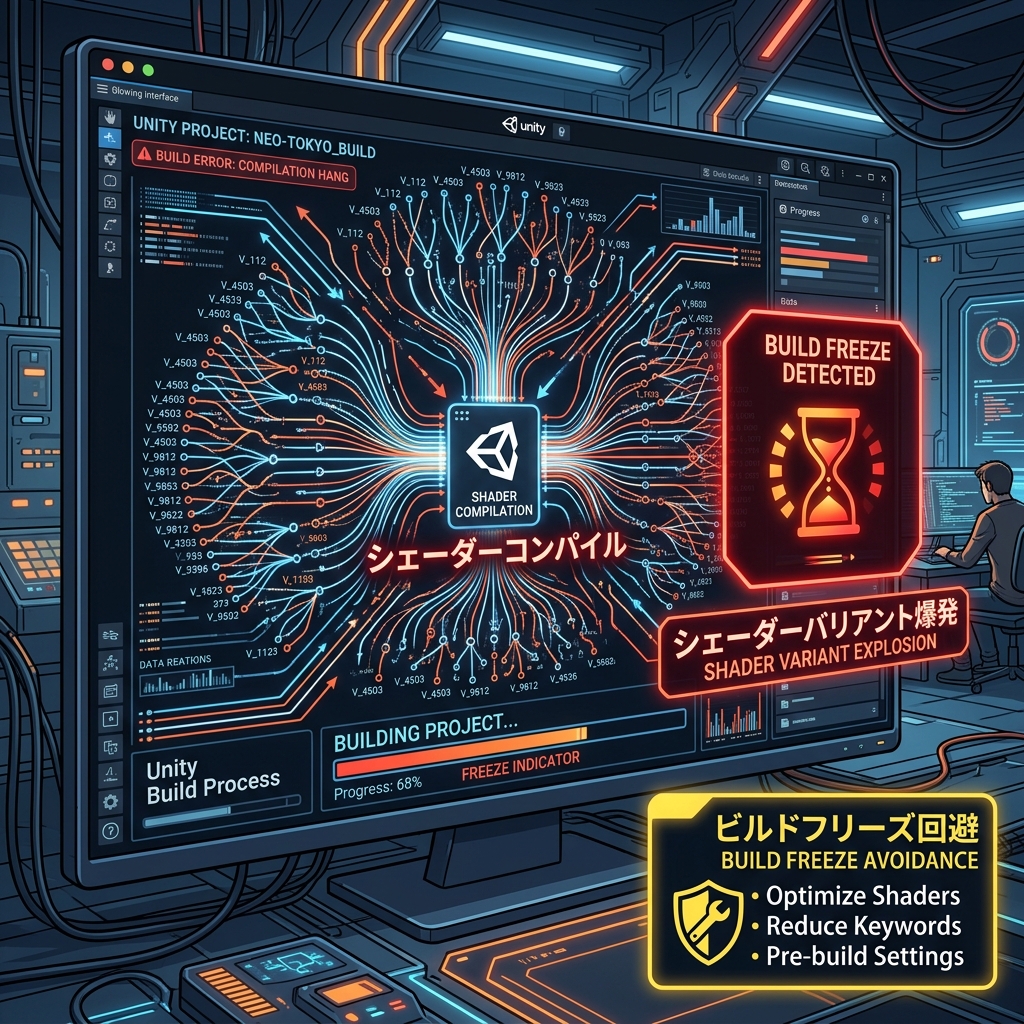
Shader Variant Advanced

Shader Variant

Explanation of a large number of internal program branches that are automatically generated for the GPU from a single shader file depending on the combination of enabled/disabled functions (e.g. presence/absence of shadows, presence/absence of fog).

Single Pass Instanced Advanced

Single Pass Instanced

In VR rendering, an optimization technology that combines the drawing processing (Draw Call) for the left and right eyes into one call, and uses GPU hardware instancing to quickly draw images for both eyes at once.

Multi-Pass Rendering Intermediate

Multi-Pass Rendering

In VR drawing, after all objects for the left eye have been drawn, the camera position is shifted to the right eye again and all drawing processing is repeated from scratch.This stereo drawing method emphasizes compatibility.

VRAM (Video RAM / video memory) Beginner

VRAM (Video RAM / video memory)

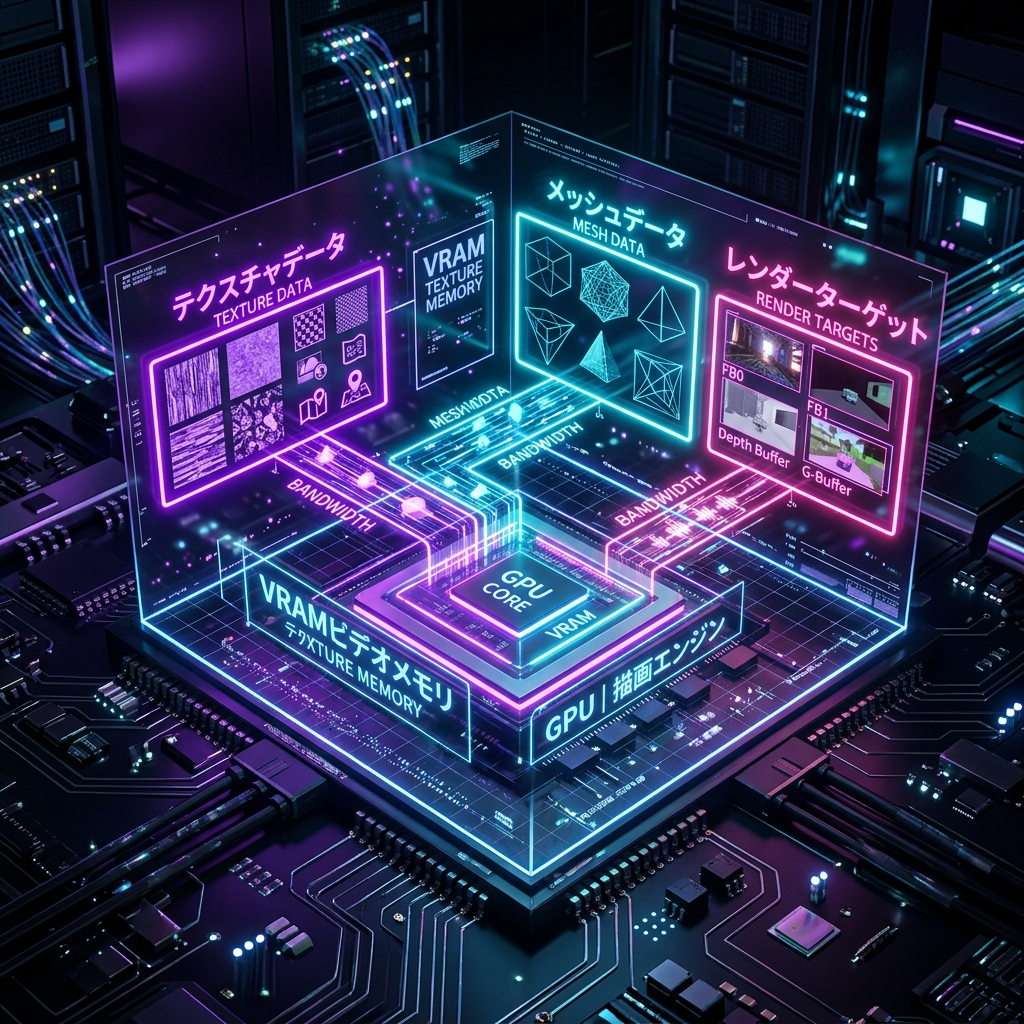
Explanation of the ultra-high-speed working memory dedicated to the graphics card (GPU) that stores textures, 3D meshes, and various screen buffers during rendering.

Fillrate Intermediate

Fillrate

This refers to the maximum pixel processing capacity that the GPU can output by filling in colors for each pixel on the screen per second, and is an indicator that is directly linked to the screen resolution and the load of overlapping drawings.

Draw Call Batching Intermediate

Draw Call Batching

Optimization technology that automatically combines drawing instructions for multiple objects that share the same material or texture into one, dramatically reducing the number of communications from the CPU to the GPU.

Profiler Beginner

Profiler

A powerful debugging tool that connects to the Unity editor or actual device and visualizes and measures CPU function execution time, GPU rendering load, VRAM/memory changes, physical calculation overhead, etc. in real time.

Frame Rate (Frame rate / FPS) Beginner

Frame Rate (Frame rate / FPS)

An indicator of how many times the screen is redrawn per second (unit: FPS), and is the most important physical performance value that determines the smoothness of the game and the response speed to player operations.

Bottleneck Beginner

Bottleneck

An explanation of the state in which the slowest part of the entire system's processing performance (such as specific processing by the CPU or pixel calculation by the GPU) slows down the entire system and determines the overall speed.

LOD Group Beginner

LOD Group

In Unity, a standard component that sets the LOD stage (level of detail) for each 3D model according to the distance from the camera, and controls automatic mesh switching and drawing/hiding (culling).

Shader Compilation Advanced

Shader Compilation

An explanation of the process of translating and building human-written source code (HLSL and Shader Graph nodes) into a binary instruction set (machine language) that can be directly understood and executed by the target graphics board (GPU).

Static Batching Beginner

Static Batching

An optimization technique that pre-combines the meshes of static objects (such as buildings and terrain) that do not move during game execution, significantly reducing the CPU load of draw calls.

Dynamic Batching Intermediate

Dynamic Batching

An automatic optimization function that reduces draw calls by grouping vertex information of small moving objects (such as bullets or simple coins) in real time on the CPU every frame.

Command Buffer Advanced

Command Buffer

Explanation of the function that allows developers to freely extend the drawing path by inserting arbitrary custom drawing instructions (material application, texture copy, etc.) between Unity's standard rendering processing.

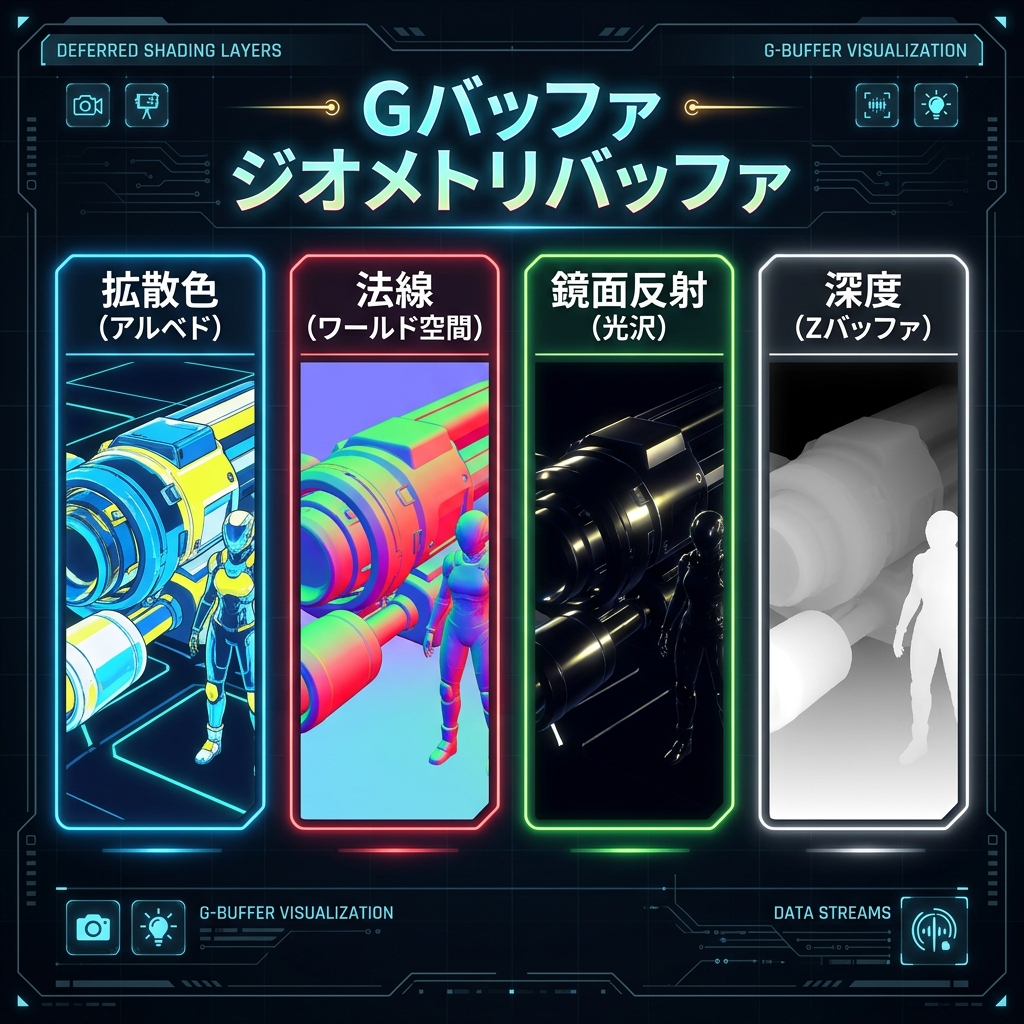
G-Buffer (G buffer / geometry buffer) Advanced

G-Buffer (G buffer / geometry buffer)

Explanation of multiple huge texture groups that temporarily store shape (geometry) information such as color, normal, depth, and smoothness of objects at each pixel on the screen in deferred shading.

Depth Buffer (Depth Buffer / Z Buffer) Beginner

Depth Buffer (Depth Buffer / Z Buffer)

An explanation of the mechanism for correctly determining occlusion (Z-Test) of the front and back of 3D objects using a dedicated buffer that stores the "distance (depth)" from the camera for each pixel on the screen.

Frame Buffer Intermediate

Frame Buffer

An explanation of the top-level memory buffer on the GPU that temporarily holds one frame's worth of color data (red, green, blue, alpha values) that is ultimately output to the display.

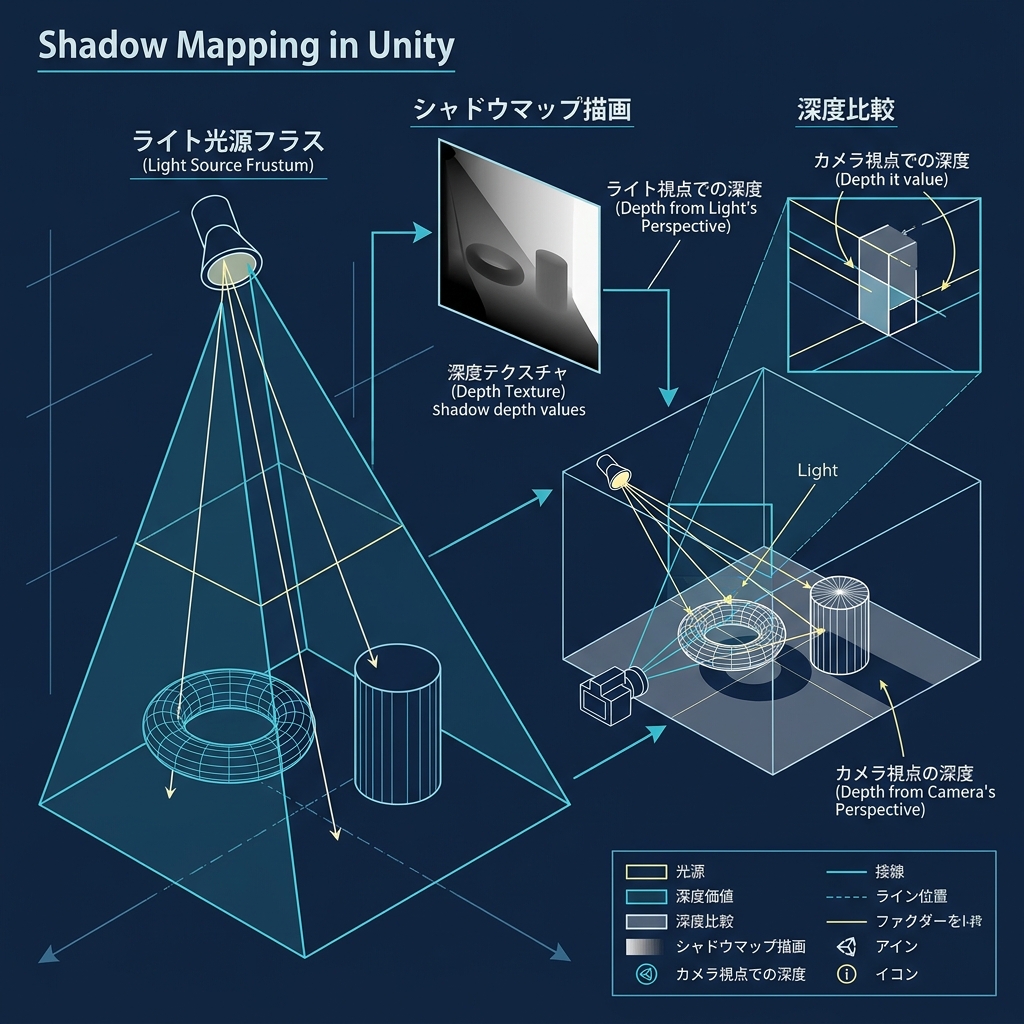
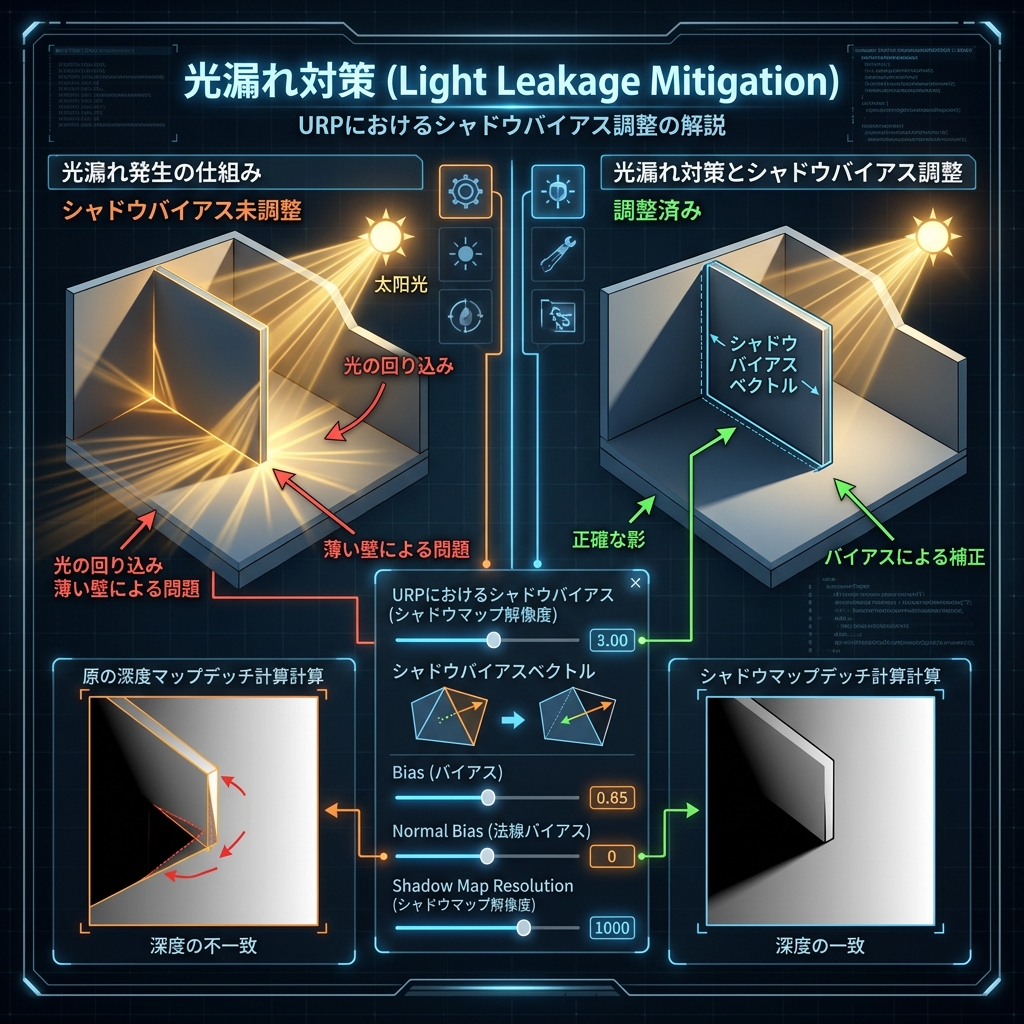
Shadow Map Intermediate

Shadow Map

An explanation of shadow drawing technology that depicts the depth (distance) of the entire scene as seen from the light (light source) in a dedicated texture and determines whether each pixel of an object is blocked from light (in the shadow).

Shadow Cascades Advanced

Shadow Cascades

Explanation of a technology that divides and applies shadow maps of different resolutions to multiple ranges of foreground, mid-range, and distant view depending on the distance from the camera, achieving both lightness of distant shadows and high definition of shadows at your feet.

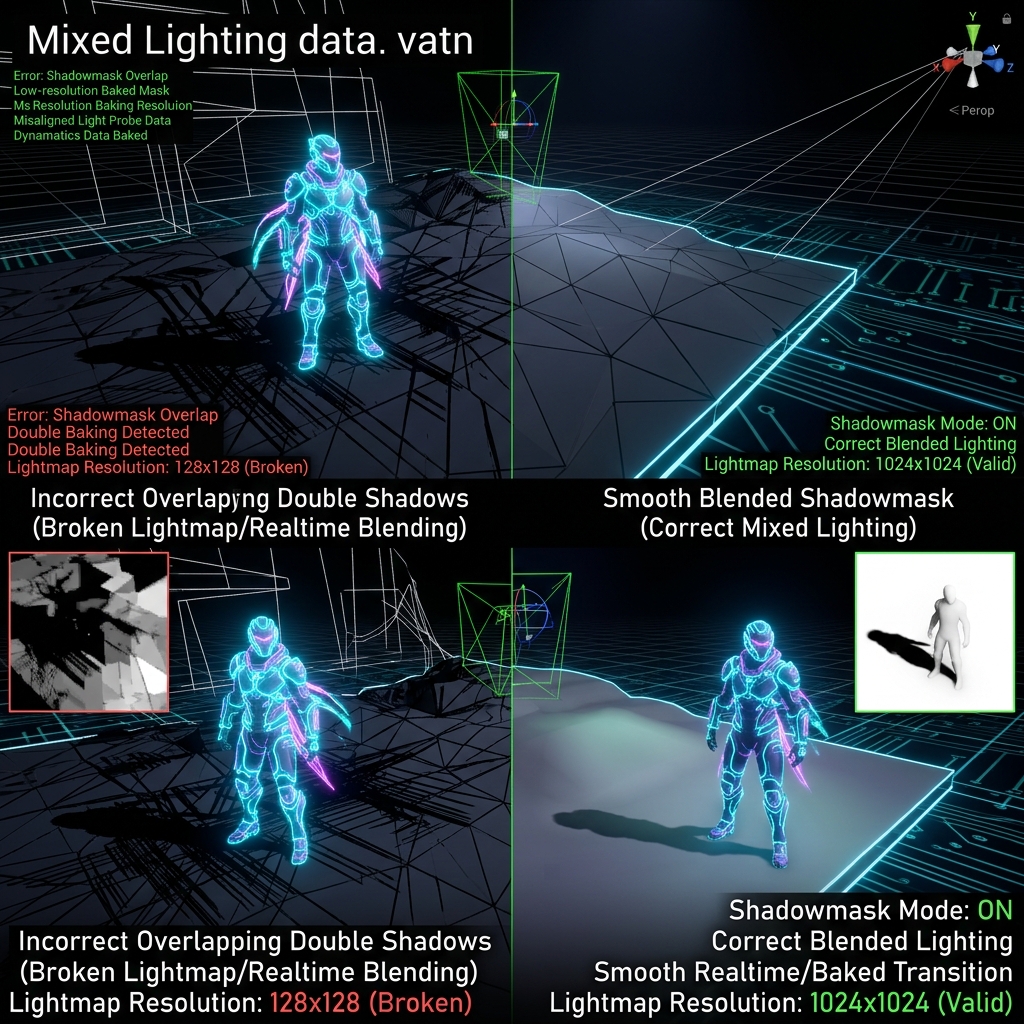
Shadow Mask Advanced

Shadow Mask

A middle-rendering technology that minimizes shadow calculations during runtime by burning the shadow information cast by static background objects onto dynamic objects (characters, etc.) into a dedicated texture (Shadowmask) that is separate from the light map.

Lightmap (light map / light burning) Beginner

Lightmap (light map / light burning)

Explanation of a technology that eliminates the light calculation load during runtime by calculating the gradation of light and shadow that hits the surface of a static object in advance using high-precision offline calculations and superimposing it on the model as a 2D texture.

Light Probe Intermediate

Light Probe

A system in which surrounding light information (color and intensity) is recorded in advance on a grid-like point (sphere) in space, and a high-speed approximation of the surrounding pre-baked light is applied to a dynamic character (player, etc.) that moves between them.

Reflection Probe Intermediate

Reflection Probe

An explanation of the technology that takes a 360-degree panoramic image (cube map) of the surrounding area from a specific position in a scene, either in advance or dynamically, and applies realistic background reflections to surrounding mirrored materials such as metal or water surfaces.

Skybox Beginner

Skybox

A virtual giant cube or spherical texture that surrounds the camera (infinite distance), representing the in-game sky, clouds, space, and mountains in the distance, and at the same time serves as a reference for the ambient light of the entire scene.

HDR (High Dynamic Range) Beginner

HDR (High Dynamic Range)

Explanation of the technology that uses the GPU to calculate an infinite brightness (light energy value) range that exceeds the limits of traditional displays (0 to 1) and simulates the realistic glow of the dazzling sun and ultra-high brightness effects.

Bloom (Bloom / leaking light) Beginner

Bloom (Bloom / leaking light)

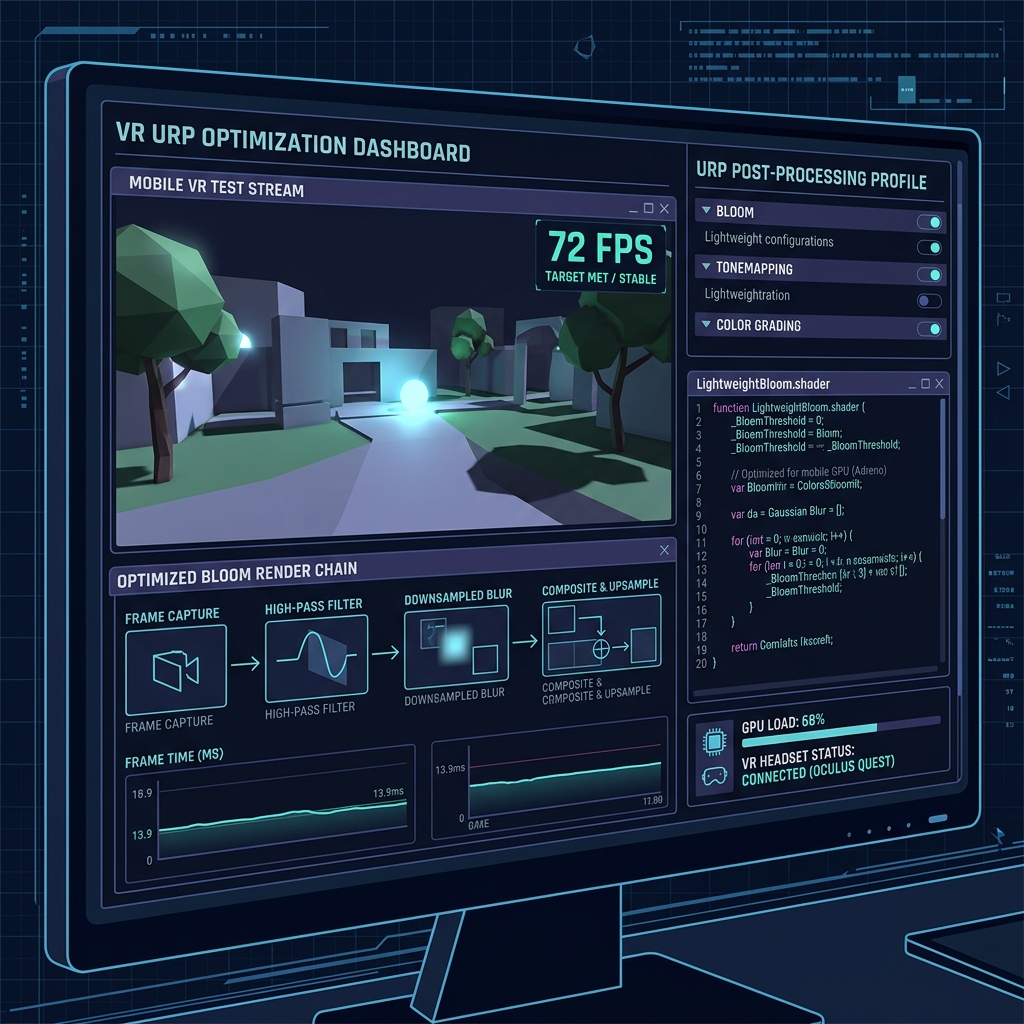
A post-processing technology that extracts high-brightness pixels on the screen (such as dazzling light sources with an HDR value of 1.0 or higher) and synthesizes beautiful light blurring and leakage around them using Gaussian blur to make them appear truly dazzling.

ACES (Academy Color Encoding System / ACES) Advanced

ACES (Academy Color Encoding System / ACES)

Using a tone mapping method based on international standards in the film industry, this algorithm achieves a beautiful cinematic saturation blend (film look) near the boundaries of overexposure when compressing the extremely wide luminance information of HDR for display use.

Tonemapping Intermediate

Tonemapping

A processing technology that smoothly converts and compresses the ultra-high brightness color energy range of over 1.0 calculated by HDR rendering into the LDR color range of ``0.0 to 1.0'' that can be expressed by a normal monitor while preventing white collapse and color distortion.

Vignette Beginner

Vignette

A post-processing effect that reproduces the effect of a toy camera lens by gradually darkening the four corners of the screen (the outer periphery) or reducing its transparency by reducing the brightness and focusing the player's gaze on the character or important object in the center of the screen.

Chromatic Aberration Beginner

Chromatic Aberration

An explanation of post effects that simulate the shift in light wavelength due to physical camera lens defects and slightly shift the red, green, and blue (RGB) color channels at the four corners of the screen to create a realistic lens feel and the effects of sci-fi bugs and shock waves.

Depth of Field (DoF) Intermediate

Depth of Field (DoF)

This technology creates an overwhelming sense of depth similar to that of a single-lens reflex camera by clearly depicting only the specific object that the camera focuses on (focus position), and smoothly blurring the foreground and background that are outside of that object.

Motion Blur (motion blur / motion afterimage) Beginner

Motion Blur (motion blur / motion afterimage)

This technology generates a blur (afterimage) that stretches pixels in the direction of movement along the trajectory of a camera's rapid rotation or an object's high-speed movement, smoothing out jitters in the image and creating an overwhelming sense of speed.

Ambient Occlusion (Ambient Occlusion / AO) Intermediate

Ambient Occlusion (Ambient Occlusion / AO)

A technology that creates ``occlusion'' shadows of physical indirect light in real time in minute gaps where light cannot reach, the depths of recesses, or joints between objects, giving the world an outstanding sense of three-dimensionality and grounding.

Screen Space Reflections (Screen Space Reflections / SSR) Advanced

Screen Space Reflections (Screen Space Reflections / SSR)

An explanation of advanced reflection technology that uses pixel data (color and depth values) already rendered on the screen to physically accurately calculate and draw dynamic, real-time reflections on the floor and water surface that are reflected in the camera.

Temporal Anti-Aliasing (TAA) Advanced

Temporal Anti-Aliasing (TAA)

The latest anti-aliasing technology superimposes and blends the past several frames' worth of drawing results (time axis information) and pixel movement speeds (motion vectors) for each frame, beautifully erasing harsh jagged edges of polygons and minute noises (flickering).

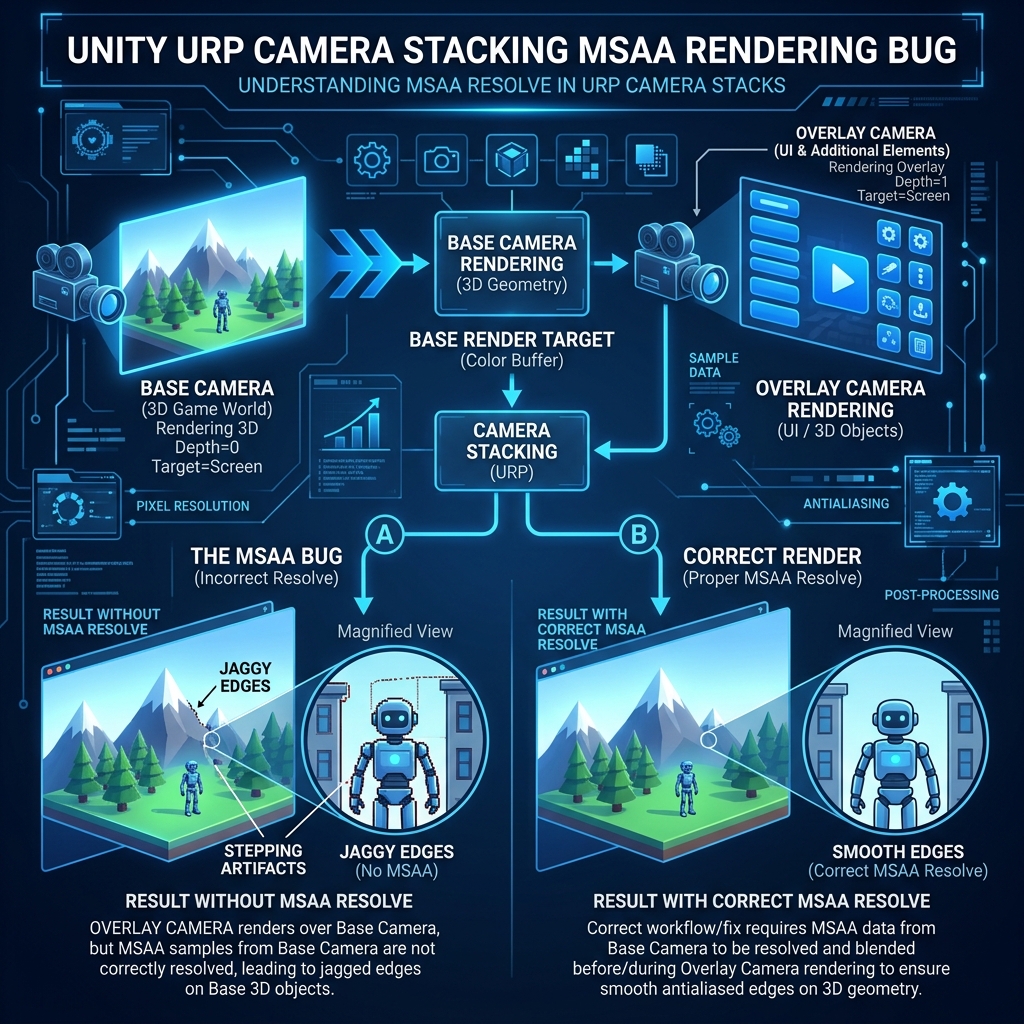
Multi-Sample Anti-Aliasing (MSAA / Multi-Sample Anti-Aliasing) Intermediate

Multi-Sample Anti-Aliasing (MSAA / Multi-Sample Anti-Aliasing)

An explanation of the most recommended anti-aliasing method for VR and mobile, which utilizes GPU hardware capabilities to partially sample only the pixels of the contour (edge) of an object's polygons at several times the normal resolution and blend them smoothly.

Fast Approximate Anti-Aliasing (FXAA / Fast Approximate Anti-Aliasing) Beginner

Fast Approximate Anti-Aliasing (FXAA / Fast Approximate Anti-Aliasing)

An explanation of extremely fast and ultra-lightweight post-processing anti-aliasing technology that detects ``jagged borders'' on a pixel-by-pixel basis from differences in contrast on the final screen (single image) after drawing is completed, and blurs and blends the color with the surrounding area.

Subpixel Morphological Anti-Aliasing (SMAA) Intermediate

Subpixel Morphological Anti-Aliasing (SMAA)

An evolution of FXAA, this is a post-process anti-aliasing technology that uses image analysis to highly classify edge patterns (boundary shapes such as L-shaped and U-shaped) within the screen, and minimizes blurring of edges while expressing crisp, smooth edges comparable to MSAA.

Render Scale Beginner

Render Scale

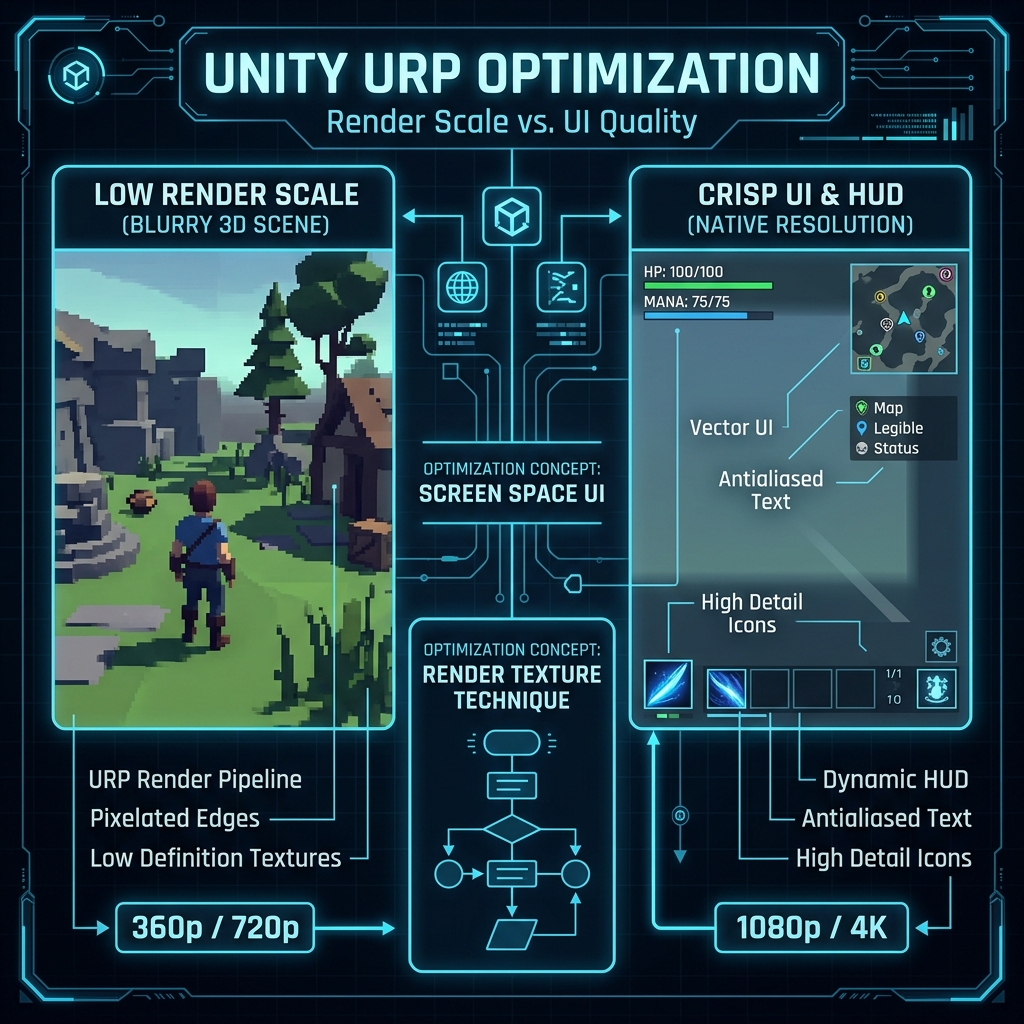
Explanation of a function that dynamically scales only the internal rendering resolution of the 3D drawing area while leaving the game's UI resolution (100%) unchanged, dramatically reducing the pixel load on the GPU while completely maintaining the crispness of the UI.

Dynamic Resolution Advanced

Dynamic Resolution

An explanation of dynamic optimization technology for professionals that monitors the game's processing load (frame rate) in real time and automatically lowers the 3D resolution only at moments when the GPU load suddenly increases, such as when an effect explodes, absolutely preventing FPS drops (stuttering).

Compute Shader Advanced

Compute Shader

An explanation of a program that is completely independent of the graphics drawing path and utilizes the GPU's thousands of massively parallel cores to process massive mathematical calculations such as physical calculations, large number of particle position calculations, and crowd simulations at lightning speed.

Structured Buffer Advanced

Structured Buffer

In Compute Shader and the latest shaders, an explanation of a large-capacity shared buffer that transfers arrays of C# structures (custom data with multiple attributes) to GPU memory while retaining them with high precision and density, and reads and writes them in massively parallel.

Custom Interpolator Advanced

Custom Interpolator

Explanation of the data transmission route for safely transmitting custom computed values ​​for each vertex (normal, arbitrary distance, noise, etc.) from the vertex shader to the fragment shader via linear interpolation between pixels.

Parallax Mapping (Parallax Mapping / Height Map Reflection) Advanced

Parallax Mapping (Parallax Mapping / Height Map Reflection)

In order to express an amazing three-dimensional effect that exceeds that of normal maps, we use height maps (height information) to calculate ``occlusion and deviation due to unevenness'' from the angle of the camera's line of sight, and explain the technology that creates the illusion of deep grooves and three-dimensional sculptures in completely flat polygons.

Detail Map Beginner

Detail Map

An explanation of the technology that multiplies patterns (high resolution) such as fine noise, cloth fibers, and metal scratches on top of the main texture (low resolution) using extremely fine UV tiling to create a texture that does not blur even when the camera is extremely close.

Emission (self-luminescence / emission) Beginner

Emission (self-luminescence / emission)

A material setting in which the object itself emits light, like a light bulb or neon, and when combined with HDR settings and the Bloom effect, it creates a beautiful glow in the dark.

Smoothness (smoothness/smoothness/roughness) Beginner

Smoothness (smoothness/smoothness/roughness)

An explanation of the most important texture factor in physically-based rendering (PBR), which is a parameter that determines the fine smoothness (smoothness) of the surface of a material, and controls whether the reflection of light is clearly concentrated in one point or spread out in a blurry manner.

Metallic (metallicity / metallic / conductor/insulator) Beginner

Metallic (metallicity / metallic / conductor/insulator)

Explanation of the factors that determine the physical behavior of the color and reflectance of light reflection, which is a parameter that classifies whether a material is "metal (conductor)" or "nonmetal (insulator)" in physically based rendering (PBR).

Occlusion Map (Occclusion Map / AO Map) Intermediate

Occlusion Map (Occclusion Map / AO Map)

An explanation of the technology for defining ultra-light and precise shadows for each material, in addition to post-processing SSAO, using textures that are pre-baked to reflect the ``light inability (environmental light shielding degree)'' of deep gaps such as wrinkles, screw holes, and joints in 3D models.

Tessellation (tessellation / vertex division) Advanced

Tessellation (tessellation / vertex division)

An explanation of ultra-advanced geometry technology that uses GPU hardware functions to automatically divide (subdivide) low-polygon triangles into many times smaller polygons at runtime, and dynamically generate real rugged 3D vertices based on a height map.

Geometry Shader Advanced

Geometry Shader

An explanation of the advanced shader stage that dynamically generates and destroys polygon vertex data in real time inside the GPU immediately after the vertex shader, and programs to generate polygons and solids from mere points on the spot.

Backface Culling (Cull Back) Beginner

Backface Culling (Cull Back)

A basic culling technology that automatically discards rendering calculations for "polygons facing backwards" that are physically invisible to the camera, such as inside or behind a 3D object, at the initial stage of the GPU, dramatically reducing the rendering load by half.

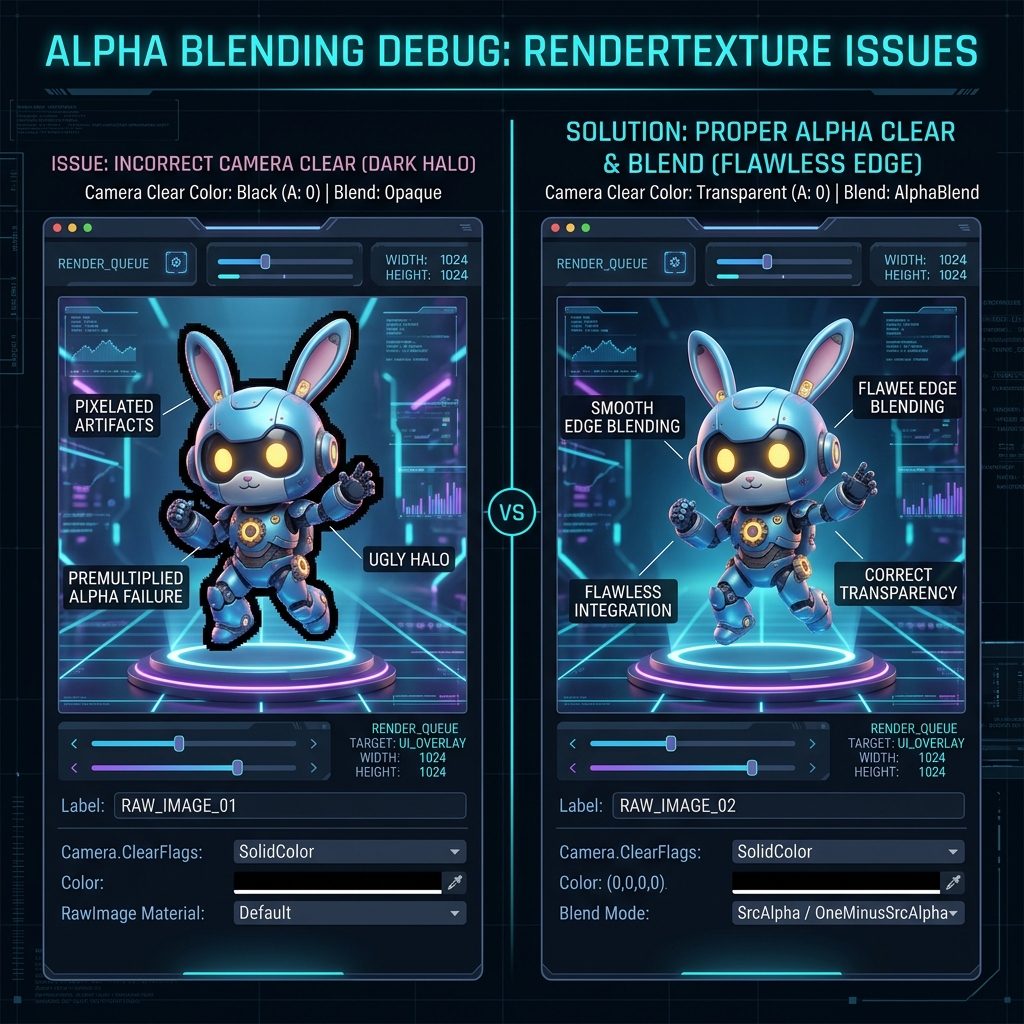
Blend Mode (Blend Mode / Alpha Blend) Beginner

Blend Mode (Blend Mode / Alpha Blend)

When drawing a translucent object, a general term for the settings that specify the formula used to mix the color to be drawn (source) with the color of the background already drawn on the screen (frame buffer) (destination).

Additive Blend (Additive Blend / Additive Synthesis / Blend One One) Beginner

Additive Blend (Additive Blend / Additive Synthesis / Blend One One)

In translucent drawing, this is a mode in which the new pixel color is simply added (A + B) to the background color to synthesize it, and the more it overlaps, the brighter it becomes and the more it becomes blown out, an essential technology for expressing energy such as shining flames, lasers, and sparks.

Alpha Blend (Alpha Blend / Translucent Blend / Blend SrcAlpha OneMinusSrcAlpha) Beginner

Alpha Blend (Alpha Blend / Translucent Blend / Blend SrcAlpha OneMinusSrcAlpha)

An explanation of the technology that uses the most standard translucent compositing mode to blend the object's own color and the background color by smooth linear interpolation based on the ratio of the alpha value (transparency: 0 to 1) of the material.

Render Pass (Render Pass / ScriptableRenderPass) Advanced

Render Pass (Render Pass / ScriptableRenderPass)

An explanation of the smallest unit of rendering that encapsulates a series of drawing processes (e.g. drawing only depth, drawing only opacity, executing post-processing, etc.) in Unity's render pipeline (URP, etc.).

GPU Driven Rendering Advanced

GPU Driven Rendering

An explanation of a next-generation rendering architecture that completely transfers object culling (view frustum culling, occlusion) and drawing command generation to the GPU's Compute Shader, reducing the CPU's draw call load to zero.

Ray Tracing (Ray Tracing / DXR) Advanced

Ray Tracing (Ray Tracing / DXR)

An explanation of next-generation rendering technology that physically simulates and tracks the countless ``rays'' emitted from light sources within the screen, completely reproducing accurate mirror-like reflections, realistic light refraction, and realistic light bounce (indirect light).

Shader Graph Beginner

Shader Graph

An explanation of Unity's standard visual editor tool that allows you to intuitively create high-quality custom materials and vertex animations by visually connecting visual nodes (mathematical functions, textures, time values, etc.) on the screen without writing any programming code such as C# or HLSL.

Instanced Drawing (GPU Instancing) Intermediate

Instanced Drawing (GPU Instancing)

An explanation of an optimization technique that utilizes the hardware capabilities of the GPU to draw duplicates of the same 3D mesh (e.g., tens of thousands of grasses in a meadow, thousands of soldiers, etc.) in a massively parallel manner while assigning individual positions, angles, and colors (Structured Buffer, etc.) with a single draw call.

Deferred Lighting Advanced

Deferred Lighting

A rendering method that optimizes the number of light calculations per pixel by batch-processing lighting calculations after drawing the depth and normal buffers.

Forward Rendering Beginner

Forward Rendering

The most standard and compatible rendering method that projects objects one at a time to the camera and processes light calculations on the fly simultaneously.

Tile-Based Deferred Rendering Advanced

Tile-Based Deferred Rendering

A memory-saving and high-speed deferred drawing method that divides the screen into grid-like tiles and calculates only the lights in each tile against the G-buffer.

Clustered Deferred Rendering Advanced

Clustered Deferred Rendering

In addition to dividing the screen into 2D tiles, it also divides the screen in the ``depth (Z-axis)'' direction, and is a cutting-edge drawing method that optimizes light calculations on a 3D spatial block (cluster) basis.

GPU Skinning Intermediate

GPU Skinning

An optimization technology that uses the GPU's massively parallel core instead of the CPU to process mesh deformation calculations (vertex simulation) associated with character bone animation.

CPU Skinning Intermediate

CPU Skinning

A compatibility-oriented method that safely pre-calculates mesh deformation due to character bone animation on the CPU's main thread or multi-thread (Job System).

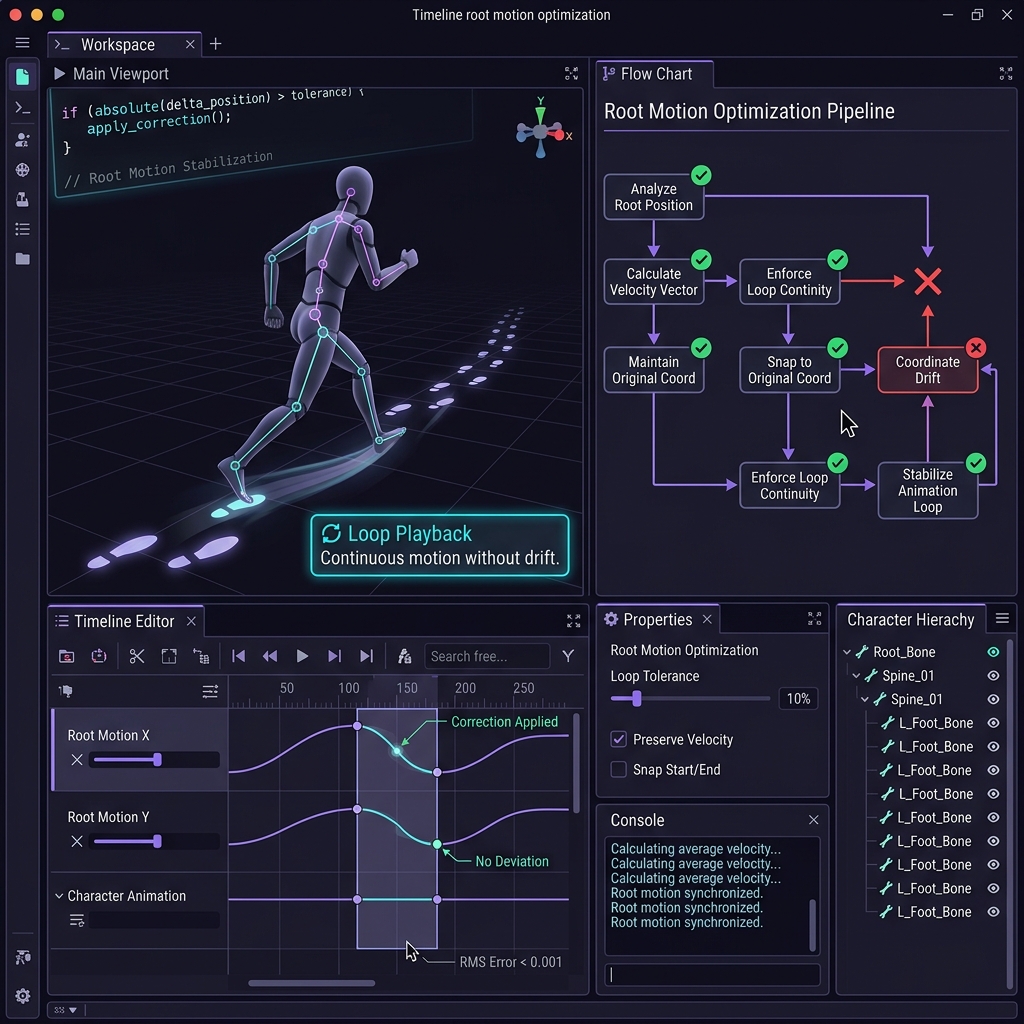
Root Motion Beginner

Root Motion

A mechanism that reads the movement speed and trajectory of forward movement, jumps, etc. recorded in the 3D character's animation data itself, and automatically synchronizes it with the movement of the physical character collider in the game.

Blend Tree Beginner

Blend Tree

An explanation of a visual tool in Animator Controller that dynamically blends and synthesizes multiple animations (walking, running, leaning, etc.) in a smooth ratio according to parameter values ​​such as the character's movement speed and orientation.

Animator Controller Beginner

Animator Controller

In Unity, a standard system for designing and managing the state transitions of a character's various actions (standby, running, attacking, being hit, etc.) as a visual state machine.

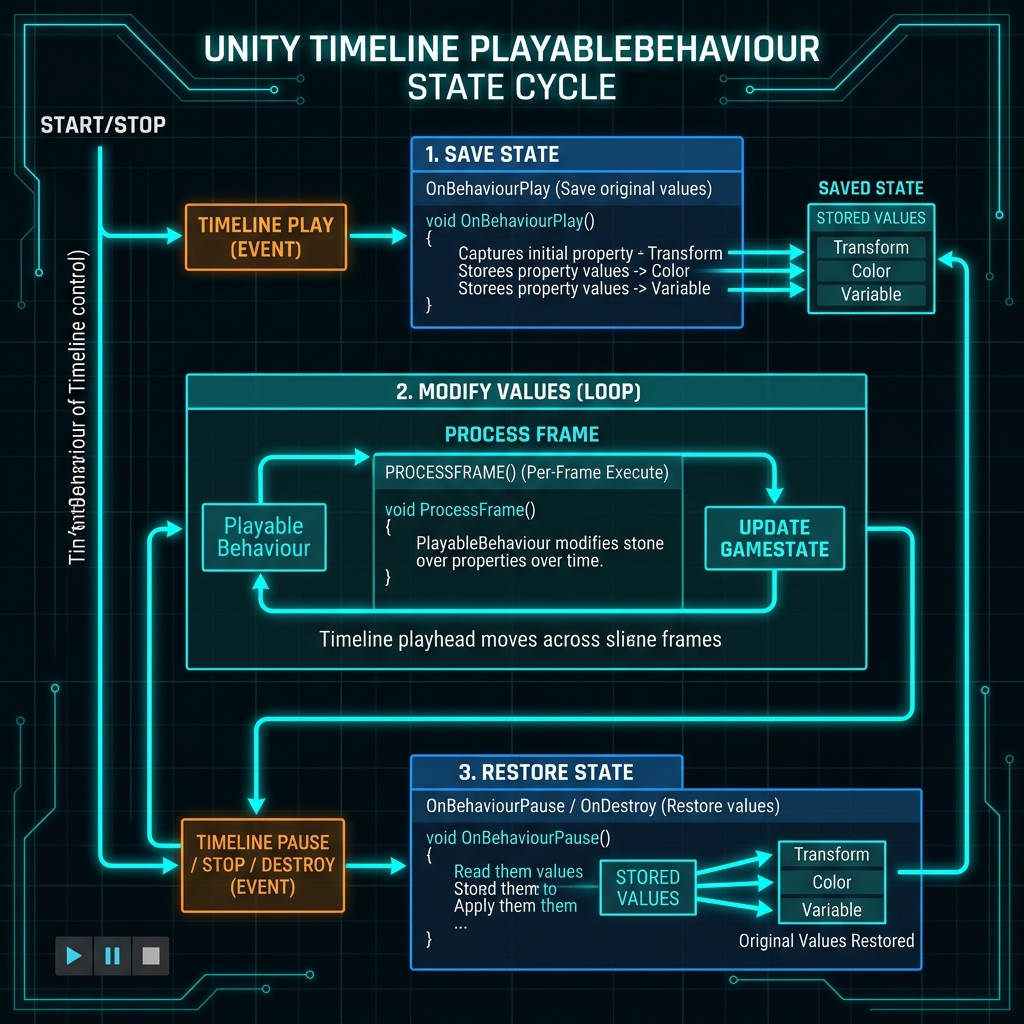
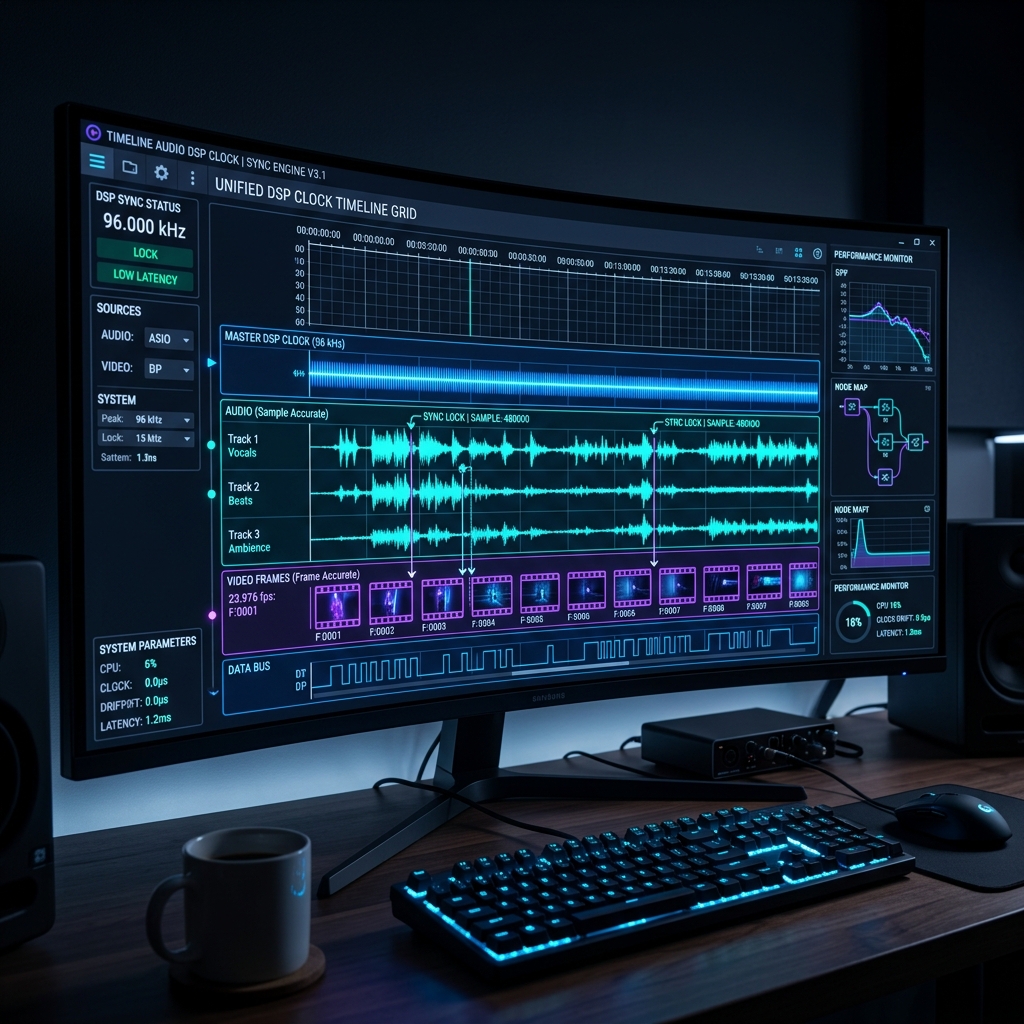
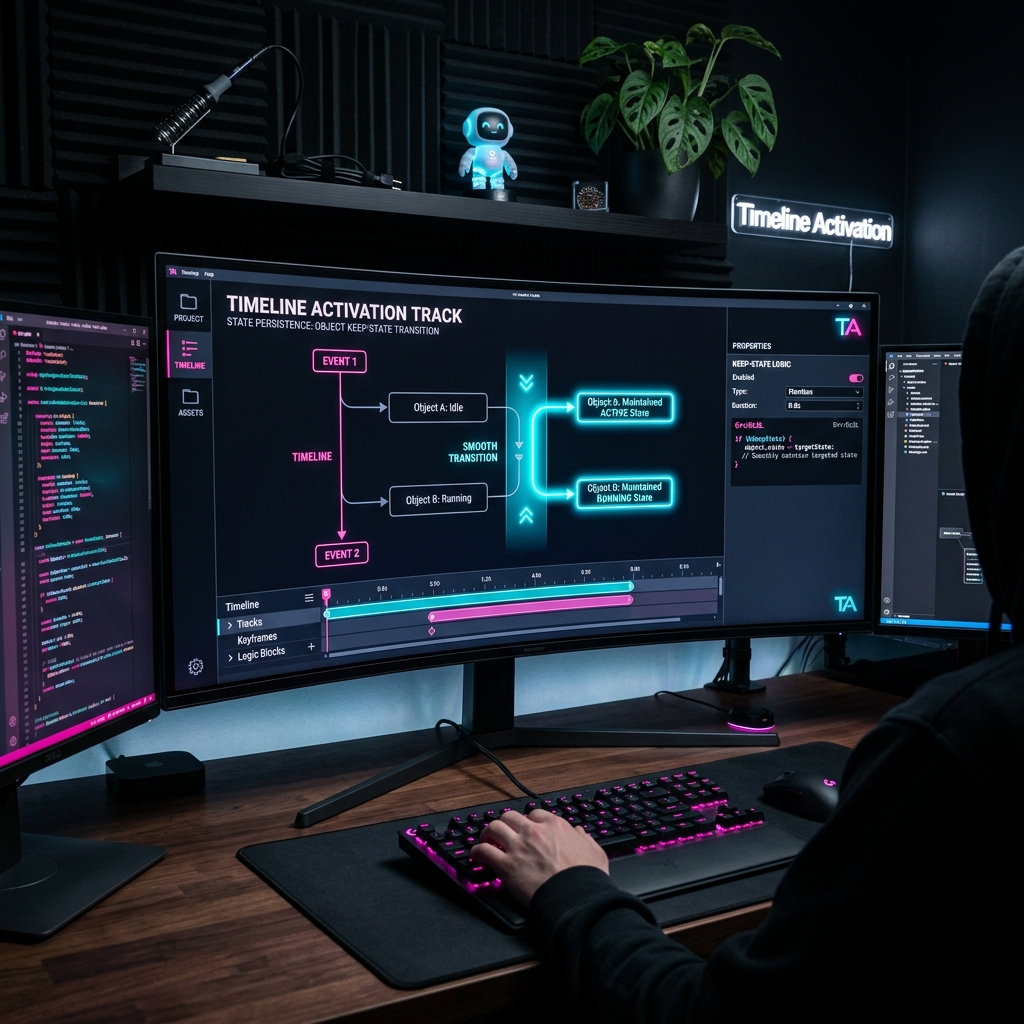
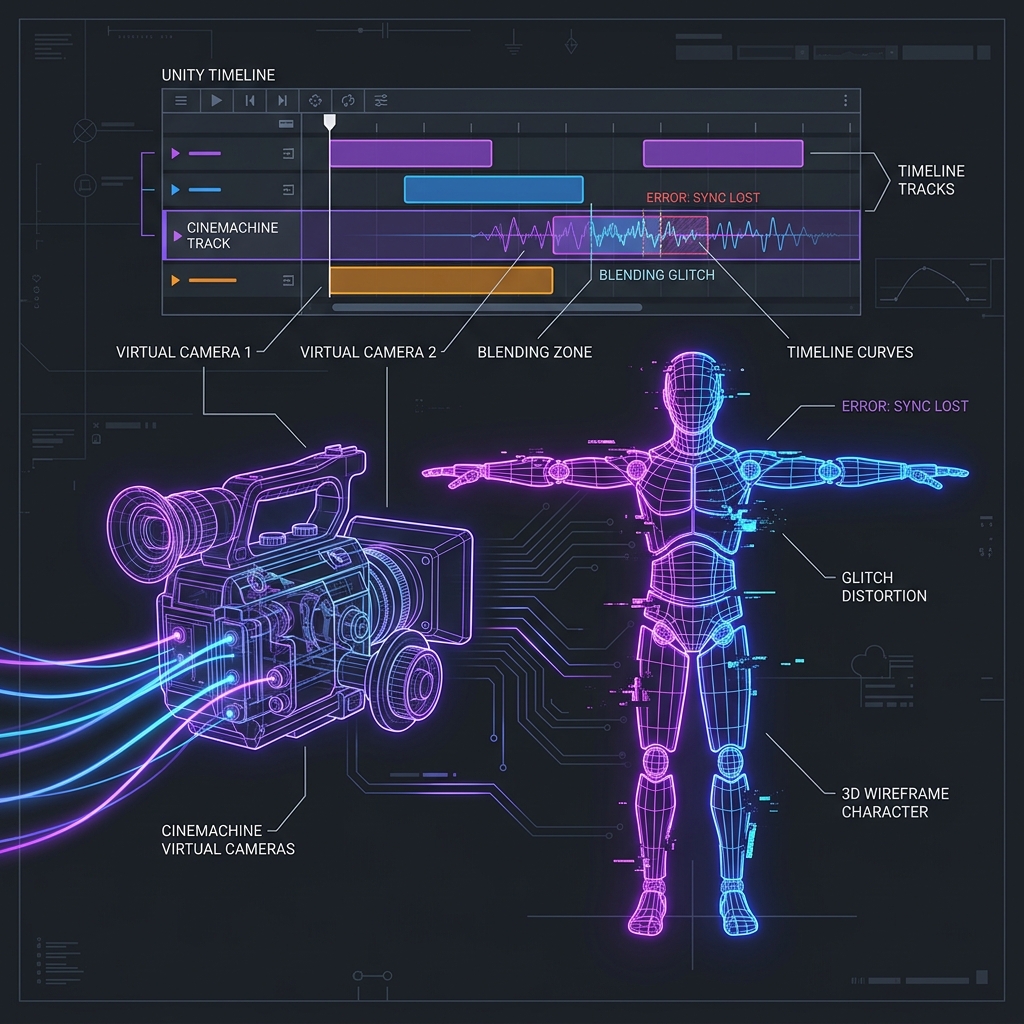
Timeline Control Playable Intermediate

Timeline Control Playable

In Unity Timeline, a dedicated clip track function that completely synchronizes and controls other sub-timelines, particle systems, dynamic generation of Prefab assets, etc. from the main timeline track.

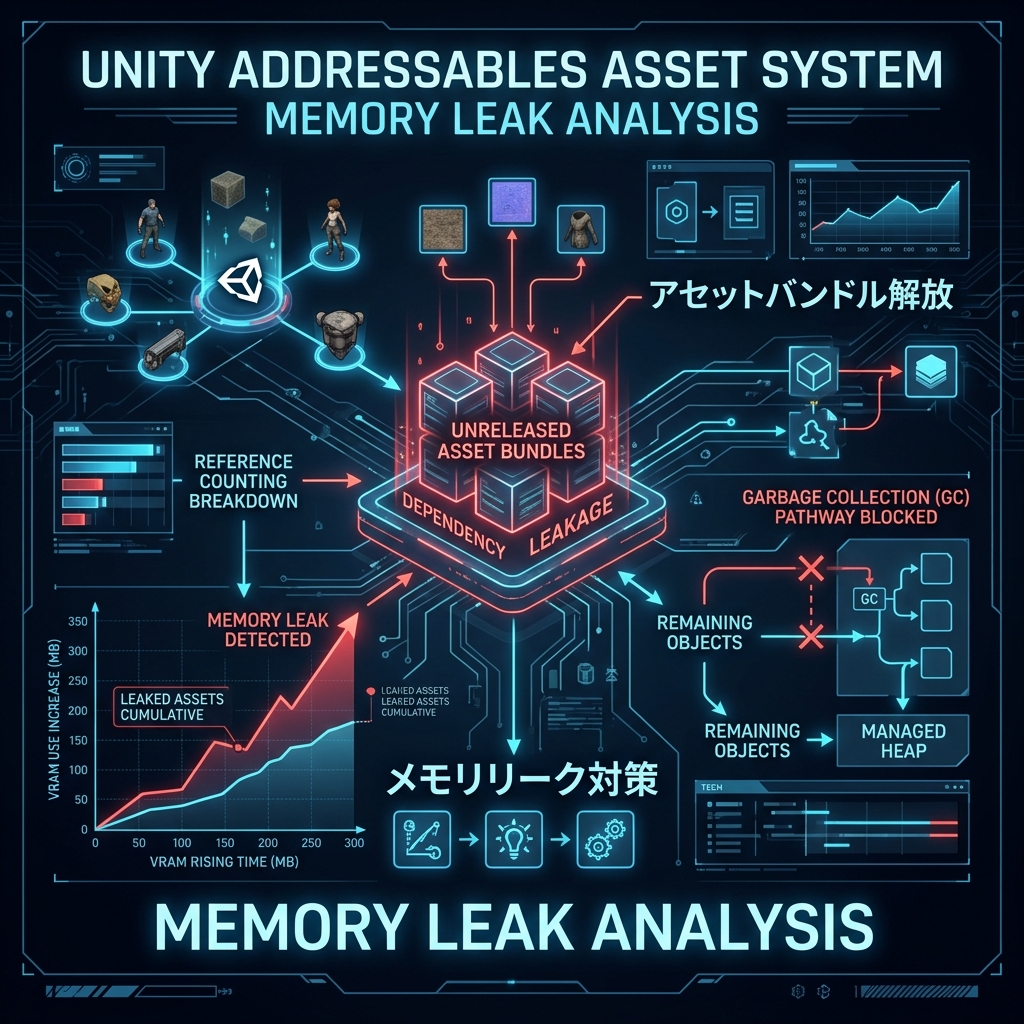
Addressable Asset System Intermediate

Addressable Asset System

An explanation of a framework that is a next-generation asset management/loading system in Unity that performs ultra-lightweight dynamic loading/memory management by simply specifying a unique string (address) regardless of where assets are physically stored (local, cloud, etc.).

Asset Bundle Advanced

Asset Bundle

A package asset that compresses and archives multiple Unity assets (meshes, textures, materials, prefabs, etc.) into a single external file, and is a technology that is the basis for dynamic downloading and memory saving.

Sprite Atlas Beginner

Sprite Atlas

An optimization feature that automatically packs multiple independent 2D images (sprites) into one giant connected texture at build time, dramatically reducing 2D drawing and UI (uGUI) draw calls.

Mipmap Bias (Mipmap Bias / MipMapBias) Intermediate

Mipmap Bias (Mipmap Bias / MipMapBias)

In the Mipmap system, which reduces texture resolution according to the distance from the camera, a technology that manually shifts the resolution switching boundary (bias value) to fine-tune the sharpness and blur of the texture.

Texture Streaming Advanced

Texture Streaming

Unity's standard memory optimization system dynamically loads only the Mipmap level of the resolution required for the current camera field of view and distance into VRAM (video memory), dramatically reducing memory consumption.

Virtual Texturing (Virtual Texturing / SVT) Advanced

Virtual Texturing (Virtual Texturing / SVT)

An advanced texture technology that subdivides extremely large high-resolution textures (such as vast terrain textures with hundreds of thousands of pixels) into small tiles, and dynamically virtually deploys and draws only the tiles currently visible on the screen to VRAM.

Occlusion Query Advanced

Occlusion Query

A technology that uses the GPU's hardware functions to count how many pixels are actually output on the screen when the object being drawn is hidden by a nearby obstruction (such as a wall), and feeds back the hidden determination to the CPU.

Early-Z (Early Z Culling) Advanced

Early-Z (Early Z Culling)

An explanation of the GPU's hardware function that automatically performs depth comparison (Z-Test) at the ``Early'' stage when executing the heavy ``fragment shader'' that colors pixels, and immediately discards calculations for pixels in the hidden and invisible depths to speed up the calculation.

Stencil Test Advanced

Stencil Test

Explanation of a high-speed culling stage that compares the integer value written in the stencil buffer with the conditional expression of the shader when the GPU draws pixels, and allows drawing only within the range of a specific pattern (mask).

Color Grading (color grading/color correction) Beginner

Color Grading (color grading/color correction)

An explanation of color correction technology that modulates the hue, contrast, saturation, and brightness balance of the final rendered screen with high precision to infuse a specific atmosphere (retro, horror, cinematic, etc.) into the entire game.

LUT (Look-Up Table) Intermediate

LUT (Look-Up Table)

Ultra-high-speed image conversion technology that processes complex color correction (color grading) calculations for the entire screen at lightning speed by simply sampling 2D/3D color conversion table textures (LUTs) once on the GPU.

White Balance Beginner

White Balance

An explanation of the technology that precisely corrects the color temperature and tint to neutralize the effects of the color of the light source (reddish bulb light, bluish shadows, etc.) so that ``naturally white things'' on the screen appear correctly white.

Shadow Distance Beginner

Shadow Distance

An optimization function that specifies the limit distance for drawing real-time shadows according to the distance from the camera, and dramatically reduces the processing load on the GPU/CPU by skipping unnecessary shadow drawing in distant scenes.

Contact Shadows Advanced

Contact Shadows

A high-precision shadow correction technology that uses the depth buffer of the screen to artificially draw ultra-small shadows between objects and the ground (such as gaps between feet or pebbles) in screen space, which tend to disappear due to insufficient shadow map resolution.

Micro Shadowing Advanced

Micro Shadowing

A technology that multiplies minute unevenness information from the material's Normal Map and Occlusion Map (AO Map) by the incident angle of the light in a shader to synthesize ultra-high-precision self-shadows on the material's microscopic fibers and the valley bottoms of rock surfaces.

Ray Traced Shadows Advanced

Ray Traced Shadows

An explanation of next-generation shadow drawing technology that physically traces the line of light from the light source to the pixels (ray tracing) without using any shadow maps, and physically draws real shadows with perfectly accurate outlines that naturally blur as you move away from the light source.

HBAO (Horizon-Based Ambient Occlusion) Advanced

HBAO (Horizon-Based Ambient Occlusion)

A high-quality ambient occlusion technology that is an evolution of SSAO and calculates the shadow occlusion rate by highly sampling the angle of the "horizon" around pixels, and expresses physically correct gap shadows that are much deeper, more precise, and free from distortion than SSAO.

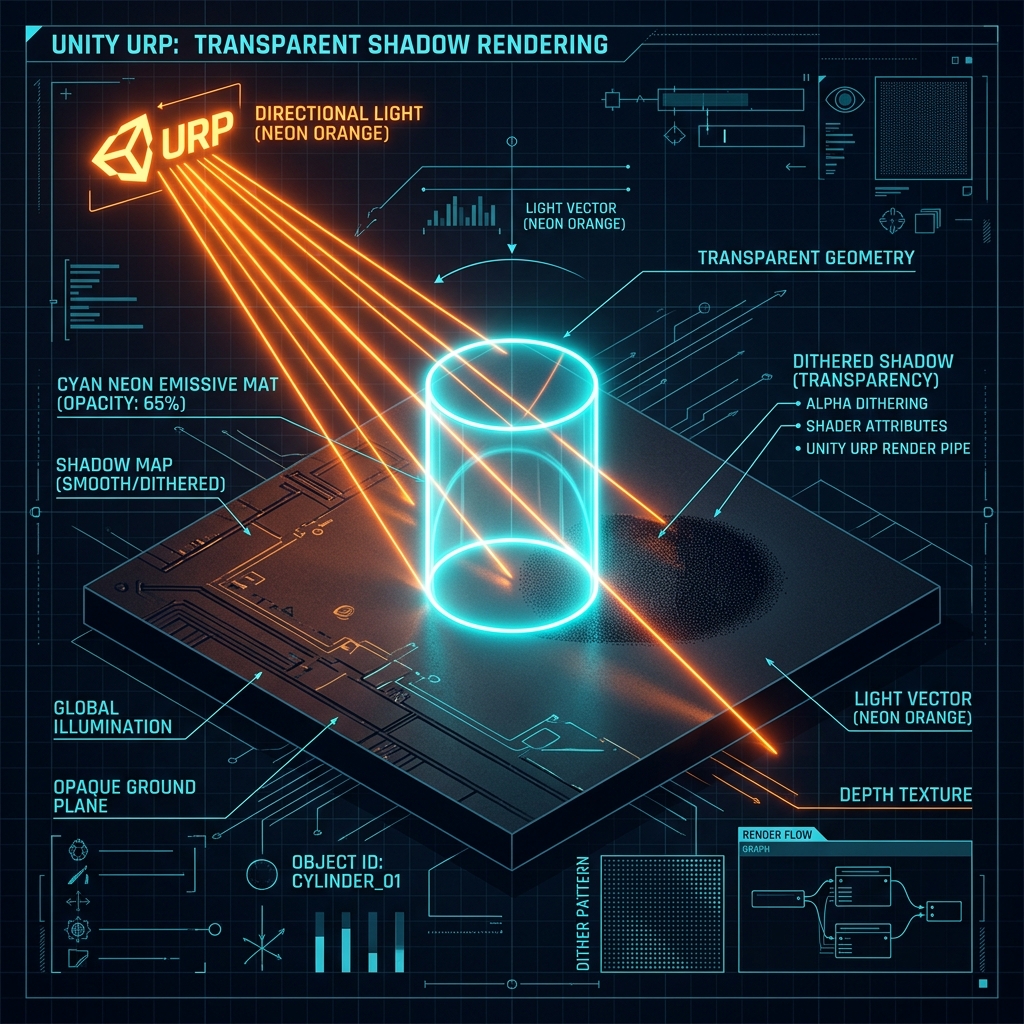
Dithering (Dithering / Dither / Dither) Intermediate

Dithering (Dithering / Dither / Dither)

An explanation of ultra-high-speed graphics optimization technology that uses a fine halftone pattern of dots (noise) to artificially blend colors to prevent gradation steps (color banding), or to dissolve (fading) while remaining opaque without using translucency.

Flow Map Intermediate

Flow Map

An explanation of a lightweight shader technology that uses texture RGB values ​​as two-dimensional "movement vectors (flow direction and speed)" to freely flow water surfaces, magma, gas, clouds, etc. by dynamically transforming UV coordinates.

Color Temperature (Color Temperature / Kelvin) Beginner

Color Temperature (Color Temperature / Kelvin)

This is an index that compares the color of light to physical absolute temperature (unit: K/Kelvin), and explains the elements that control the emotional atmosphere of light, from low temperature (orange light bulb light) to high temperature (bluish sky light).

Eliminating main thread freezes (spikes) and asynchronous load delays with LZMA decompression when loading Addressables/AssetBundles Intermediate

Eliminating main thread freezes (spikes) and asynchronous load delays with LZMA decompression when loading Addressables/AssetBundles

A small freeze (spike) phenomenon in the main thread that occurs even though Addressables and AssetBundles are loaded asynchronously. We will explain the root cause of the decompression bottleneck in the LZMA compression format, practical steps to resolve it by migrating to LZ4 (Chunk-based) compression, and the asynchronous control code.

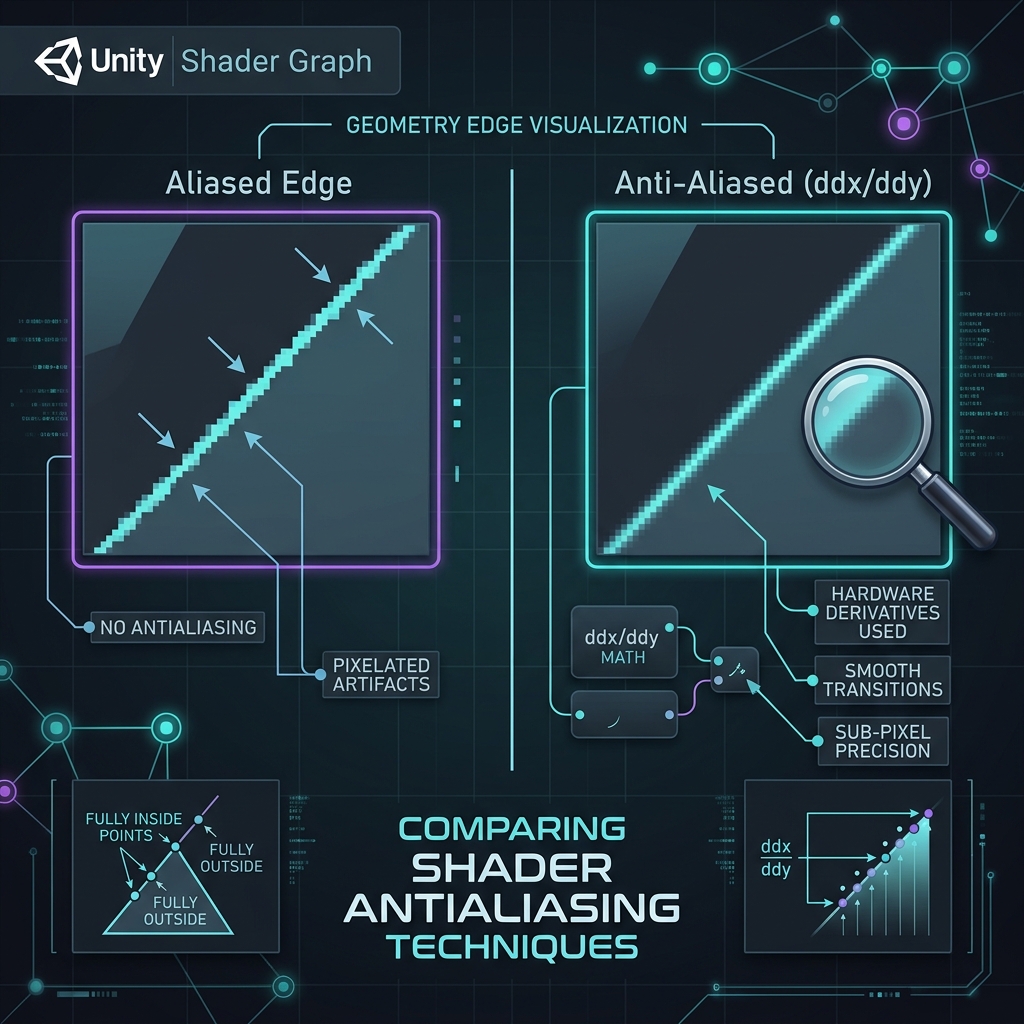
Fixing Blurry or Jagged Edges on Masks and Procedural Patterns in Shader Graph: Smart Anti-Aliasing using DDX/DDY Screen-Space Derivatives Intermediate

Fixing Blurry or Jagged Edges on Masks and Procedural Patterns in Shader Graph: Smart Anti-Aliasing using DDX/DDY Screen-Space Derivatives

Learn how to fix blurry or jagged edges when using Step or Smoothstep in Unity's Shader Graph. This article covers the root cause of aliasing and explains how to implement resolution-independent, 1-pixel-wide anti-aliasing using the ddx and ddy screen-space derivative nodes.